MacBooks are designed to enter sleep mode when the lid is closed, conserving energy and protecting battery life. However, there are instances where users may need their Mac to remain active with the lid shut, such as during large downloads, backups, or remote access sessions. While macOS offers some built-in options, third-party applications provide more flexible and user-friendly solutions.
Built-in macOS Options
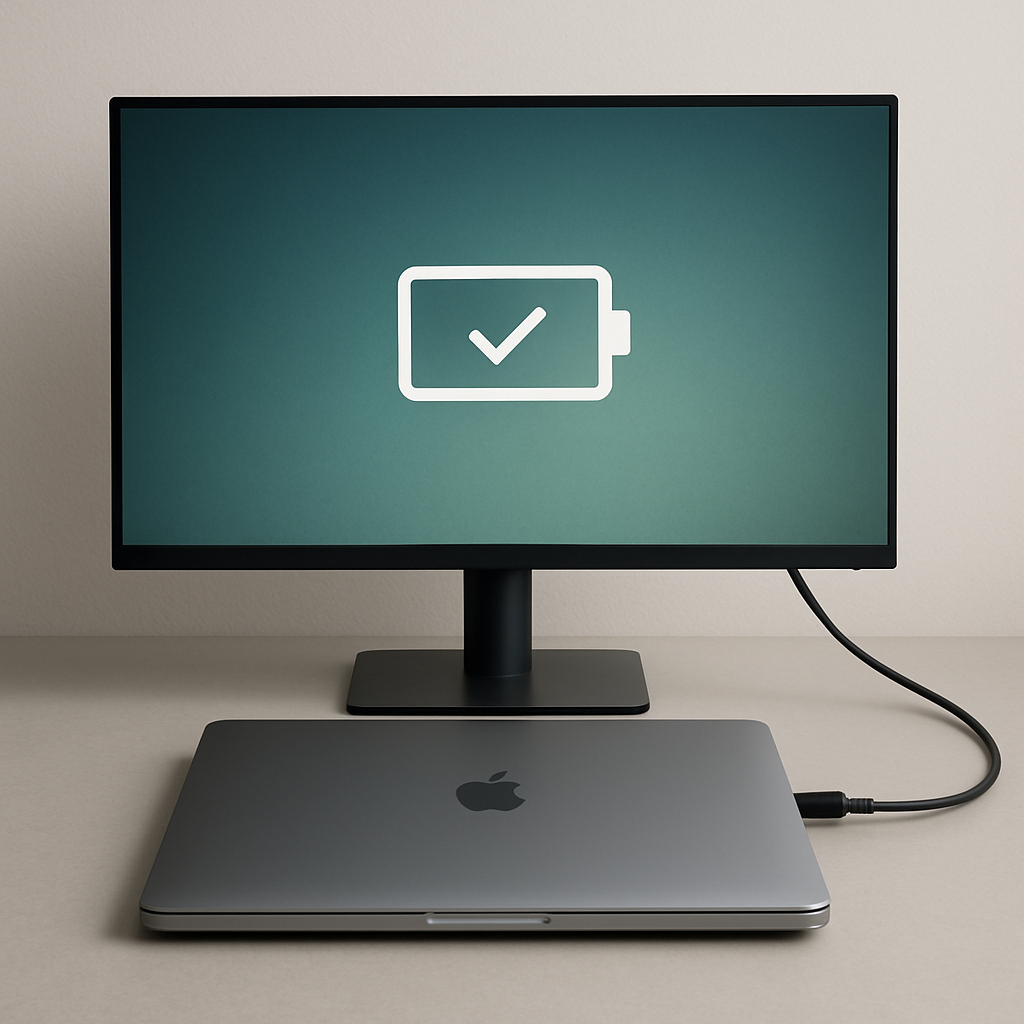
macOS includes settings that allow users to adjust sleep behavior. Navigating to System Settings > Lock Screen enables changes to display sleep timing. Additionally, under System Settings > Battery > Options, users can prevent automatic sleeping when the Mac is connected to a power adapter and the display is off. For those using an external monitor, keyboard, and mouse or trackpad, Apple supports operating a MacBook with the lid closed, commonly referred to as ‘clamshell mode.’ However, these settings may not offer the quick, temporary overrides that many users seek.
Third-Party Applications
For more control over sleep settings, several third-party applications are available:
- KeepingYouAwake: This lightweight, free utility resides in the menu bar, allowing users to toggle sleep prevention with a single click. It offers activation for indefinite periods or preset durations and can automatically disable itself when the battery reaches a specified level. Notably, KeepingYouAwake is effective only when the MacBook lid is open, making it suitable for tasks like presentations or prolonged reading sessions.
- Amphetamine: Recognized as a comprehensive solution, Amphetamine provides extensive control over sleep settings. Users can initiate sessions indefinitely, for a set duration, until a specific time, or while a particular app is running. Crucially, Amphetamine supports keeping the Mac awake even when the lid is closed, making it ideal for tasks that require the MacBook to remain active with the lid shut. Additional features include automation triggers based on external display connections, specific applications running, or network conditions.
- Coca: A newer entrant available on the Mac App Store, Coca offers a straightforward menu bar utility to keep the Mac awake. It features one-click activation, optional timers, and support for Focus Filters and Shortcuts. With the release of Coca 2.0, the app introduced a redesigned settings interface, custom time controls, and support for closed-lid operation, providing a modern alternative for users seeking simplicity and functionality.
While macOS provides basic controls to manage sleep behavior, third-party applications like KeepingYouAwake, Amphetamine, and Coca offer enhanced flexibility and user-friendly interfaces. These tools cater to various user needs, from simple on-demand sleep prevention to complex automation scenarios, ensuring that MacBooks can remain active as required, even with the lid closed.