Google Messages Introduces ‘Tap to Draft’ for Smarter Smart Replies
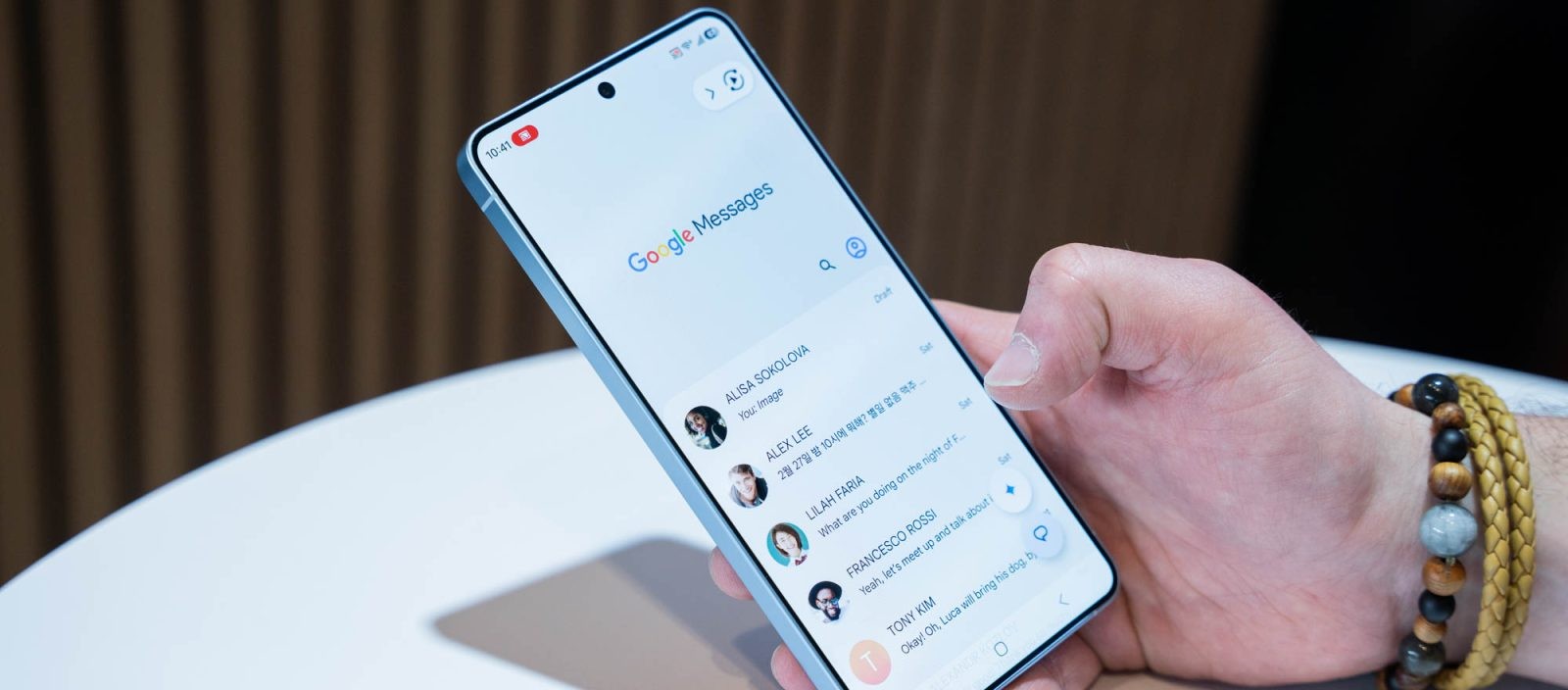
Google Messages has unveiled a new feature called Tap to Draft aimed at enhancing the Smart Reply experience by reducing accidental message sends. Previously, selecting a Smart Reply suggestion would immediately send the response, leading some users to disable the feature to avoid unintended messages.
With Tap to Draft, choosing a Smart Reply now places the suggested text into the compose field, allowing users to review and edit the message before manually sending it. This update provides greater control over communications and minimizes the risk of sending unintended replies.
To activate Tap to Draft, navigate to Settings > Suggestions & Actions in the Google Messages app. In this menu, users can select between:
– Tap to draft: Adds the Smart Reply to the message draft for further editing.
– Tap to send: Immediately sends the Smart Reply upon selection.
By default, the app retains the Tap to send behavior, but users can switch to Tap to draft for added flexibility.
This feature is being rolled out with the latest stable version (20260522_00_RC00) of Google Messages for Android. Users are encouraged to update their app to access this improvement.