Apple’s Guide to Distinguishing Creator Studio Versions of Final Cut Pro, Logic Pro, and More
Apple has recently introduced a comprehensive support document aimed at assisting Mac users in differentiating between the standard and Creator Studio versions of its professional creative applications. This initiative addresses the growing confusion stemming from the simultaneous availability of two versions of the same apps, both bearing identical names but featuring subtly different icons.
Understanding the Dual-App Setup
With the launch of Apple Creator Studio, the company now offers subscription-based editions of several professional applications, including Final Cut Pro, Logic Pro, MainStage, Motion, Compressor, and Pixelmator Pro. These Creator Studio versions exist alongside the traditional standalone versions, which are available for one-time purchases. Consequently, users can have both versions installed on the same Mac, leading to potential confusion about which version they are accessing or troubleshooting.
Introducing Liquid Glass Icons
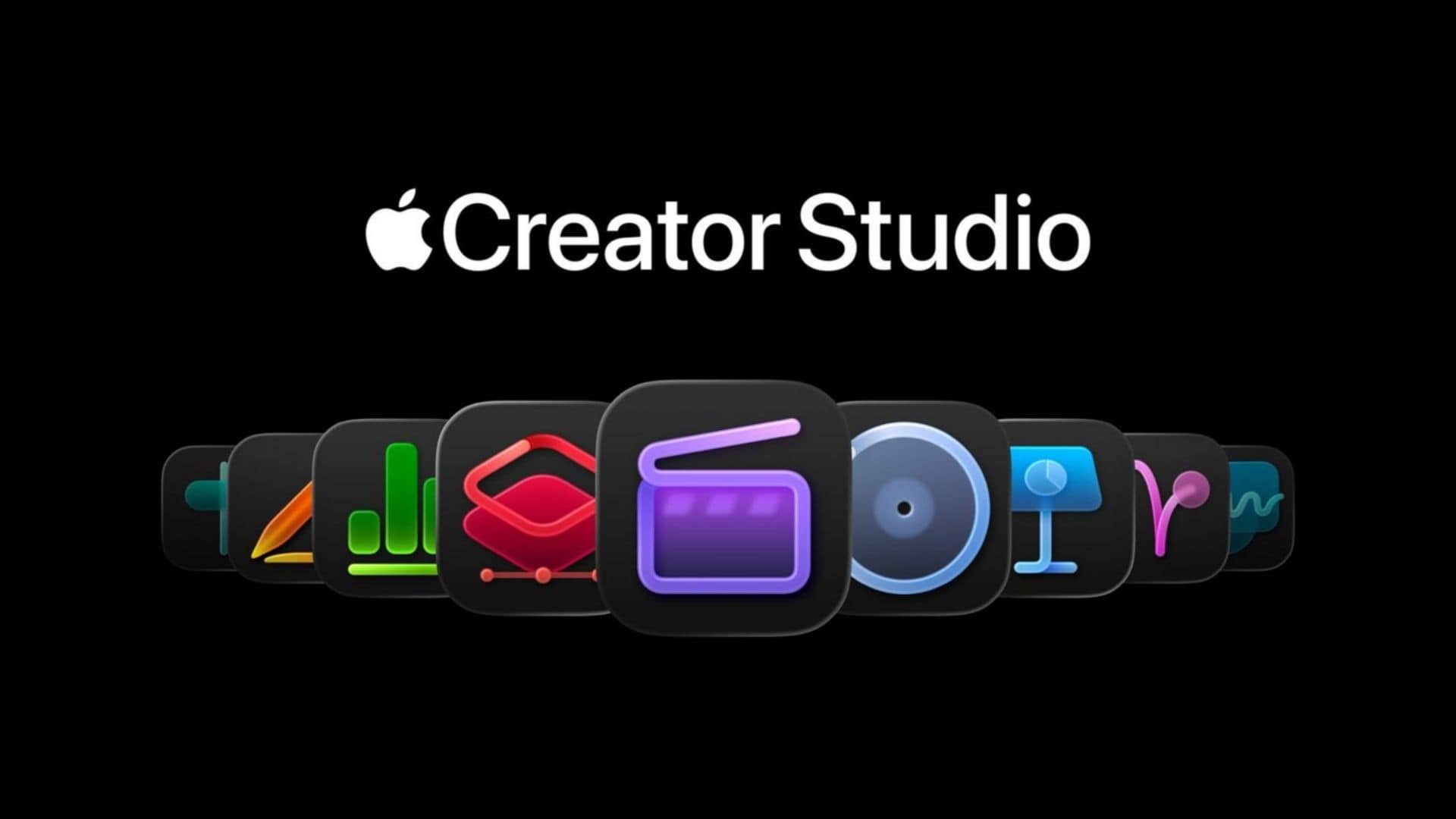
To mitigate this confusion, Apple has implemented a straightforward solution: the Creator Studio versions now utilize redesigned Liquid Glass style icons. These new icons are distinct from the standard app icons that Mac users are accustomed to, providing a clear visual cue to differentiate between the two versions.
In the support document, Apple presents side-by-side comparisons of both icons for each supported application. This visual aid enables users to quickly identify which version appears in their Dock, Launchpad, or Applications folder.
Significance of the Support Document
It is uncommon for Apple to release guides specifically aimed at distinguishing between two versions of its own applications. The publication of this support document underscores the extent of the confusion that the Creator Studio rollout has generated among users. By proactively addressing this issue, Apple demonstrates its commitment to enhancing user experience and ensuring clarity in its software offerings.
Overview of Apple Creator Studio
Launched in January, Apple Creator Studio is a subscription service priced at $12.99 per month or $129 per year. The service bundles Apple’s professional creative tools into a single package, offering users access to a suite of applications designed for various creative endeavors. Notably, some upcoming features are exclusive to subscribers, adding value to the subscription model.
The inclusion of Pixelmator Pro in the Creator Studio suite follows Apple’s acquisition of the Pixelmator team in late 2024. This strategic move has expanded the range of tools available to subscribers, further solidifying Apple’s position in the professional creative software market.
Implications for Users
For users, the introduction of distinct icons for the Creator Studio versions simplifies the process of identifying and launching the desired application. This clarity is particularly beneficial for professionals who rely on these tools for their creative work, as it minimizes the risk of inadvertently using the wrong version, which could lead to compatibility issues or the absence of certain features.
Moreover, the support document serves as a valuable resource for troubleshooting and support. By clearly delineating the differences between the two versions, users can more effectively communicate with Apple Support or seek assistance from online communities, ensuring that they receive accurate and relevant help.
Conclusion
Apple’s proactive approach in addressing the confusion surrounding the dual versions of its professional creative applications reflects its dedication to user satisfaction and product clarity. By introducing distinct Liquid Glass icons and providing a detailed support document, Apple empowers users to navigate its software ecosystem with confidence and ease.