iPadOS 26.5 Enhances Magic Keyboard Connectivity with Seamless Bluetooth Pairing
Apple’s recent release of iOS and iPadOS 26.5 introduces a notable enhancement for users of Apple’s Magic accessories, including the Magic Keyboard, Magic Trackpad, and Magic Mouse. This update streamlines the connection process between these peripherals and iOS devices, offering a more integrated and user-friendly experience.
Automatic Bluetooth Pairing via USB-C
Traditionally, connecting a Magic accessory to an iPhone or iPad required a manual Bluetooth pairing process. Users would connect the accessory via USB-C to establish an immediate connection, but upon disconnecting the cable, the device would not retain the Bluetooth pairing, necessitating a re-pairing process for future wireless use.
With the advent of iOS and iPadOS 26.5, this process has been significantly improved. Now, when a Magic Keyboard, Magic Trackpad, or Magic Mouse is connected to an iPhone or iPad using a USB-C cable, the devices automatically establish a Bluetooth pairing. This means that once the USB-C cable is disconnected, the accessory remains wirelessly connected to the device without any additional steps. This functionality mirrors the seamless pairing experience that Mac users have enjoyed, where a wired connection automatically initiates a persistent Bluetooth connection.
Discovery and User Implications
This enhancement was first identified by Aaron Perris during the iOS 26.5 beta testing phase. He noted that plugging in a Magic accessory to an iPhone or iPad now automatically connects the device via Bluetooth upon unplugging, aligning the behavior with that of Mac systems.
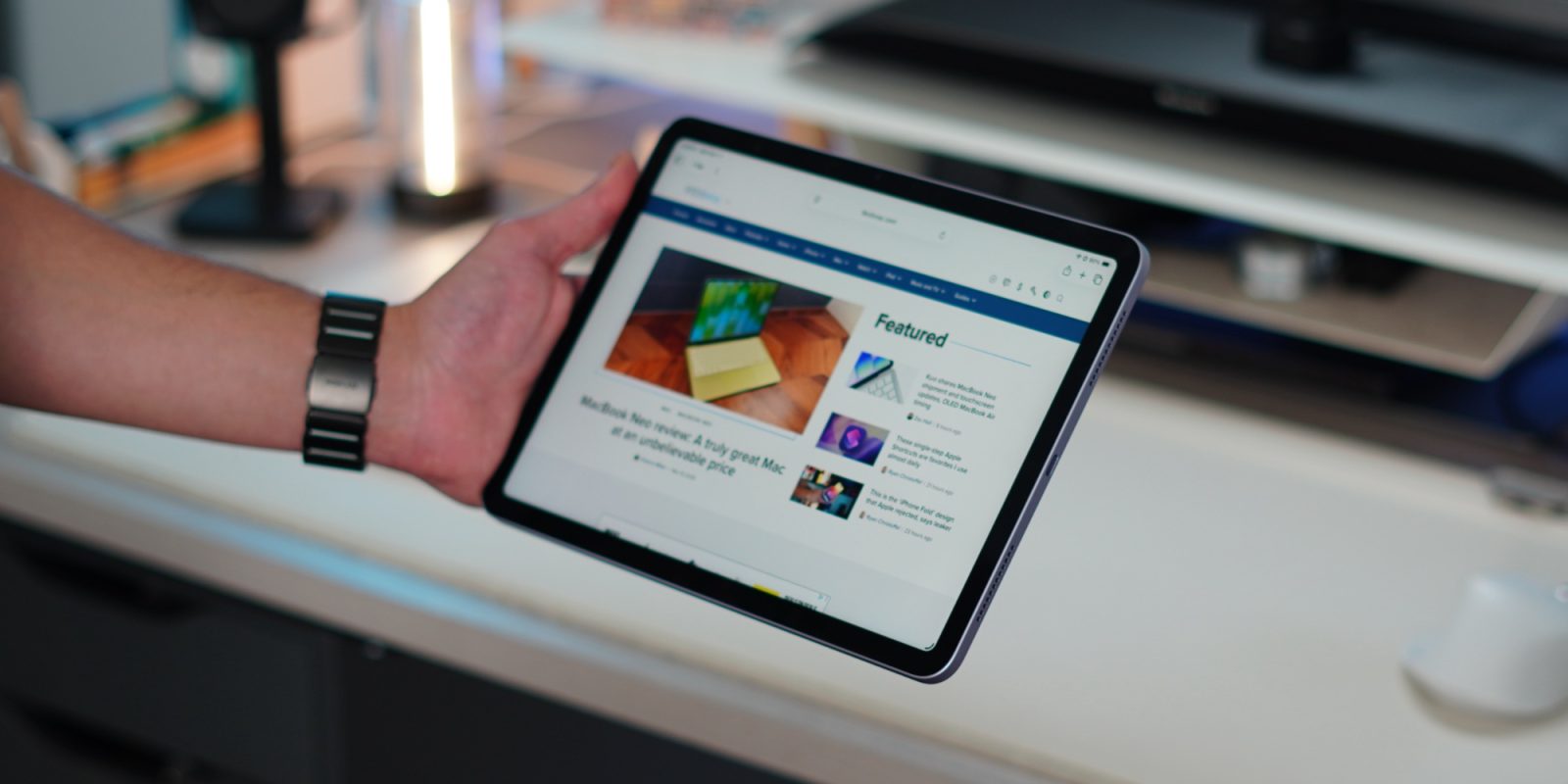
For iPad users, this update is particularly beneficial. The iPad’s versatility as a productivity tool is often enhanced by the use of external keyboards and pointing devices. The new automatic pairing feature simplifies the setup process, allowing users to switch between wired and wireless connections effortlessly. This is especially advantageous for those who frequently transition between different work environments or prefer a clutter-free workspace.
However, this change may introduce some considerations for users who utilize their Magic accessories across multiple devices. For instance, if a Magic Keyboard is primarily paired with a Mac, connecting it to an iPad running iPadOS 26.5 via USB-C will establish a new Bluetooth pairing with the iPad. This could potentially override the existing pairing with the Mac, requiring users to re-pair the accessory when switching back. Users who frequently switch their Magic accessories between devices may need to be mindful of this behavior to manage their device connections effectively.
Additional Features in iOS and iPadOS 26.5
Beyond the improved accessory connectivity, iOS and iPadOS 26.5 introduce several other features aimed at enhancing user experience:
– Pride Luminance Wallpaper: A new dynamic wallpaper that refracts a spectrum of colors, available for download to personalize the device’s appearance.
– Suggested Places in Maps: The Maps app now offers recommendations based on trending locations nearby and the user’s recent searches, making it easier to discover new places of interest.
– End-to-End Encrypted RCS Messaging (Beta): For supported carriers, the Messages app now includes end-to-end encrypted Rich Communication Services (RCS) messaging, enhancing the security and functionality of text communications.
Conclusion
The release of iOS and iPadOS 26.5 brings a suite of enhancements that improve the functionality and user experience of Apple’s devices. The automatic Bluetooth pairing feature for Magic accessories simplifies the connection process, making it more intuitive and efficient, particularly for iPad users who rely on these peripherals for productivity. While this update offers significant convenience, users who share accessories between multiple devices should be aware of the new pairing behavior to manage their connections effectively.
As Apple continues to refine its ecosystem, these updates reflect a commitment to enhancing device interoperability and user satisfaction. Users are encouraged to explore these new features to fully leverage the capabilities of their devices.