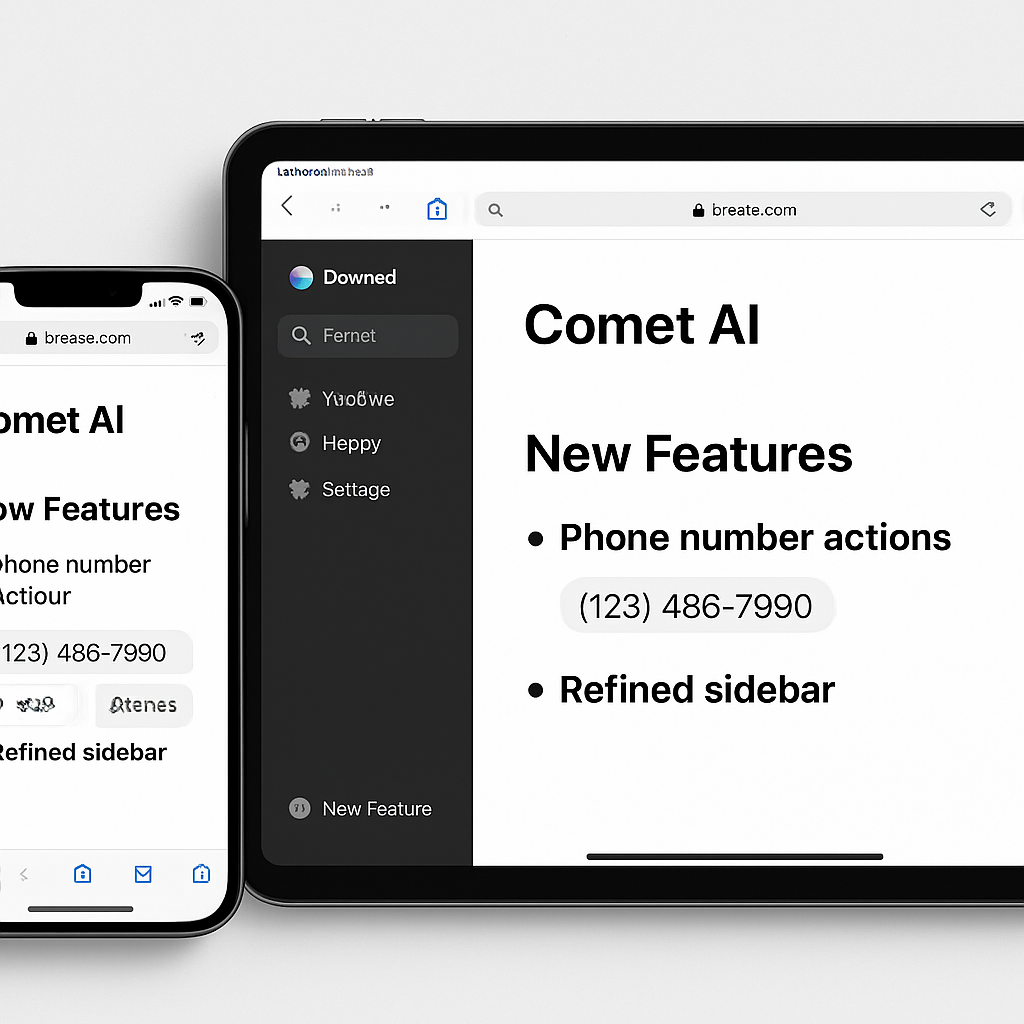
Perplexity has rolled out a substantial update to its Comet AI browser for iOS, introducing eight notable enhancements aimed at improving user experience on iPhone and iPad devices.
Key Enhancements in Comet’s Latest Update
The latest version of Comet brings the following features:
- Phone Number Actions: Users can now initiate calls, FaceTime, send messages, or save numbers to Contacts directly from any webpage with a single tap.
- Refined iPad Sidebar: The sidebar on iPad has been updated with a smoother slide animation and a more organized layout, adjusting seamlessly to the window size.
- Finance Deep Dive in Tabs: In-depth financial analyses now open as dedicated browser tabs, facilitating easier navigation and reference.
- Persistent Search Results: Search results retain their state, allowing users to switch between tasks without losing context.
- Image Drag-and-Drop: Users can drag images from any tab into the assistant, which will display them appropriately.
- Adaptive Omni-box: The omni-box now adjusts to the color scheme of the webpage, eliminating flickering when transitioning between light and dark sites.
- Consistent ‘Recently Closed’ Management: Clearing the ‘Recently Closed’ section now persists across app restarts.
- Permanent Deletion of Threads: Deleted threads remain removed, even when accessing old links.
Additionally, the update addresses crash issues related to data clearing and tab closures, enhances the clarity and stability of favicons, refines bottom controls on the iPhone, and includes various other fixes and improvements.
Users can download the updated Comet app from the App Store.
These enhancements reflect Perplexity’s commitment to refining the Comet browser, aiming to provide a more intuitive and efficient browsing experience. As AI integration in web browsers becomes increasingly prevalent, such updates are crucial in meeting user expectations and staying competitive in the evolving digital landscape.
Source: 9to5Mac