iPadOS 26: Bridging the Gap Between Tablet and Computer
Apple’s latest operating system, iPadOS 26, marks a significant evolution in the iPad’s journey toward becoming a true computer alternative. This update introduces substantial enhancements in multitasking, system design, and core applications, enabling the iPad to handle a broader range of daily tasks without the need for workarounds. However, certain longstanding issues persist, preventing the iPad from fully replacing traditional computers.
Enhanced Multitasking and Window Management
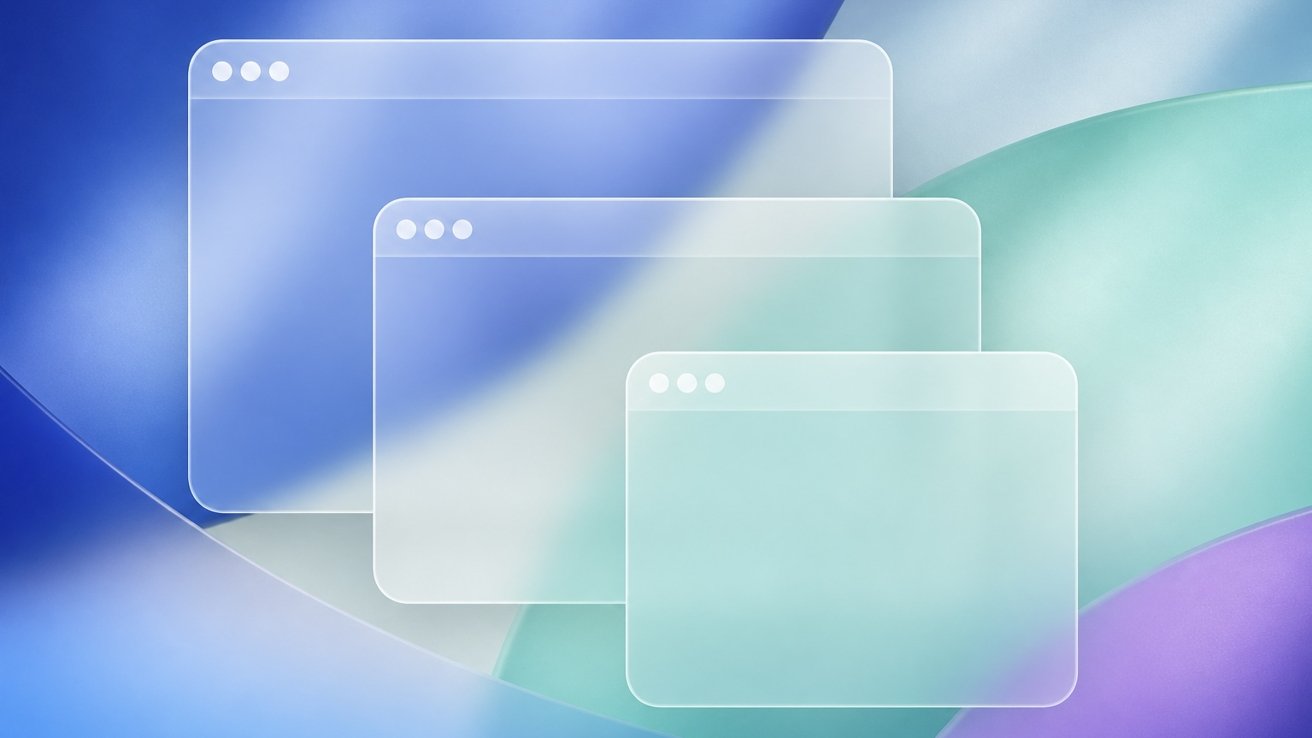
A standout feature of iPadOS 26 is its revamped multitasking system, which now closely mirrors the windowing experience found on macOS. Users can open applications in full-screen mode and utilize a corner handle tool to quickly resize them. Apps that were opened in full-screen or in a window will reopen to that sizing. This flexibility allows for a more efficient workflow, as users can arrange and resize windows to suit their specific needs. The introduction of a menu bar and traffic light buttons further enhances the multitasking experience, making it more intuitive and user-friendly. ([appleinsider.com](https://appleinsider.com/articles/25/06/09/ipados-26-multitasking-is-more-mac-like-with-menubar-better-pointer-and-more?utm_source=openai))
Liquid Glass Design Overhaul
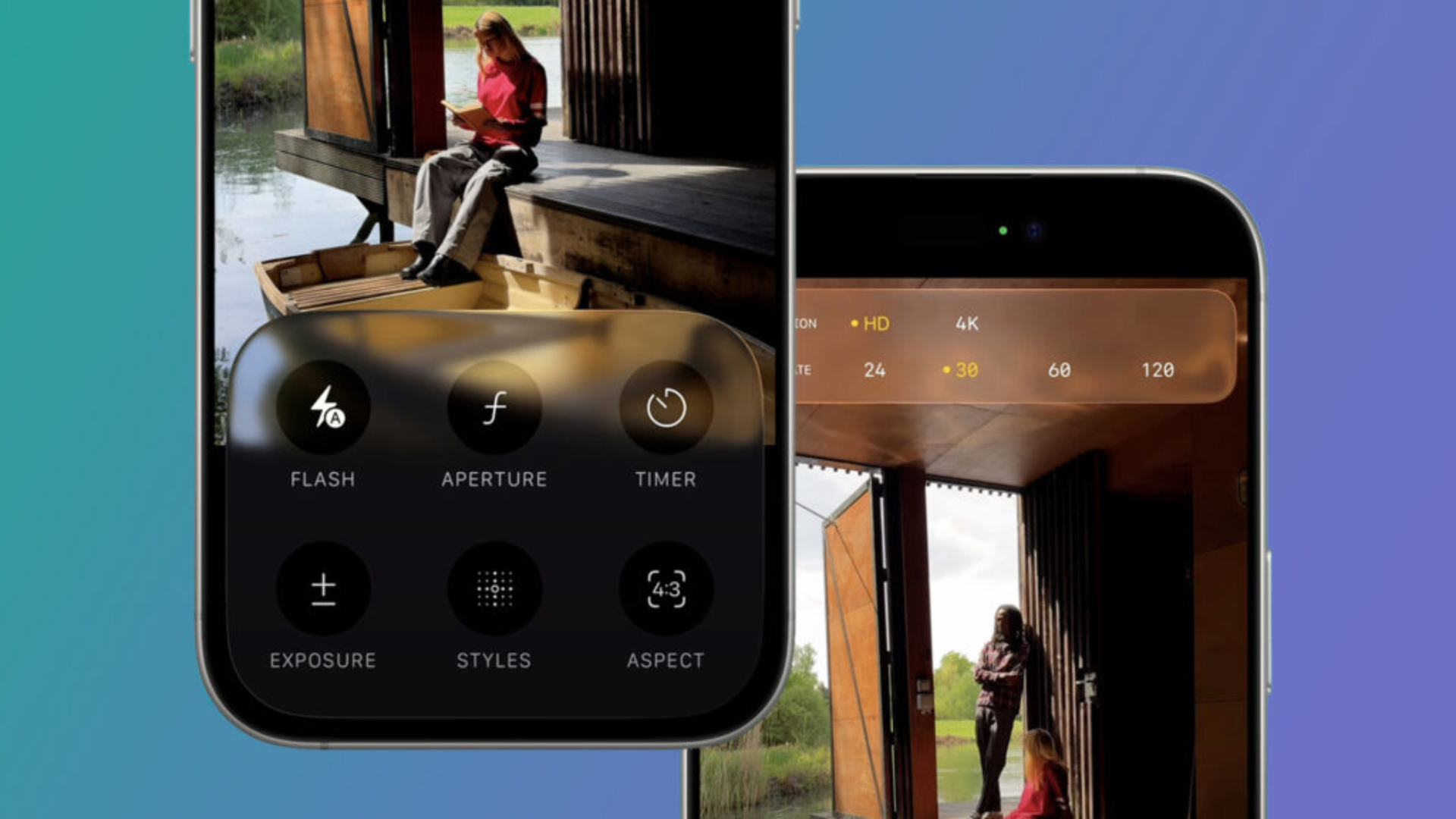
iPadOS 26 introduces a new design language called Liquid Glass, which brings a glossy, transparent aesthetic to the user interface. This dynamic design replaces the previous flat aesthetic, offering a more modern and visually appealing experience. The Lock Screen, Control Center, and Notification Center have all been updated to incorporate this new material, providing a cohesive look across the system. Additionally, the Home Screen now offers a Clear Mode customization option, allowing users to make their app icons transparent without the need for third-party solutions. ([appleinsider.com](https://appleinsider.com/articles/25/09/15/ipados-26-arrives-with-controversial-liquid-glass-and-mac-like-multitasking?utm_source=openai))
Improved Core Applications
Several core applications have received significant updates in iPadOS 26. The Files app, for instance, has been reworked to include new view options, folder customization, and the ability to add folders to the dock. These enhancements make file management more efficient and user-friendly. The Preview app is now available on the iPad, allowing users to view and edit various file types without relying on third-party applications. This addition is particularly beneficial for professionals who require robust file management capabilities on their devices. ([appleinsider.com](https://appleinsider.com/inside/ipados-26?utm_source=openai))
Audio and Communication Enhancements
iPadOS 26 introduces features that cater to audio professionals and podcasters. The new audio intent control allows users to choose which audio goes where within an app interface, providing greater flexibility in managing audio inputs and outputs. Additionally, the system now supports local audio recording during calls, a feature that was previously unavailable due to the iPad’s security constraints. This improvement is a significant boon for podcasters and audio engineers who rely on the iPad for their recording needs. ([appleinsider.com](https://appleinsider.com/articles/25/06/10/how-local-capture-immediately-turns-ipad-into-a-podcasting-studio?utm_source=openai))
Persistent Challenges
Despite these advancements, iPadOS 26 still faces challenges that hinder its ability to fully replace traditional computers. Connectivity issues persist, with the Photos app pausing sync over cellular connections and iCloud Backup requiring manual intervention after extended periods. Third-party applications continue to lag in terms of keyboard shortcut support and window resizing capabilities, leading to an inconsistent user experience. Additionally, the new Liquid Glass design, while visually appealing, can reduce readability in complex or high-contrast layouts, posing challenges for users who require clear and accessible interfaces. ([appleinsider.com](https://appleinsider.com/articles/26/05/15/ipados-26-review—ipad-finally-feels-more-like-the-computer-it-should-be?utm_source=openai))
Conclusion
iPadOS 26 represents a significant step forward in Apple’s efforts to position the iPad as a viable computer alternative. The enhancements in multitasking, design, and core applications make the device more capable and versatile than ever before. However, the persistence of certain issues underscores the need for continued refinement. While iPadOS 26 brings the iPad closer to being the computer it aims to be, it still relies on Apple and third-party developers to address the remaining gaps that prevent it from fully replacing traditional computers.