Resolving Power-On Issues in iPhone 17 and iPhone Air Models
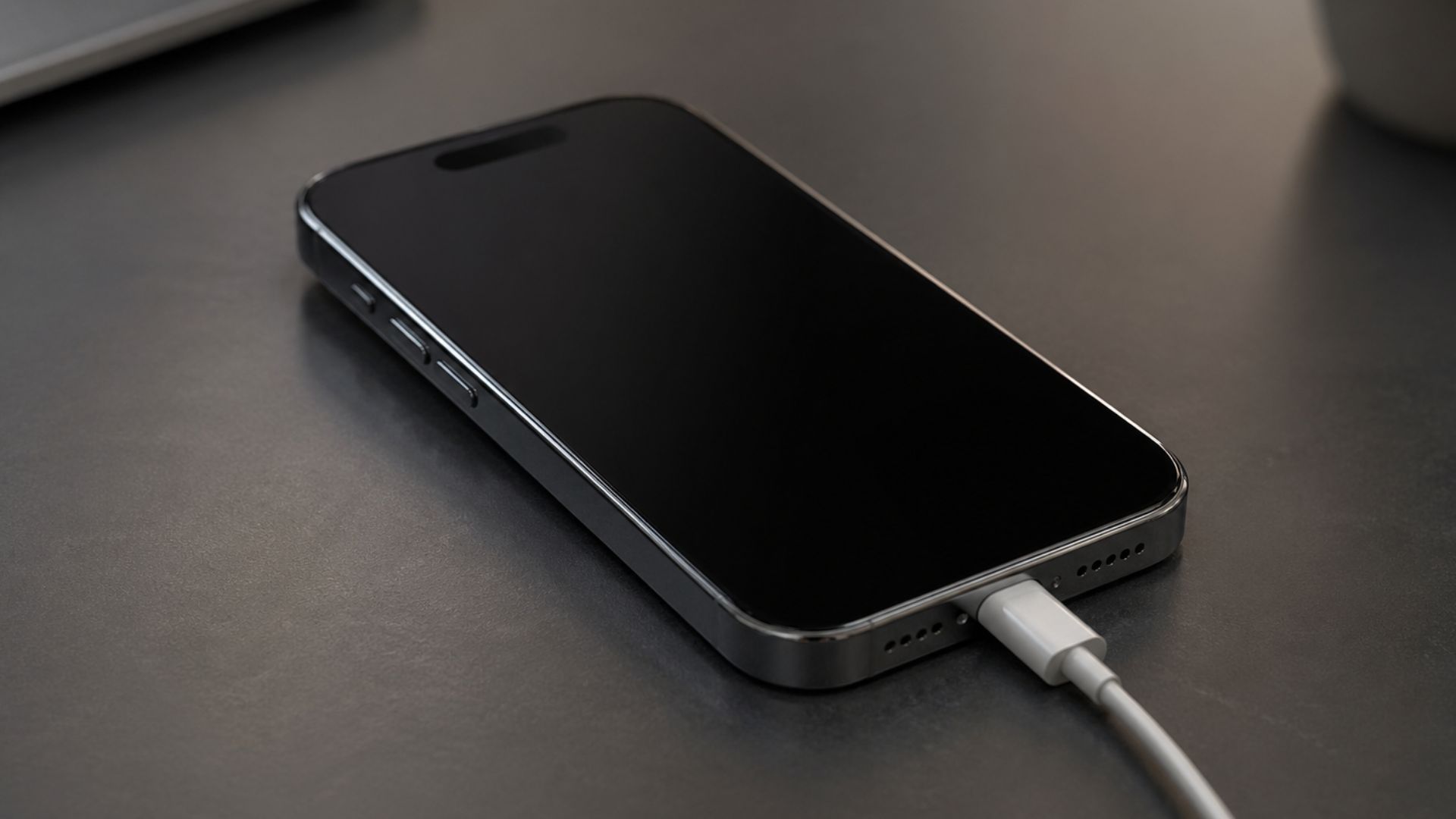
Recent reports have highlighted a concerning issue among iPhone 17 and iPhone Air users: devices that have fully drained their batteries often fail to power back on when connected to a charger. Instead of displaying the typical low battery icon or the Apple logo, these devices remain unresponsive with black screens, causing significant inconvenience and concern among users.
Understanding the Issue
When the battery of an iPhone 17 or iPhone Air is completely depleted, connecting it to a standard USB-C charging cable does not always initiate the charging process as expected. Users have reported that their devices remain unresponsive for extended periods, sometimes lasting several hours, even when connected to a charger. Attempts to perform a hard reset or connect the device to a computer via USB-C have also proven ineffective in these scenarios.
Effective Solutions
Fortunately, there are several methods to address this issue:
1. Utilize Wireless Charging: Placing the unresponsive device on a MagSafe or standard Qi wireless charging pad for approximately 10 to 15 minutes has been effective in reviving the device. This method appears to provide a more consistent power supply, enabling the device to overcome the initial charging hurdle.
2. Use a High-Wattage Charger: If a wireless charger is unavailable, connecting the device to a higher-wattage power adapter, such as a 61W or 65W charger typically used for laptops, can supply sufficient power to jump-start the device. This approach has been reported to successfully revive unresponsive devices.
3. Exercise Patience with Standard Charging: In the absence of a wireless charger or high-wattage adapter, leaving the device connected to a standard charger for an extended period may eventually result in the device powering back on. However, this method requires patience, as the device may remain unresponsive for several hours before showing signs of life.
Preventive Measures
To avoid encountering this issue, users are advised to:
– Monitor Battery Levels: Regularly check battery levels and recharge the device before it reaches a critical low point.
– Carry a Wireless Charger: Having a wireless charging pad accessible can serve as a reliable backup charging method.
– Use High-Wattage Chargers When Possible: Opting for higher-wattage chargers can provide a more robust power supply, reducing the likelihood of charging issues.
Conclusion
While the power-on issue in iPhone 17 and iPhone Air models can be alarming, understanding the underlying causes and implementing the solutions outlined above can effectively resolve the problem. By adopting preventive measures, users can minimize the risk of encountering this issue in the future, ensuring a more reliable and seamless experience with their devices.