Enhance Your Selfies with Google Photos’ New Subtle Touch-Up Tools
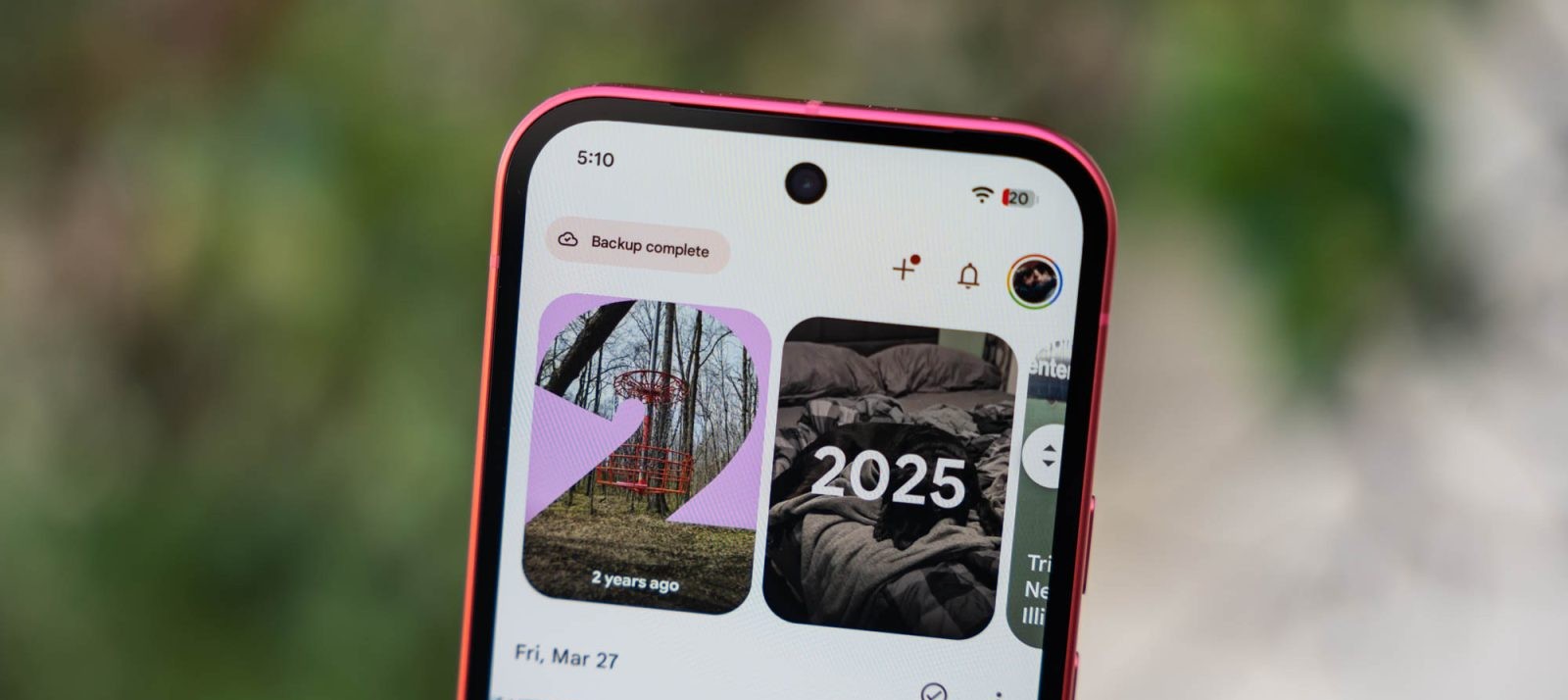
Google Photos, a widely used application for managing and editing images on Android devices, has introduced a suite of touch-up tools designed to provide users with the ability to make quick and subtle enhancements to their selfies. This update aims to offer users a seamless way to refine their photos without the need for extensive editing skills.
Introducing the New Touch-Up Features
The latest update to Google Photos’ image editor brings a range of touch-up tools that allow users to make subtle improvements to their selfies or photos of friends. These tools include options to smooth skin texture, remove blemishes, brighten eyes, and whiten teeth. Each effect is equipped with an intensity slider, enabling users to adjust the level of enhancement to their preference.
How to Use the Touch-Up Tools
To utilize these new features, users can follow these steps:
1. Open the Google Photos app and select the desired photo.
2. Tap on the ‘Edit’ option to access the image editor.
3. Choose the ‘Tools’ section, where the new touch-up options are located.
4. Select the specific enhancement tool, such as ‘Smooth,’ ‘Heal,’ ‘Under Eyes,’ ‘Irises,’ ‘Teeth,’ ‘Eyebrows,’ or ‘Lips.’
5. Adjust the intensity slider to achieve the desired effect.
6. Once satisfied with the edits, save the photo to apply the changes.
Emphasis on Subtle Enhancements
Google has emphasized that these tools are designed to provide subtle enhancements to photos. This approach aims to offer users the ability to make natural-looking improvements without over-editing, aligning with the company’s commitment to responsible image editing practices.
Addressing Concerns About Photo Retouching
The introduction of these touch-up tools comes at a time when there is growing awareness of the potential negative impacts of photo retouching, particularly in the context of social media and its influence on self-image. Google’s focus on subtle enhancements reflects an effort to provide users with editing capabilities that promote authenticity and self-expression without contributing to unrealistic beauty standards.
Availability and Requirements
The rollout of these new features is occurring gradually, with global availability expected in the coming weeks. To access the touch-up tools, users need to have a device running Android 9.0 or higher with at least 4GB of RAM. Ensuring that the Google Photos app is updated to the latest version will also be necessary to utilize these new editing options.
Enhancing the Photo Editing Experience
This update is part of Google’s ongoing efforts to enhance the photo editing experience for its users. By integrating these touch-up tools directly into the Google Photos app, users can conveniently make quick adjustments to their photos without the need for third-party applications.
User Feedback and Future Developments
As with any new feature, user feedback will play a crucial role in shaping future developments. Google encourages users to explore these new tools and provide feedback to help refine and improve the photo editing experience. This collaborative approach ensures that the features meet the diverse needs and preferences of the user base.
Conclusion
The introduction of touch-up tools in Google Photos offers users a straightforward and effective way to enhance their selfies with subtle adjustments. By focusing on natural-looking improvements and emphasizing responsible editing practices, Google aims to provide a positive and empowering photo editing experience for all users.