Chrome for Android Embraces Material 3 Expressive Design in Settings Overhaul
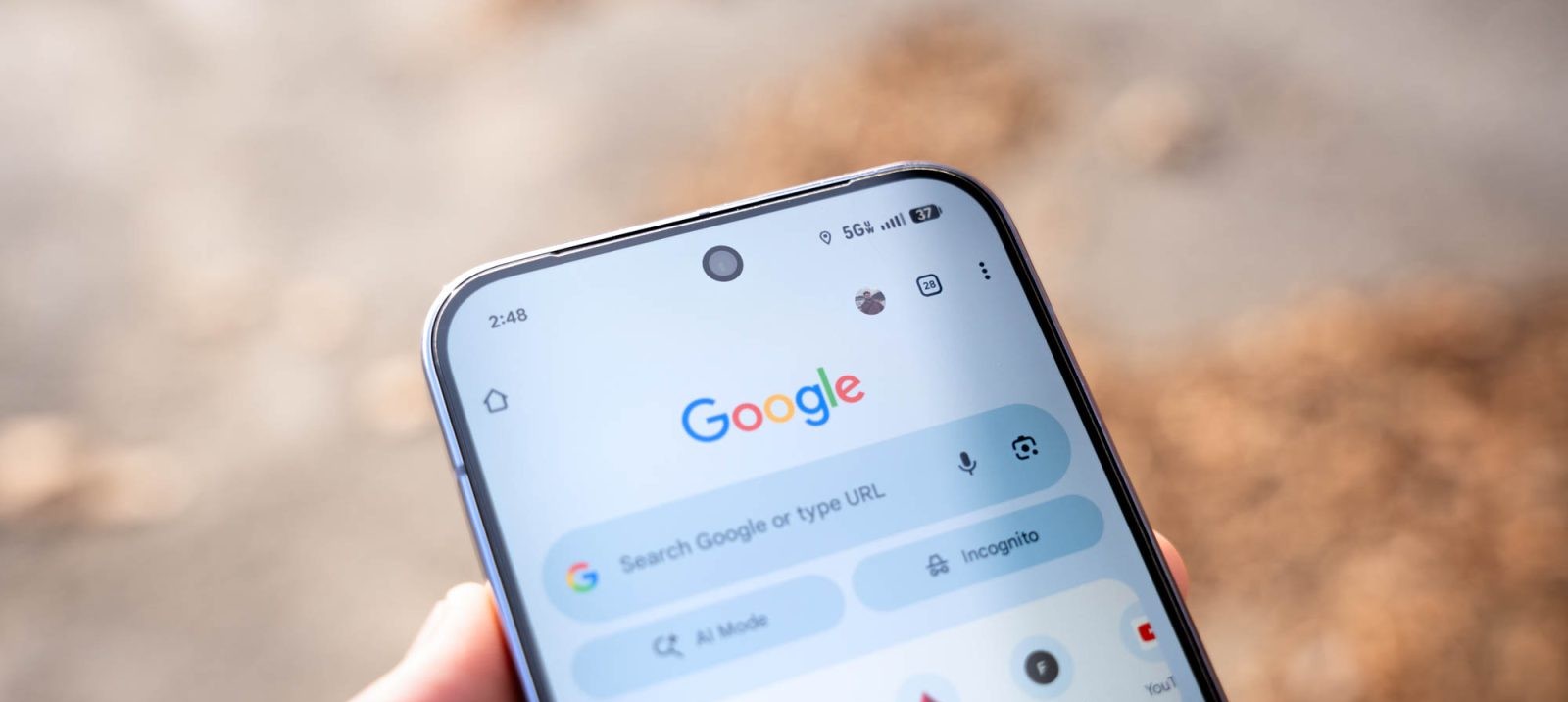
Google has unveiled a significant redesign of the Settings page in Chrome for Android, aligning it with the Material 3 Expressive design language. This update introduces a more visually engaging and user-friendly interface, enhancing the overall browsing experience.
Key Features of the Redesign:
1. Card-Based Layout: Each setting is now encapsulated within individual cards, separated by distinct gaps. This design choice improves readability and allows users to quickly locate specific settings.
2. Optimized Screen Utilization: The settings containers no longer span the full width of the screen. Instead, they feature padding on the left and right, creating a balanced and aesthetically pleasing layout.
3. Enhanced Corner Design: The first and last cards in each section boast more pronounced rounded corners, adding a touch of elegance to the interface.
4. Subtle Color Palette: The containers are rendered in a lighter shade compared to the page background, which now utilizes a much lighter Dynamic Color shade. This subtle contrast ensures that the settings stand out without being overwhelming.
This redesign marks a departure from the previous approach of using line dividers to separate text. The introduction of gaps between sections significantly enhances glanceability, allowing users to navigate the settings with ease.
The updated design extends to submenus, maintaining consistency throughout the interface. However, it’s noteworthy that the on/off toggles remain unchanged, continuing to use smaller switches than those found in the standard Android settings.
This update brings Chrome’s Settings page in line with Android’s native Settings app, providing a cohesive user experience across the platform.
Availability:
The visual enhancements are being rolled out as a server-side update with Chrome version 146. Users who do not immediately see the redesign can expedite the update by force-stopping Chrome from the App info menu.
This update is part of Google’s broader initiative to integrate Material 3 Expressive elements into Chrome for Android. Previous updates have introduced similar design changes to the address bar, three-dot overflow menu, and Tab Grid, reflecting Google’s commitment to a unified and modern design language across its applications.