Enhancing Your iPhone Experience: New Features in iOS 26’s Photos Widget
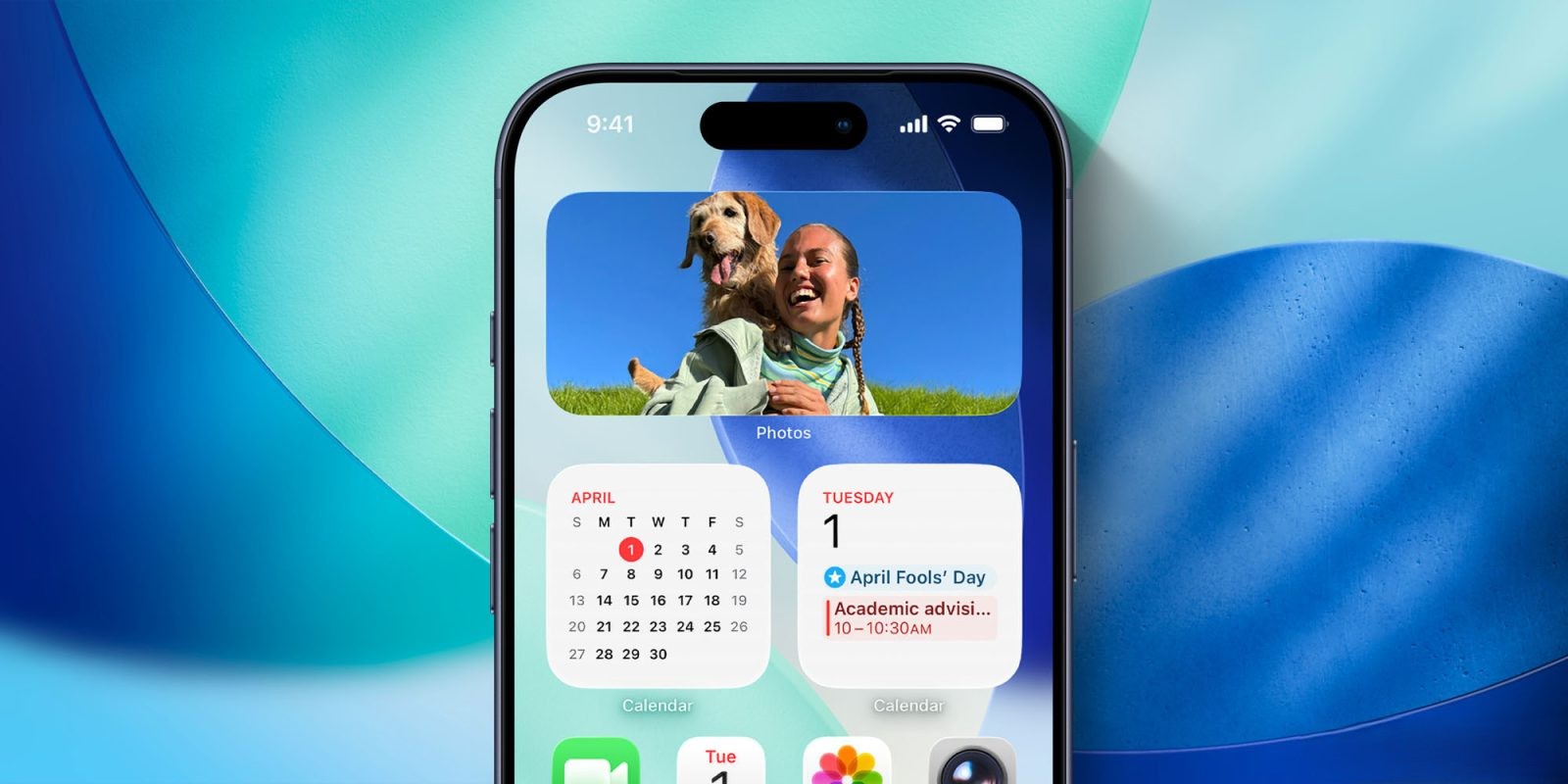
Apple’s iOS 26 introduces significant enhancements to the Photos widget, enriching the user experience with two notable features: Spatial Scenes and Full Color display.
Spatial Scenes:
The Spatial Scenes feature adds depth to your photos, creating a parallax effect that responds to your device’s movements. This dynamic interaction brings your images to life, offering a more immersive viewing experience. To activate this feature, long-press the Photos widget on your Home Screen, select ‘Edit Widget,’ and toggle on the ‘Spatial Scene Effect.’
Full Color Display:
For users who prefer their photos in their original hues, the Full Color option ensures that images are displayed without any tinting, even when using Clear or Tinted themes for Home Screen icons. This setting maintains the authenticity of your photos, providing a vibrant and true-to-life display. To enable this, long-press the Photos widget, choose ‘Edit Widget,’ and switch on the ‘Always Display in Full Color’ option.
These enhancements in iOS 26’s Photos widget offer users greater control and personalization, making the Home Screen not only more functional but also visually engaging.