M5 13-inch MacBook Air vs. M5 14-inch MacBook Pro: A Comprehensive Comparison
Apple’s latest M5 chip has been integrated into both the 13-inch MacBook Air and the 14-inch MacBook Pro, offering users a choice between two powerful laptops. While they share the same core processor, significant differences in design, display, cooling systems, and connectivity options set them apart. This article delves into these distinctions to help you determine which model best suits your needs.
Design and Portability
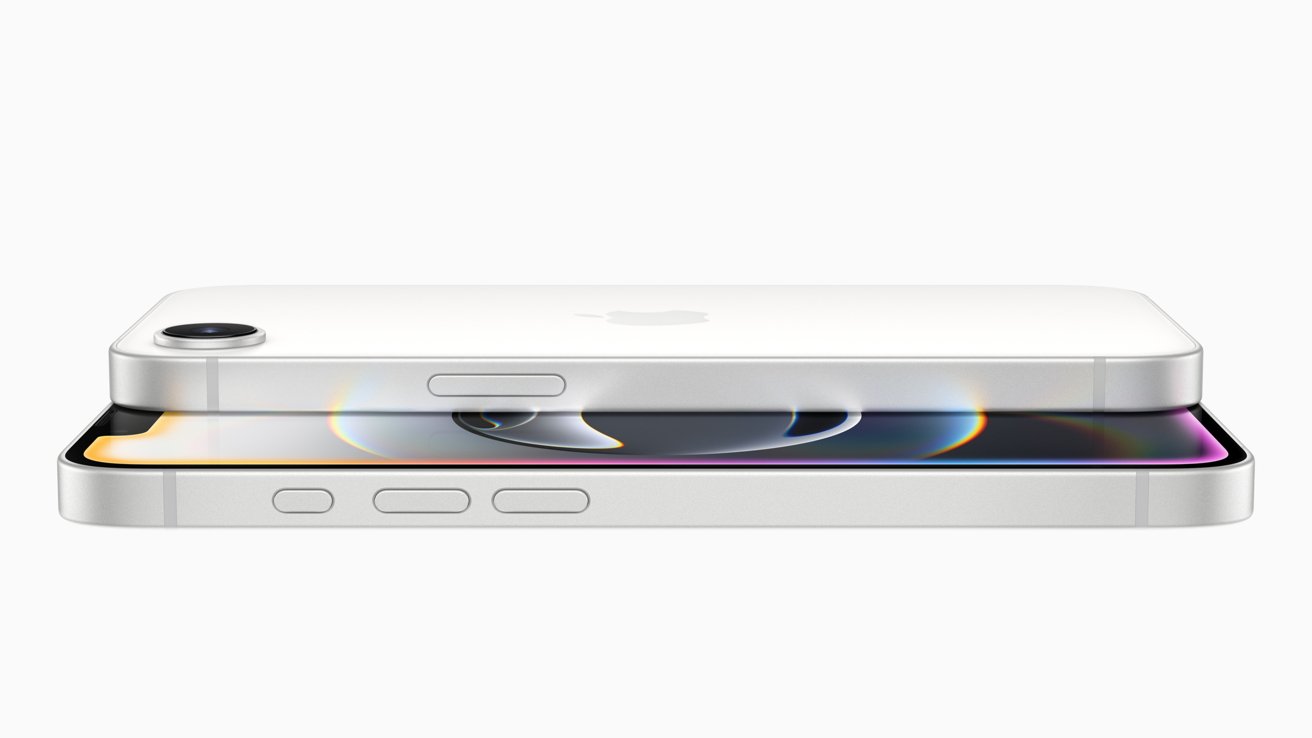
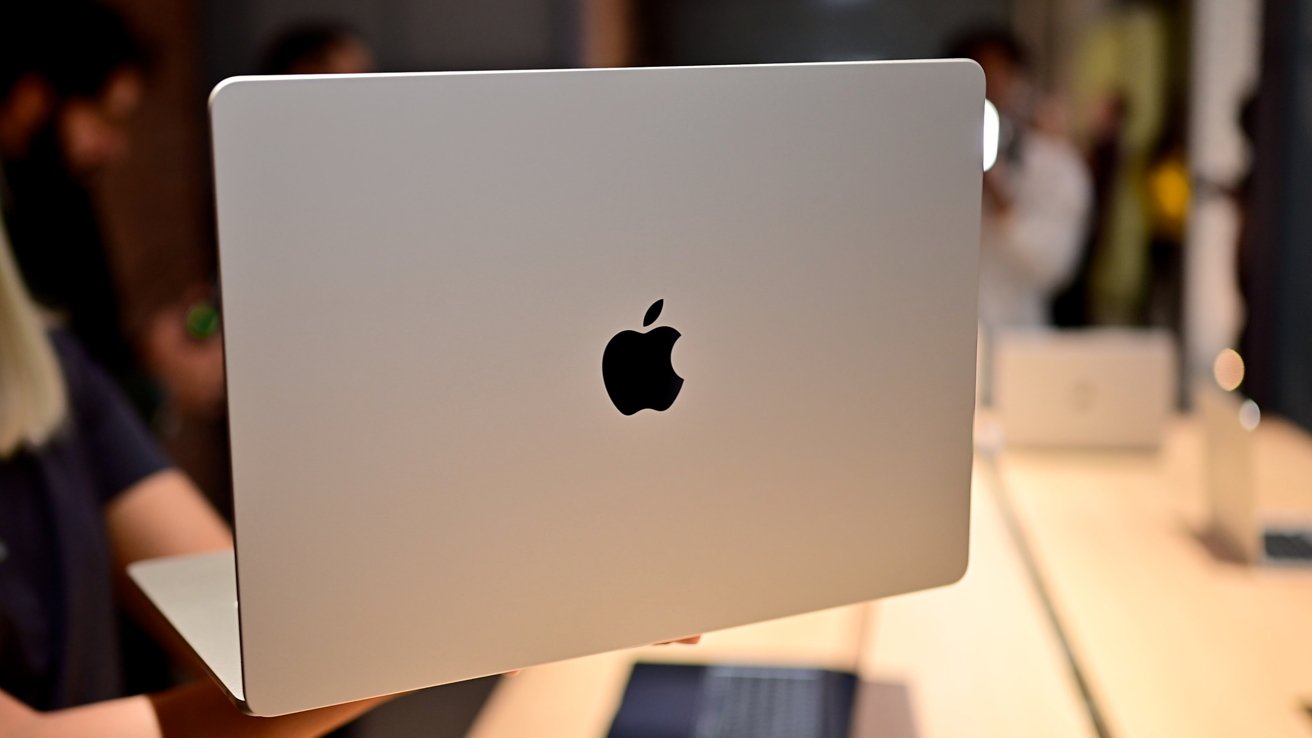
The MacBook Air is renowned for its sleek and lightweight design, making it an ideal choice for users who prioritize portability. Measuring 0.44 inches in thickness and weighing just 2.7 pounds, the 13-inch MacBook Air is easy to carry around, whether you’re commuting or traveling.
In contrast, the 14-inch MacBook Pro is slightly larger and heavier, with dimensions of 0.61 inches in thickness and a weight of 3.4 pounds. This increase in size accommodates additional hardware and a more robust cooling system, which we’ll discuss later.
Display Quality
Display quality is a crucial factor for many users, especially those involved in creative work. The MacBook Air features a 13.6-inch Liquid Retina display with a resolution of 2560 x 1664 pixels and a brightness of 500 nits. This screen is suitable for everyday tasks and general media consumption.
The MacBook Pro, however, boasts a 14.2-inch Liquid Retina XDR display with a higher resolution of 3024 x 1964 pixels. It offers a brightness of 1000 nits for standard dynamic range (SDR) content and up to 1600 nits for high dynamic range (HDR) content. Additionally, the Pro’s display supports ProMotion technology, providing refresh rates up to 120Hz for smoother scrolling and more responsive visuals. These features make the MacBook Pro’s display superior for tasks requiring precise color accuracy and high brightness levels.
Performance and Cooling
Both laptops are powered by Apple’s M5 chip, which includes a 10-core CPU (comprising four performance cores and six efficiency cores) and a 16-core Neural Engine. The MacBook Air offers configurations with either an 8-core or 10-core GPU, while the MacBook Pro comes standard with a 10-core GPU.
A significant difference lies in their cooling systems. The MacBook Air utilizes a fanless, passive cooling design, which contributes to its silent operation and slim profile. However, this design may lead to thermal throttling under sustained heavy workloads, potentially affecting performance over time.
The MacBook Pro, on the other hand, employs an active cooling system with fans. This setup allows the laptop to maintain higher performance levels during intensive tasks such as video editing, 3D rendering, or compiling code, as it can effectively dissipate heat generated by prolonged heavy usage.
Memory and Storage Options
Both models offer similar memory configurations, with options for 16GB, 24GB, or 32GB of unified memory. This flexibility allows users to choose a configuration that aligns with their multitasking needs and the demands of their applications.
In terms of storage, both laptops start with a base of 512GB SSD and can be configured up to 4TB. Notably, the MacBook Air’s SSD delivers twice the read/write performance compared to its predecessor, enhancing overall system responsiveness and file transfer speeds.
Connectivity and Ports
Connectivity options differ between the two models. The MacBook Air is equipped with two Thunderbolt 4 ports, a MagSafe 3 charging port, and a 3.5mm headphone jack. It supports Wi-Fi 7 and Bluetooth 6, thanks to Apple’s N1 networking chip, ensuring fast and reliable wireless connections.
The MacBook Pro offers a more extensive array of ports, including three Thunderbolt 4 ports, an HDMI port, an SDXC card reader, a MagSafe 3 charging port, and a 3.5mm headphone jack. It supports Wi-Fi 6E and Bluetooth 5.3. The additional ports and connectivity options make the MacBook Pro more versatile for professionals who require multiple peripherals and external displays.
Battery Life
Battery life is a critical consideration for users who need their laptops to last through extended work sessions. The MacBook Air provides up to 18 hours of video playback, making it suitable for a full day of use without needing to recharge.
The MacBook Pro offers even longer battery life, with up to 24 hours of video playback. This extended battery performance is beneficial for users engaged in power-intensive tasks or those who prefer longer intervals between charges.
Audio and Camera
Both laptops feature a 12MP Center Stage camera, which uses computational video enhancements to keep users centered during video calls. This feature is particularly useful for remote meetings and virtual collaborations.
In terms of audio, the MacBook Air is equipped with a four-speaker sound system that delivers clear and balanced sound for its size. The MacBook Pro steps up the audio experience with a six-speaker system that includes force-canceling woofers, providing richer bass and a more immersive sound experience. Both models support Spatial Audio with Dolby Atmos for compatible content, enhancing the overall audio quality.
Pricing
Pricing varies between the two models, reflecting their respective features and capabilities. The 13-inch MacBook Air starts at $1,099, offering a cost-effective option for users seeking a balance between performance and portability. The 14-inch MacBook Pro starts at $1,699, with the base model now including 1TB of storage, following Apple’s recent update that removed the 512GB option and increased the starting price by $100.
Conclusion
Choosing between the M5 13-inch MacBook Air and the M5 14-inch MacBook Pro depends on your specific needs and priorities. If portability, silent operation, and cost-effectiveness are your main concerns, the MacBook Air is an excellent choice. However, if you require superior display quality, sustained high performance for intensive tasks, a broader range of connectivity options, and longer battery life, the MacBook Pro is better suited to meet those demands.