Apple Releases macOS Tahoe 26.3.1: Essential Update for Studio Display Integration
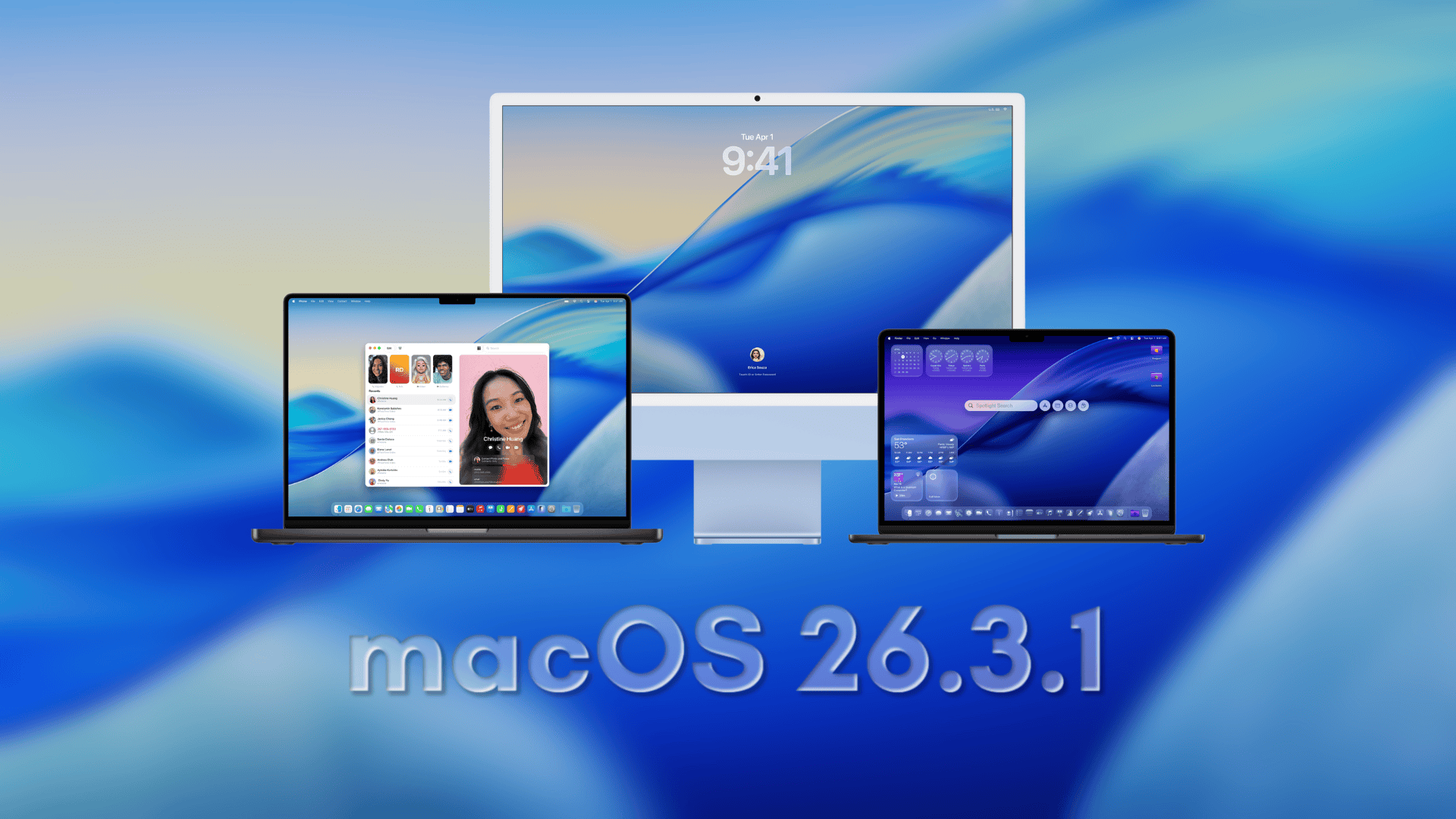
On March 4, 2026, Apple unveiled macOS Tahoe 26.3.1, a pivotal update designed to ensure seamless compatibility between Macs and Apple’s latest external monitors—the Studio Display and Studio Display XDR. This release is particularly crucial for users planning to integrate these new displays into their setups, as it addresses potential first-day challenges such as unrecognized displays, incorrect refresh rates, or missing features dependent on the latest software.
Key Features of macOS Tahoe 26.3.1:
– Enhanced Display Support: The update extends external display compatibility to include the new Studio Display and Studio Display XDR, ensuring optimal performance and feature availability.
– Bug Fixes and Stability Improvements: Beyond display support, the update incorporates various bug fixes aimed at enhancing system stability and performance.
Updating to macOS Tahoe 26.3.1:
To install the update:
1. Click the Apple menu.
2. Open System Settings.
3. Click General.
4. Click Software Update.
5. If macOS Tahoe 26.3.1 is available, click Update Now and follow the on-screen instructions.
Studio Display Firmware Update:
Alongside macOS Tahoe 26.3.1, Apple has released Studio Display Firmware 26.3 (build 23D8128) for the new Studio Display models. To ensure optimal performance, it’s recommended to update macOS first, then connect the display to allow the firmware update to complete in the background.
Updating Studio Display Firmware:
1. Connect the Studio Display to your Mac.
2. Open System Settings.
3. Go to General.
4. Select Software Update.
5. If Studio Display Firmware 26.3 (23D8128) is available, install it and keep the display connected until the update finishes.
Studio Display and Studio Display XDR Overview:
Apple’s new Studio Display features a 27-inch 5K Retina display with over 14 million pixels, 600 nits of brightness, and P3 wide color support. It includes a 12MP Center Stage camera with Desk View, a studio-quality three-microphone array, and a six-speaker system supporting Spatial Audio. Connectivity is enhanced with Thunderbolt 5, allowing users to daisy-chain up to four displays and providing up to 96W of charging power.
The Studio Display XDR elevates performance with a 27-inch 5K Retina XDR panel featuring a mini-LED backlight with over 2,000 local dimming zones. It achieves 1,000 nits of SDR brightness and 2,000 nits of peak HDR brightness, with a 1,000,000:1 contrast ratio. The display supports a 120Hz refresh rate with Adaptive Sync, P3 and Adobe RGB color spaces, and includes DICOM medical imaging presets. Connectivity includes Thunderbolt 5 with two ports and two additional USB-C ports, providing up to 140W of charging power.
Compatibility Considerations:
It’s important to note that while all Apple silicon Macs will work with the Studio Display XDR after installing macOS Tahoe 26.3.1, only Macs equipped with M2 Pro, M2 Max, M2 Ultra, M3 Pro, M3 Max, M3 Ultra, M4 Pro, M4 Max, M5, M5 Pro, or M5 Max chips can utilize the full 120Hz refresh rate. Macs with M1, M1 Pro, M1 Max, M1 Ultra, M2, or M3 chips are limited to a 60Hz refresh rate on the Studio Display XDR.
Conclusion:
Installing macOS Tahoe 26.3.1 is essential for users planning to integrate Apple’s new Studio Display or Studio Display XDR into their Mac setups. This update ensures full compatibility and optimal performance, addressing potential issues and enhancing system stability. By keeping both macOS and display firmware up to date, users can fully leverage the advanced features and capabilities of these new displays.