Enhancing Digital Security: The Crucial Role of User-Reported Spam in Apple’s Ecosystem
In the digital age, the prevalence of spam—unsolicited and often malicious communications—poses a significant challenge to maintaining secure and efficient communication channels. Apple, a leader in technology and user experience, has implemented robust mechanisms to combat spam across its platforms. Central to these efforts is the active participation of users in reporting spam, a process that significantly enhances the effectiveness of Apple’s security measures.
Understanding the Impact of User-Reported Spam
When users report spam, they provide Apple with valuable data that contributes to the refinement of its security protocols. This collaborative approach enables Apple to identify and mitigate emerging threats more effectively. The process involves several key components:
1. Enhancing Mail Filters: By moving unwanted emails to the Junk folder in iCloud Mail, users actively train Apple’s server-side machine learning algorithms. This training helps the system recognize patterns associated with spam, such as specific headers, keywords, and sender IP addresses, leading to more accurate filtering for all users. It’s important to note that opening suspected junk emails can inadvertently signal to spammers that an email account is active, potentially increasing the volume of spam received.
2. Domain Takedowns: When multiple users report emails from the same sender or domain, Apple can flag these entities and collaborate with domain registrars to dismantle malicious domains. This collective reporting strengthens the overall security of the email ecosystem.
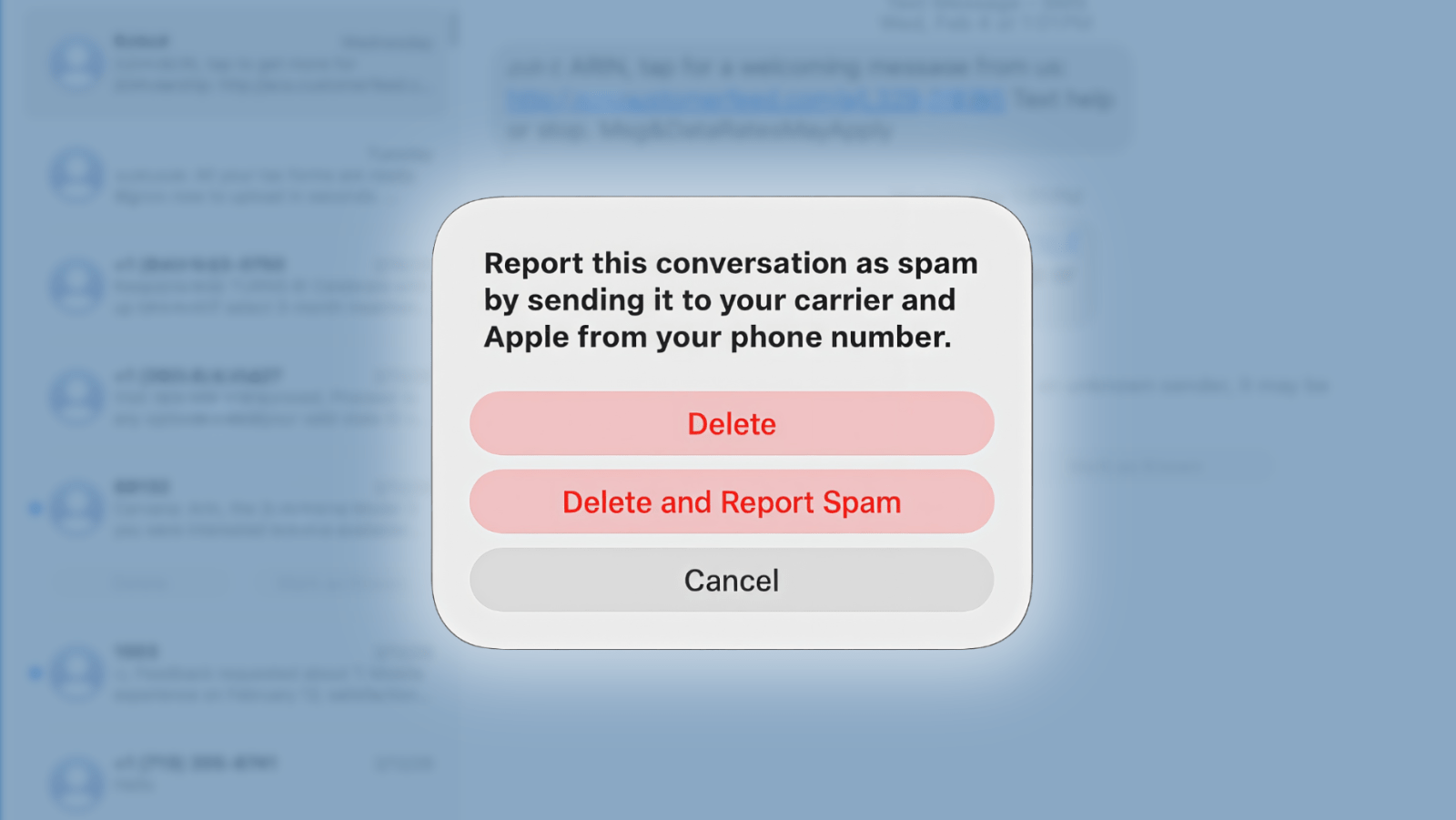
3. iMessage and FaceTime Filtering: Reports of spam through iMessage and FaceTime feed directly into Apple’s security infrastructure. Flagged numbers and accounts can be blocked at the network level, preventing bad actors from reaching users through these platforms.
The Evolution of Apple’s Anti-Spam Measures
Apple’s commitment to combating spam is evident in its continuous development of features and tools designed to protect users:
– iMessage Spam Reporting: Introduced ahead of iOS 7, this feature allows users to report unwanted messages directly to Apple by forwarding the message along with the sender’s information and the date and time of receipt. This initiative enables Apple to investigate and take action against spammers. ([9to5mac.com](https://9to5mac.com/2013/07/30/apple-introduces-imessage-spam-reporting/?utm_source=openai))
– Enhanced Message Filtering in iOS 26: The Messages app in iOS 26 includes a ‘Spam’ folder where messages from unknown senders are automatically categorized. In this folder, links are disabled, and users cannot reply to messages, reducing the risk of engaging with potential scams. Users can move messages back to the main inbox and report numbers as not spam if necessary. ([9to5mac.com](https://9to5mac.com/2025/07/23/messages-on-ios-26-will-make-it-harder-to-fall-for-phishing-scams/?utm_source=openai))
– Real-Time Spam Blocking with Truecaller: With the release of iOS 18.2, Apple introduced a Live Caller ID Lookup API, enabling apps like Truecaller to perform real-time spam and scam blocking. This API uses advanced encryption to protect user privacy while allowing for effective identification and blocking of unwanted calls. ([9to5mac.com](https://9to5mac.com/2025/01/22/ios-18-2-enables-real-time-spam-and-scam-blocking-in-truecaller-app/?utm_source=openai))
The Rising Threat of Sophisticated Spam Tactics
Despite these advancements, spammers continually develop new methods to bypass security measures:
– iPhone Farms: Security researchers have identified operations where large numbers of iPhones, equipped with rotating temporary Apple IDs, are used to send over 100,000 scam iMessages daily. These messages often impersonate legitimate entities, such as postal services or tax agencies, to deceive recipients. ([9to5mac.com](https://9to5mac.com/2025/04/02/iphone-farms-sending-more-than-100000-scam-imessages-per-day/?utm_source=openai))
– Calendar Spam: There has been a resurgence of calendar spam, particularly involving cryptocurrency scams. Spammers send calendar invitations containing malicious links, which can bypass email filters and directly appear in users’ calendars. Declining these invitations can inadvertently confirm to spammers that an account is active, leading to more spam. ([9to5mac.com](https://9to5mac.com/2025/09/08/apple-calendar-spam-on-the-rise-again-mostly-crypto-scams/?utm_source=openai))
Best Practices for Users to Combat Spam
To effectively combat spam and enhance personal security, users are encouraged to adopt the following practices:
1. Report Suspicious Communications: Utilize Apple’s reporting features to flag spam emails, messages, and calls. This collective effort aids in the identification and mitigation of threats.
2. Exercise Caution with Unsolicited Messages: Avoid clicking on links or opening attachments from unknown or unexpected senders. Be particularly wary of messages that create a sense of urgency or request personal information.
3. Keep Software Updated: Regularly update your devices to the latest software versions to benefit from the most recent security enhancements and features.
4. Enable Two-Factor Authentication: Add an extra layer of security to your Apple ID and other accounts by enabling two-factor authentication, which requires a second form of verification in addition to your password.
5. Use Trusted Security Apps: Consider using reputable security applications that offer real-time spam and scam blocking, such as Truecaller, to further protect against unwanted communications.
Conclusion
User participation in reporting spam is a cornerstone of Apple’s strategy to maintain a secure and trustworthy digital environment. By actively reporting spam and adhering to best practices, users contribute to the collective defense against malicious activities, ensuring a safer experience for the entire Apple community.