Apple Releases visionOS 26.4 Beta 2 to Public Beta Testers
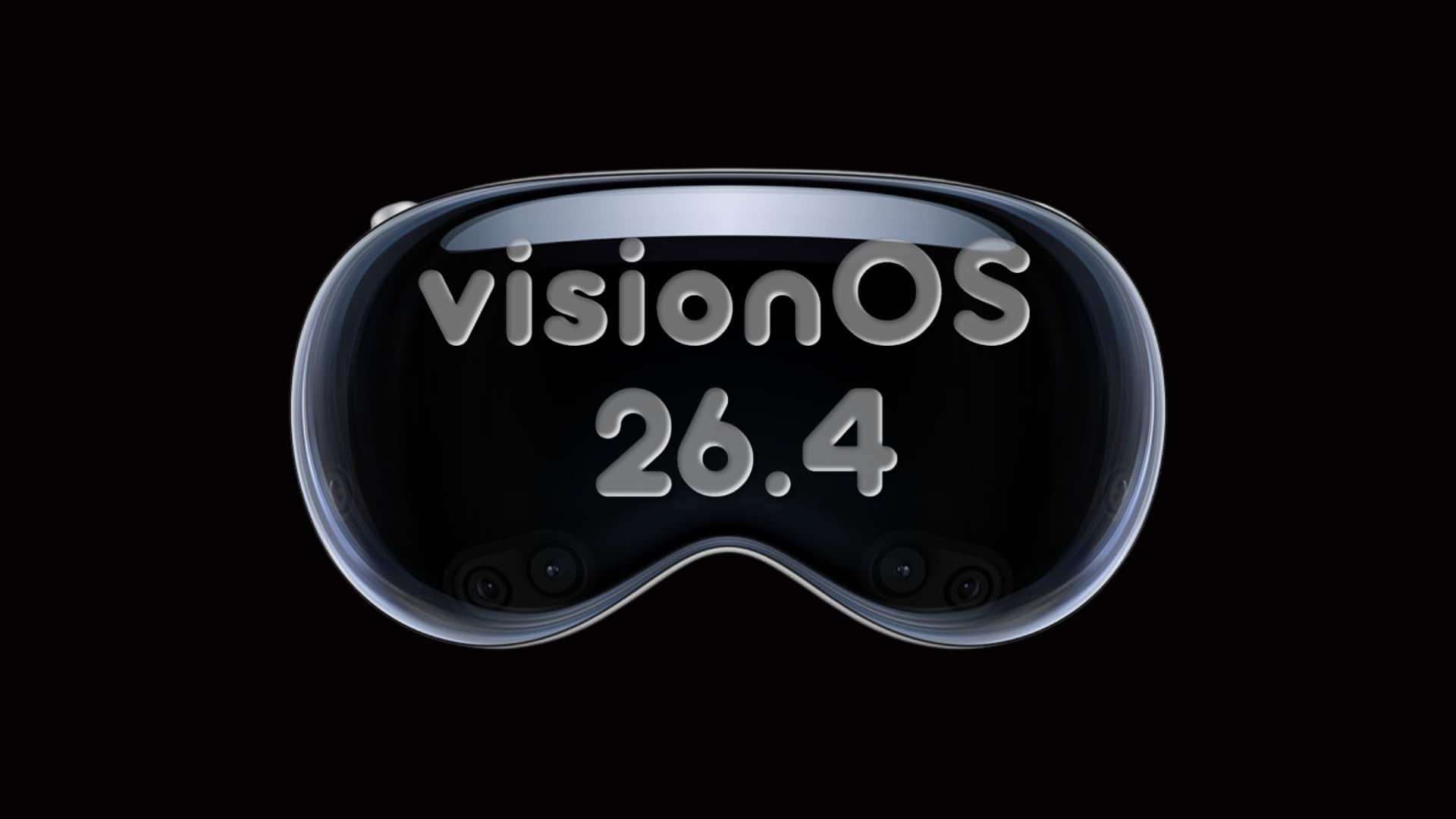
Apple has advanced the visionOS 26.4 beta cycle by releasing the second public beta for Apple Vision Pro users on February 23, 2026. This update, identified by build number 23O5220e, follows the initial beta launched on February 16, 2026.
How to Update:
To install visionOS 26.4 Beta 2 on your Apple Vision Pro:
1. Open the Settings app.
2. Navigate to General.
3. Select Software Update.
4. If enrolled in the public beta program, choose the visionOS Public Beta option under Beta Updates.
5. Download and install the update, following the on-screen instructions.
Important Considerations:
Before proceeding with the update:
– Backup Data: Ensure all important data is backed up, as beta versions can introduce unforeseen issues.
– Battery Life: Beta software may lead to increased battery consumption.
– App Compatibility: Some applications might not function correctly with beta releases.
Changes in Beta 2:
The second beta of visionOS 26.4 primarily focuses on maintenance, addressing bug fixes and enhancing performance. No major new features have been highlighted in this release. However, Apple often distributes changes across multiple beta versions, making each update valuable for testing and feedback.
Areas to Monitor:
Users are encouraged to explore the following areas for subtle improvements:
– System Settings: Look for any adjustments or new options.
– Window Behavior: Observe any changes in how windows operate or respond.
– Hand and Eye Tracking: Assess the responsiveness and accuracy of tracking features.
– Apple Applications: Check for updates or enhancements in pre-installed apps.
Troubleshooting Update Availability:
If the update isn’t immediately visible:
– Apple ID Verification: Confirm you’re signed in with the Apple ID registered in the beta program.
– Connectivity and Power: Ensure the device is connected to Wi-Fi and has sufficient battery life.
– Beta Program Enrollment: Verify that the Beta Updates option is set to the public beta track.
– Patience: Rollouts can be staggered; wait and check again later.
Conclusion:
The release of visionOS 26.4 Beta 2 marks another step in refining the Apple Vision Pro experience. Users are encouraged to install the update, explore any changes, and provide feedback to assist in the development process.