Apple Releases macOS 26.4 Beta 2: New Features and Enhancements Unveiled
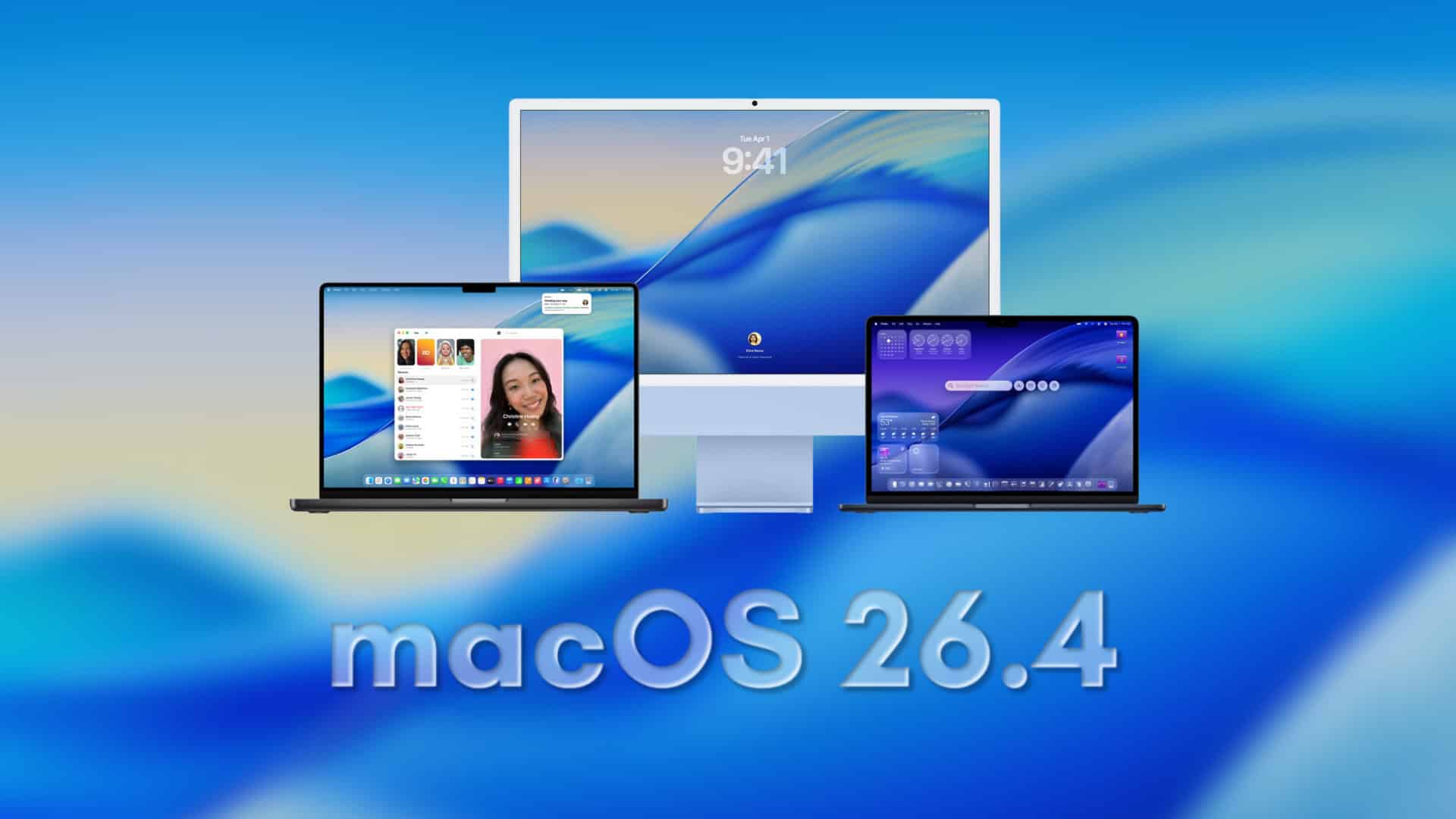
Apple has recently rolled out the second developer beta of macOS 26.4, marking a significant step in the ongoing development of its operating system. This update, identified by build number 25E5218f, is now accessible to developers through the Software Update section on Macs enrolled in the developer beta program. As with all beta releases, users should anticipate potential bugs, application issues, and battery performance variations. Therefore, it’s crucial to back up your system before proceeding with the installation.
How to Update to macOS 26.4 Beta 2:
1. Open System Settings: Navigate to the Apple menu and select System Settings.
2. Access Software Update: Click on General, then select Software Update.
3. Select Beta Updates: Click on the Beta Updates option and choose the developer beta for macOS.
4. Download and Install: Click Download and Install to initiate the update process.
Notable Features and Enhancements in macOS 26.4:
1. Charge Limit for MacBook Battery Health:
A significant addition in macOS 26.4 is the Charge Limit feature. This setting allows users to cap their MacBook’s charging capacity between 80% and 100%. By limiting the maximum charge, users can reduce long-term battery wear, especially for those who frequently keep their devices plugged in. This proactive measure aims to extend the overall lifespan of MacBook batteries.
2. Safari’s Compact Tab Bar Option Returns:
Responding to user feedback, Apple has reinstated the compact tab bar option in Safari. This feature offers a more streamlined and space-efficient browsing experience, catering to users who prefer a minimalist interface. The compact tab bar reduces the space occupied by tabs, allowing for a cleaner and more organized browsing environment.
3. Enhanced Rosetta 2 Warnings:
With the impending transition away from Intel-based applications, macOS 26.4 introduces more prominent warnings related to Rosetta 2. Rosetta 2 is the translation layer that enables Apple silicon Macs to run Intel-based apps. The new alerts serve as a reminder for users to identify and update applications that still rely on Rosetta 2, ensuring compatibility with future macOS versions. This proactive approach helps users prepare for the eventual phasing out of Rosetta 2 support.
Additional Context:
The introduction of the Charge Limit feature aligns with Apple’s ongoing efforts to enhance device longevity and user experience. By providing users with tools to manage battery health proactively, Apple aims to reduce the environmental impact associated with battery replacements and electronic waste.
The return of Safari’s compact tab bar option reflects Apple’s responsiveness to user preferences. The compact tab bar was a popular feature in previous versions of Safari, and its reinstatement demonstrates Apple’s commitment to offering customizable user interfaces that cater to diverse user needs.
The enhanced Rosetta 2 warnings are part of Apple’s broader strategy to transition its user base to Apple silicon. By alerting users to the reliance on Rosetta 2, Apple encourages developers and users to update their applications to native Apple silicon versions, ensuring optimal performance and compatibility in future macOS releases.
Looking Ahead:
Apple is expected to continue refining macOS 26.4 through subsequent beta releases, addressing any issues identified by developers and incorporating additional enhancements. The final public release is anticipated in the spring, bringing these new features and improvements to all macOS users.