Apple Unveils Beta Firmware 8B5034f for AirPods Pro 2, AirPods Pro 3, and AirPods 4
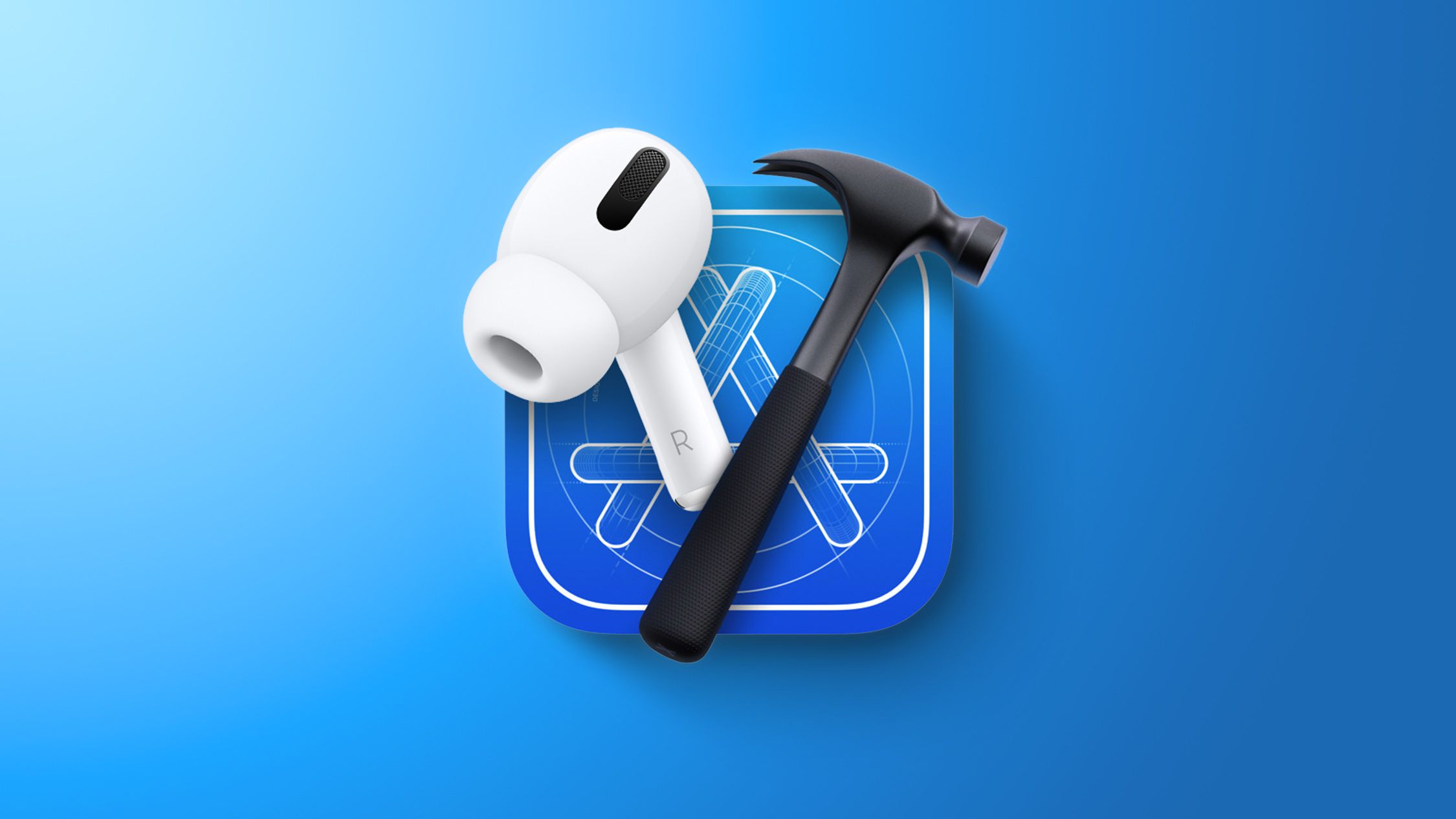
On February 12, 2026, Apple introduced a new beta firmware, version 8B5034f, for its AirPods Pro 2, AirPods Pro 3, and AirPods 4 models. This release is currently exclusive to developers, with no public beta available at this time.
Understanding Beta Firmware Releases
Beta firmware versions are pre-release updates that allow developers to test and provide feedback on new features and improvements before they are rolled out to the general public. These updates are crucial for identifying and resolving potential issues, ensuring a smooth user experience upon official release.
Installation Process for Developers
To install the beta firmware, developers need to have their AirPods connected to a device running iOS 26, iPadOS 26, or macOS Tahoe. Apple has streamlined the beta testing process by introducing a firmware update installation option within the AirPods settings interface. This feature simplifies the process of downloading and installing beta firmware directly from the connected device.
Steps to Enable Beta Firmware Updates:
1. Connect Your AirPods: Ensure your AirPods are connected to your iPhone, iPad, or Mac.
2. Access Settings: Open the Settings app on your device.
3. Navigate to AirPods Settings: Tap on your AirPods listed under the device’s Bluetooth settings.
4. Enable Beta Updates: Scroll down to the ‘AirPods Beta Updates’ section and toggle the switch to enable beta firmware downloads.
Once these steps are completed, the beta firmware will be installed automatically when your AirPods are in their charging case and near your device. The update process may take some time, so patience is advised.
Potential Features and Improvements
While the specific enhancements included in firmware version 8B5034f have not been disclosed, previous beta firmware releases have introduced notable features such as:
– Improved Audio Quality: Enhancements in audio performance for phone and video calls, providing clearer and more natural sound.
– Studio-Quality Recording: Support for high-quality audio recording, beneficial for interviews, podcasts, and video content creation.
– Camera Remote Functionality: The ability to use AirPods as a remote control for the Camera app, allowing users to capture photos or start video recordings with a simple press on the AirPods stem.
– Sleep Detection: Automatic pausing of audio playback when the user falls asleep while wearing AirPods, enhancing user comfort and battery efficiency.
Checking Your Firmware Version
To verify the current firmware version of your AirPods:
1. Connect Your AirPods: Ensure your AirPods are connected to your device.
2. Open Settings: Navigate to the Settings app on your iPhone, iPad, or Mac.
3. Access Bluetooth Settings: Tap on ‘Bluetooth’ and locate your AirPods in the list of connected devices.
4. View Firmware Version: Tap the ‘Info’ button next to your AirPods to view the firmware version.
Caution for Non-Developers
It’s important to note that beta firmware is primarily intended for developers and may contain bugs or incomplete features. Non-developers are advised to wait for the official public release to ensure a stable and fully functional experience.
Conclusion
Apple’s release of beta firmware 8B5034f for AirPods Pro 2, AirPods Pro 3, and AirPods 4 underscores the company’s commitment to continuous improvement and innovation. By providing developers with early access to new features and enhancements, Apple ensures that its products meet high standards of quality and user satisfaction. Users can look forward to these updates becoming available to the general public following thorough testing and refinement.