How to Watch Super Bowl LX on Apple TV: A Comprehensive Guide
Super Bowl LX is set to take place on Sunday, February 8, 2026, at Levi’s Stadium in Santa Clara, California, featuring a highly anticipated rematch between the New England Patriots and the Seattle Seahawks. For Apple TV users eager to catch the game, understanding the available streaming options is essential.
Understanding Apple TV’s Role
Apple TV serves as a versatile streaming device, but it does not inherently broadcast live events like the Super Bowl. To watch the game, users must access streaming services that hold broadcasting rights. In 2026, NBC holds the rights to air Super Bowl LX, making their platforms the primary sources for live coverage.
Streaming Options on Apple TV
1. Peacock Premium: NBC’s streaming service, Peacock, will broadcast Super Bowl LX live. Subscribers to Peacock Premium can access the game directly through the Peacock app available on Apple TV. The Premium tier is priced at $10.99 per month. For those seeking an ad-free experience, Peacock Premium Plus is available at $17.99 per month. ([malaysia.news.yahoo.com](https://malaysia.news.yahoo.com/how-to-watch-the-2026-super-bowl-215109806.html/?utm_source=openai))
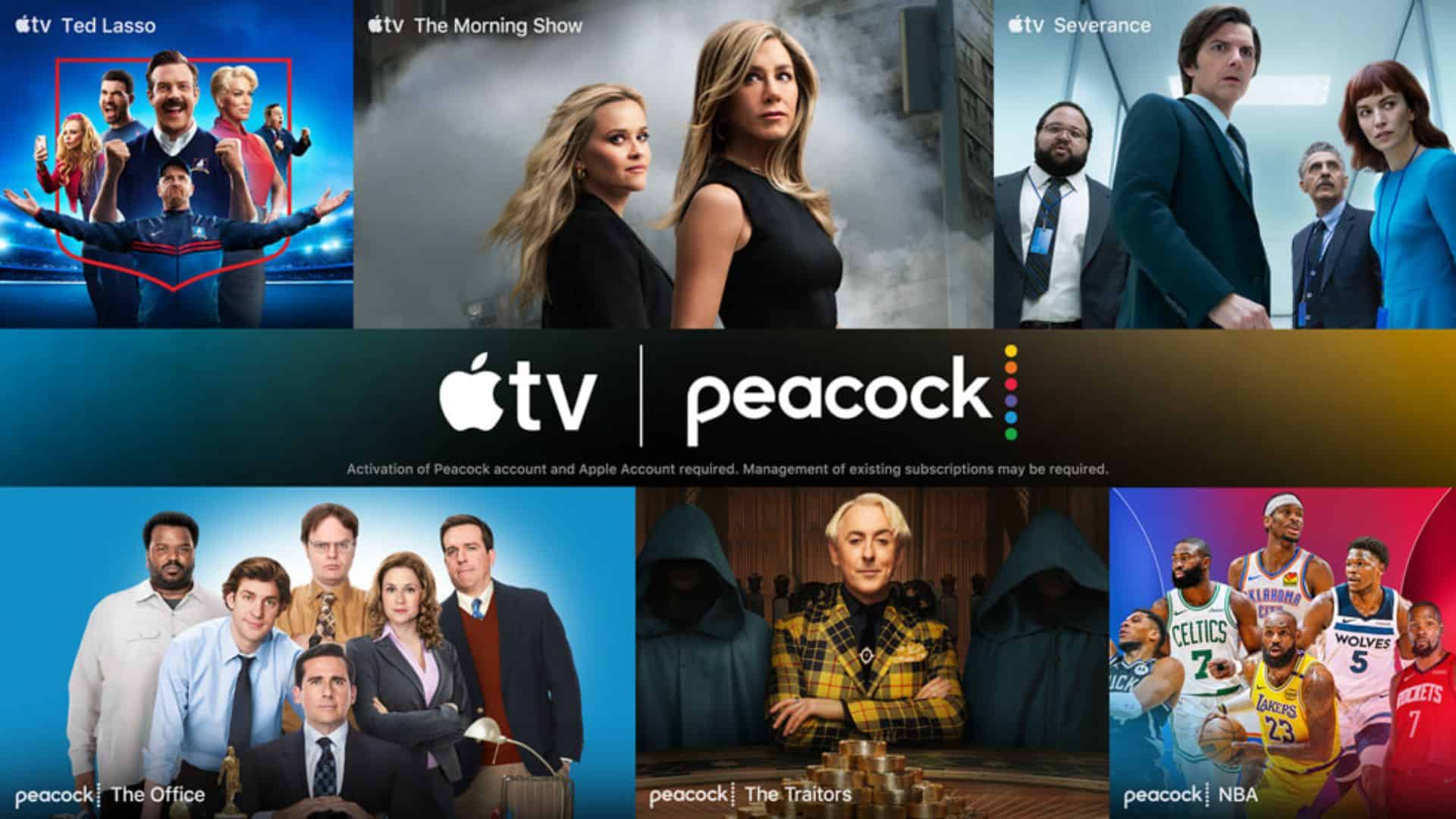
2. Apple TV and Peacock Bundle: Apple TV subscribers have the option to add Peacock Premium for an additional $2 per month. This bundle offers a cost-effective way to access both services, totaling $14.99 per month. For an ad-free experience, the bundle with Peacock Premium Plus is available at $20 per month. ([9to5mac.com](https://9to5mac.com/2026/02/05/apple-tv-users-get-2-month-peacock-including-super-bowl-and-olympics/?utm_source=openai))
3. Live TV Streaming Services: Several live TV streaming platforms that include NBC are compatible with Apple TV:
– YouTube TV: Offers a comprehensive package with NBC and other major networks. New users can take advantage of a free trial period.
– Hulu + Live TV: Provides access to NBC and a variety of other channels. Subscription plans are available with trial options for new subscribers.
– Sling TV: Offers NBC in select markets. It’s advisable to check local availability.
– DIRECTV Stream: Includes NBC in its channel lineup, with various subscription tiers.
These services can be downloaded from the App Store on Apple TV.
4. Over-the-Air Broadcasts: If you have an antenna connected to your television, you can access NBC’s over-the-air broadcast. While this method doesn’t involve Apple TV directly, you can use AirPlay to mirror the broadcast from a compatible device to your Apple TV.
Free or Trial Options
For viewers seeking cost-effective methods to watch Super Bowl LX:
– Walmart+ Free Trial: Walmart+ offers a 30-day free trial, which includes access to Peacock Premium’s ad-supported tier. By signing up for this trial, you can watch the Super Bowl without additional costs. After registering, download the Peacock app on your Apple TV, sign in, and enjoy the game. ([macrumors.com](https://www.macrumors.com/2026/02/06/2026-super-bowl-watch-free-iphone-apple-tv/?utm_source=openai))
– Free Trials of Streaming Services: Many live TV streaming services, such as YouTube TV and Hulu + Live TV, offer free trial periods ranging from 7 to 14 days. By initiating a trial close to the Super Bowl date, you can access the game without incurring charges. Remember to cancel the subscription before the trial period ends to avoid fees.
Additional Viewing Information
Super Bowl LX will kick off at 6:30 p.m. Eastern Time (3:30 p.m. Pacific Time). Pre-game coverage typically begins several hours earlier, providing in-depth analysis, interviews, and entertainment leading up to the main event.
The halftime show will feature Puerto Rican rapper and singer Bad Bunny as the headline performer, with guest appearances from Lady Gaga, Ricky Martin, and Los Pleneros de la Cresta. This marks the first time a Latino solo artist headlines the halftime show, delivering a performance predominantly in Spanish. ([en.wikipedia.org](https://en.wikipedia.org/wiki/Super_Bowl_LX_halftime_show?utm_source=openai))
Technical Considerations
To ensure a seamless viewing experience on Apple TV:
– Stable Internet Connection: A high-speed internet connection is crucial for streaming live events without buffering.
– App Installation: Prior to game day, download and install the necessary streaming apps (e.g., Peacock, YouTube TV) from the App Store on your Apple TV.
– Account Setup: Create accounts and complete any required subscriptions or trials ahead of time to avoid last-minute issues.
– Device Updates: Ensure your Apple TV and related apps are updated to the latest versions to benefit from performance improvements and bug fixes.
Conclusion
While Apple TV does not directly broadcast Super Bowl LX, it serves as a gateway to various streaming services that do. By selecting the appropriate service—be it Peacock Premium, a bundled subscription, or a live TV streaming platform—you can enjoy the game live on your Apple TV. Exploring free trials and promotional offers can also provide cost-effective viewing options. With proper preparation, Apple TV users can look forward to an exciting Super Bowl experience from the comfort of their homes.