Google Enhances Chrome with Gemini Side Panel, Inline Gmail Compose, and More
Google has introduced significant updates to its Gemini integration within the Chrome browser, aiming to enhance user experience and productivity. These enhancements include a new side panel interface, seamless Gmail composition, and advanced image editing capabilities.
Introduction of the Side Panel Interface
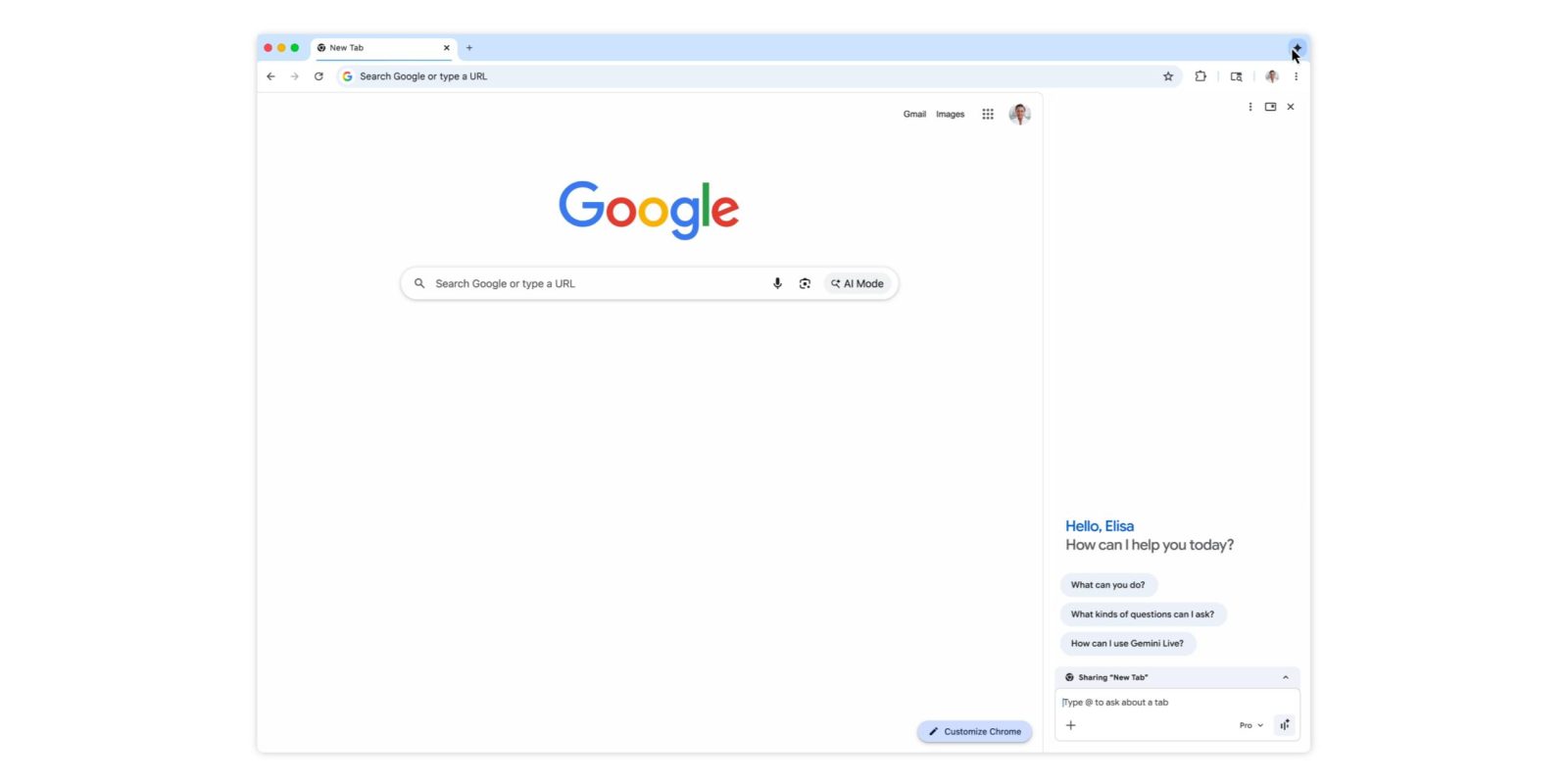
Previously, Gemini in Chrome utilized a floating window for user interactions. The latest update introduces a side panel interface that is specific to each browser tab, facilitating improved multitasking. Users can now choose between the traditional floating window and the new side panel by selecting their preferred interface from the top-right corner of the browser. This feature is currently being rolled out to users.
Integration with Connected Google Applications
Gemini’s functionality has been expanded to integrate with various Google applications, including Calendar, YouTube, Maps, Google Shopping, and Google Flights. A notable enhancement is the integration with Gmail, allowing users to compose emails directly from the Gemini interface. By instructing Gemini to draft an email, a compose window appears within the Gemini interface, enabling users to send emails without leaving the current browser tab. This feature is designed to streamline communication and is already available to users.
Advanced Image Editing with Nano Banana Integration
The update also introduces Nano Banana integration, which allows users to edit or transform images directly within the browser. By sharing their screen and specifying the desired edits in the side panel, users can modify images without the need to download, re-upload, or open additional tabs. Once the edits are made, the generated image can be opened in a new tab for further use. This feature is currently being rolled out to users.
Future Developments: Personal Intelligence
Looking ahead, Google plans to introduce Personal Intelligence to Gemini in Chrome. This feature aims to provide context-aware assistance by remembering information from past interactions, thereby offering tailored responses to user queries. The goal is to transform the browsing experience into a more personalized and proactive tool. Personal Intelligence is expected to be available in the coming months.
Availability
These new features are being rolled out to users on Mac, Windows, and ChromeOS platforms, enhancing the functionality and user experience of the Chrome browser.