iPadOS 26.2: Elevating Multitasking and Connectivity on the iPad
Apple has officially released iPadOS 26.2, introducing a suite of enhancements aimed at refining the iPad user experience. This update focuses on revitalizing multitasking capabilities, streamlining file sharing, and enriching various native applications.
Revamped Multitasking with Drag-and-Drop Functionality
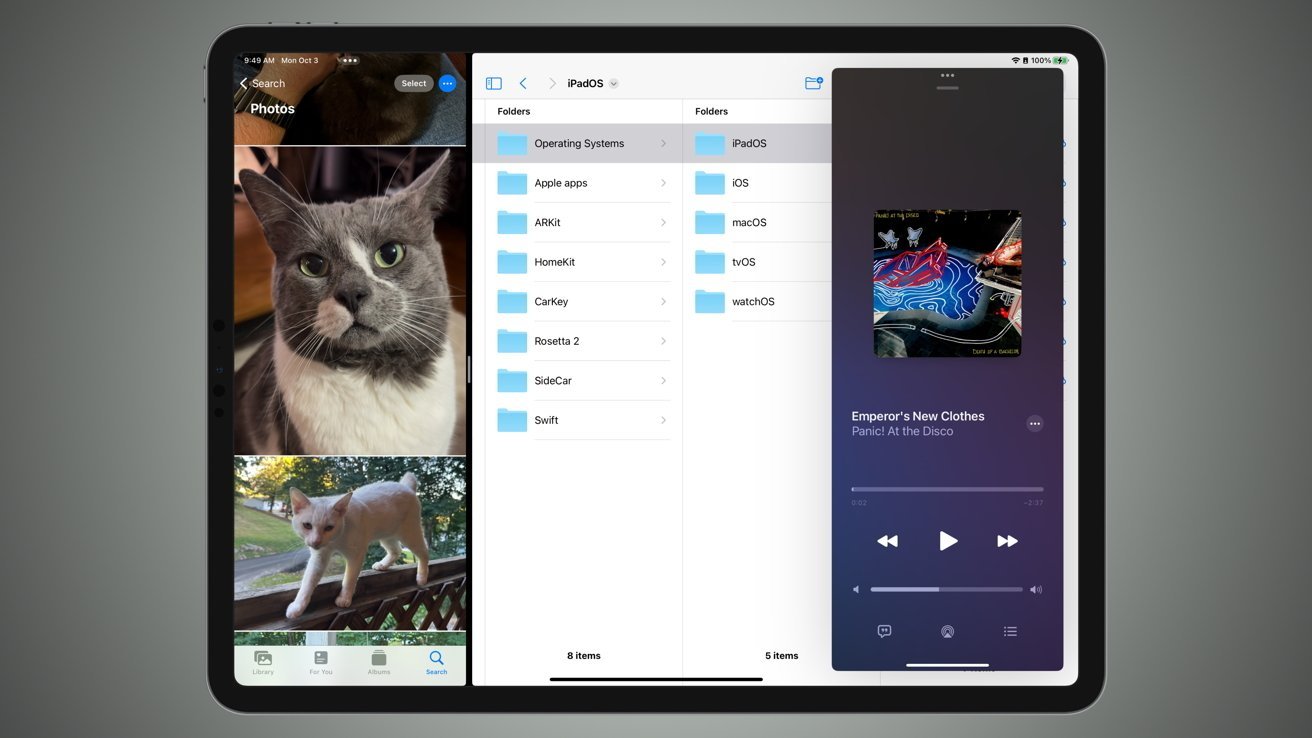
A standout feature of iPadOS 26.2 is the reintroduction of drag-and-drop gestures for multitasking. Users can now effortlessly drag app icons from the Dock, App Library, or Spotlight search and drop them onto different parts of the screen to initiate multitasking setups. This intuitive method allows for:
– Split View: Positioning two apps side by side for simultaneous use.
– Slide Over: Overlaying a secondary app in a floating window that can be easily dismissed or recalled.
This restoration addresses user feedback from previous versions, offering a more fluid and familiar multitasking experience. ([9to5mac.com](https://9to5mac.com/2025/12/12/ipados-26-2-is-now-available-for-ipad-heres-everything-new/?utm_source=openai))
AirDrop Enhancements with Temporary Sharing Codes
iPadOS 26.2 introduces a novel approach to AirDrop, enhancing both security and convenience. Users can now generate one-time codes to share with others, granting temporary AirDrop access without the need to add them as contacts. Key aspects include:
– Temporary Access: The generated code allows file sharing for up to 30 days, after which access is automatically revoked.
– Privacy Preservation: This method eliminates the need to set AirDrop to Everyone, reducing exposure to unsolicited files.
To utilize this feature, navigate to Settings > General > AirDrop and select Manage Known AirDrop Contacts. ([appleinsider.com](https://appleinsider.com/articles/25/12/12/ipados-262-brings-better-split-view-airdrop-codes-to-ipad?utm_source=openai))
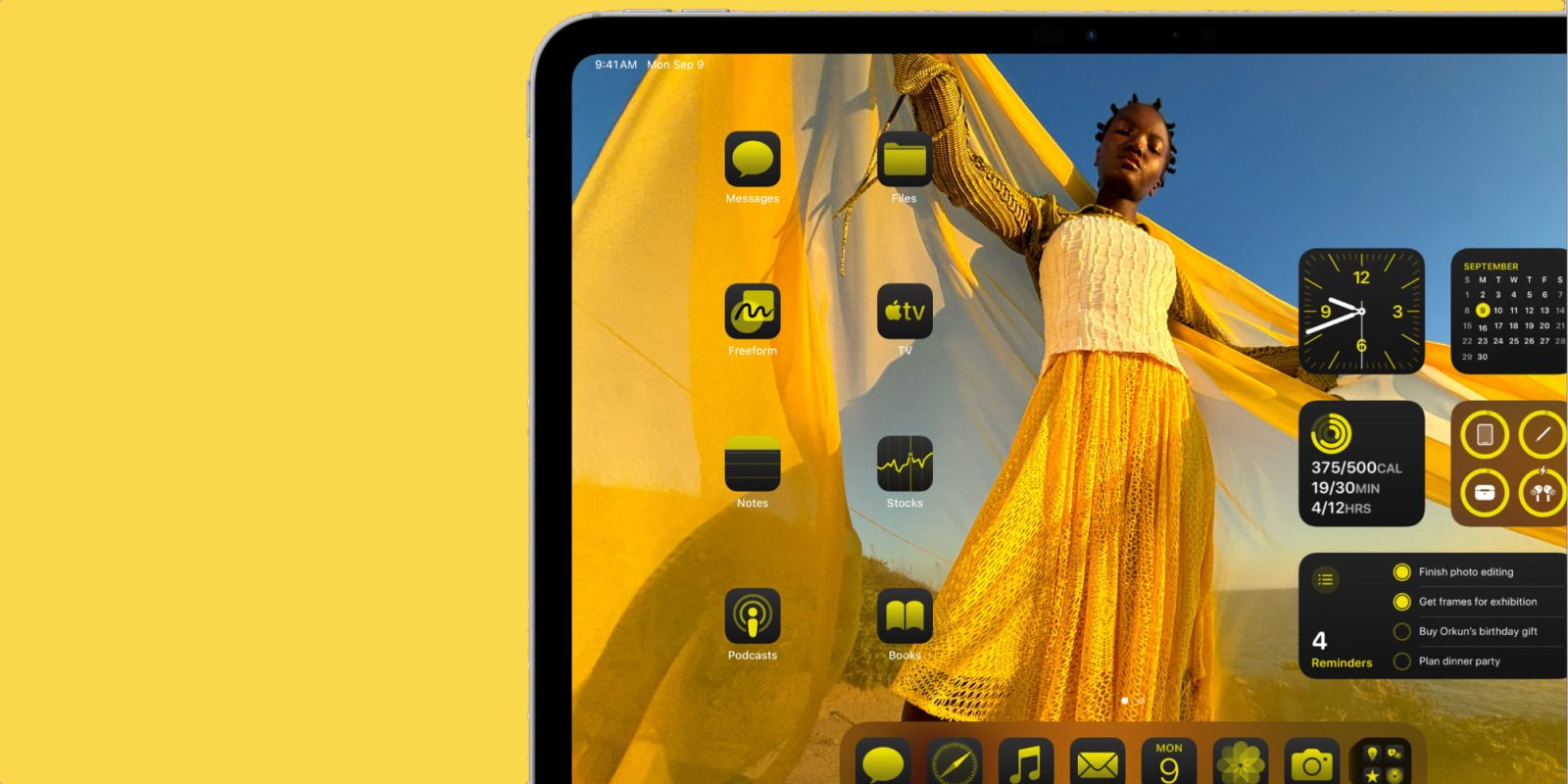
Liquid Glass Customization
The update brings enhancements to the Liquid Glass interface, particularly on the Lock Screen:
– Clock Transparency: A new slider allows users to adjust the transparency of the Lock Screen clock, offering personalized aesthetics.
– Refined Animations: Subtle improvements to animations, such as in the Photos app, contribute to a more dynamic user interface.
These adjustments reflect Apple’s commitment to evolving the Liquid Glass design based on user feedback. ([appleinsider.com](https://appleinsider.com/articles/25/12/12/ipados-262-brings-better-split-view-airdrop-codes-to-ipad?utm_source=openai))
Reminders App: Introducing ‘Urgent’ Alarms
The Reminders app now features an Urgent option, enabling users to:
– Set Alarms: Assign specific due times to tasks, prompting audible alarms to ensure critical tasks are not overlooked.
– Enhanced Notifications: The app can schedule alarms and timers for tasks marked as urgent, providing timely reminders.
This addition aims to bolster task management efficiency for users with time-sensitive responsibilities. ([appleinsider.com](https://appleinsider.com/articles/25/12/12/ipados-262-brings-better-split-view-airdrop-codes-to-ipad?utm_source=openai))
Podcasts App: Automated Chapters and Enhanced Navigation
Podcast enthusiasts will appreciate several upgrades in the Podcasts app:
– Auto-Generated Chapters: The app now automatically divides episodes into chapters, facilitating easy navigation through content.
– Clickable References: Users can follow mentioned podcasts directly from the player and access shared links on the episode page.
These features are designed to enhance the listening experience by providing structured and interactive content navigation. ([appleinsider.com](https://appleinsider.com/articles/25/12/12/ipados-262-brings-better-split-view-airdrop-codes-to-ipad?utm_source=openai))
Games App: Improved Library Management and Controller Support
Gamers will find the following enhancements in the Games app:
– Library Filtering: Filter games by category, size, and other criteria to quickly locate desired titles.
– Real-Time Score Tracking: Monitor challenge scores in real-time during multiplayer games, adding a competitive edge.
– Controller Navigation: Navigate the app using game controllers, reducing reliance on touch inputs.
These updates aim to streamline game management and enhance the overall gaming experience on the iPad. ([appleinsider.com](https://appleinsider.com/articles/25/12/12/ipados-262-brings-better-split-view-airdrop-codes-to-ipad?utm_source=openai))
Additional Noteworthy Features
Beyond the major updates, iPadOS 26.2 includes:
– Apple Music Enhancements: Introduction of a Favorite Songs playlist and offline lyrics for downloaded songs.
– Live Translation for AirPods: Deployment of live translation features for AirPods users in the EU.
– Enhanced Safety Alerts: Provision of detailed information regarding imminent threats, such as natural disasters, including maps of affected areas.
These additions underscore Apple’s dedication to providing a comprehensive and user-centric operating system. ([technetbooks.com](https://www.technetbooks.com/2025/12/apple-ios-262-released-with-full.html?utm_source=openai))
How to Update to iPadOS 26.2
To update your iPad to iPadOS 26.2:
1. Manual Update: Open the Settings app, select General, then tap Software Update. If the update is available, follow the on-screen instructions to install it.
2. Automatic Updates: Ensure Automatic Updates are enabled in the Software Update settings to receive future updates seamlessly.
By embracing iPadOS 26.2, users can enjoy a more refined, efficient, and personalized iPad experience, reflecting Apple’s ongoing commitment to innovation and user satisfaction.