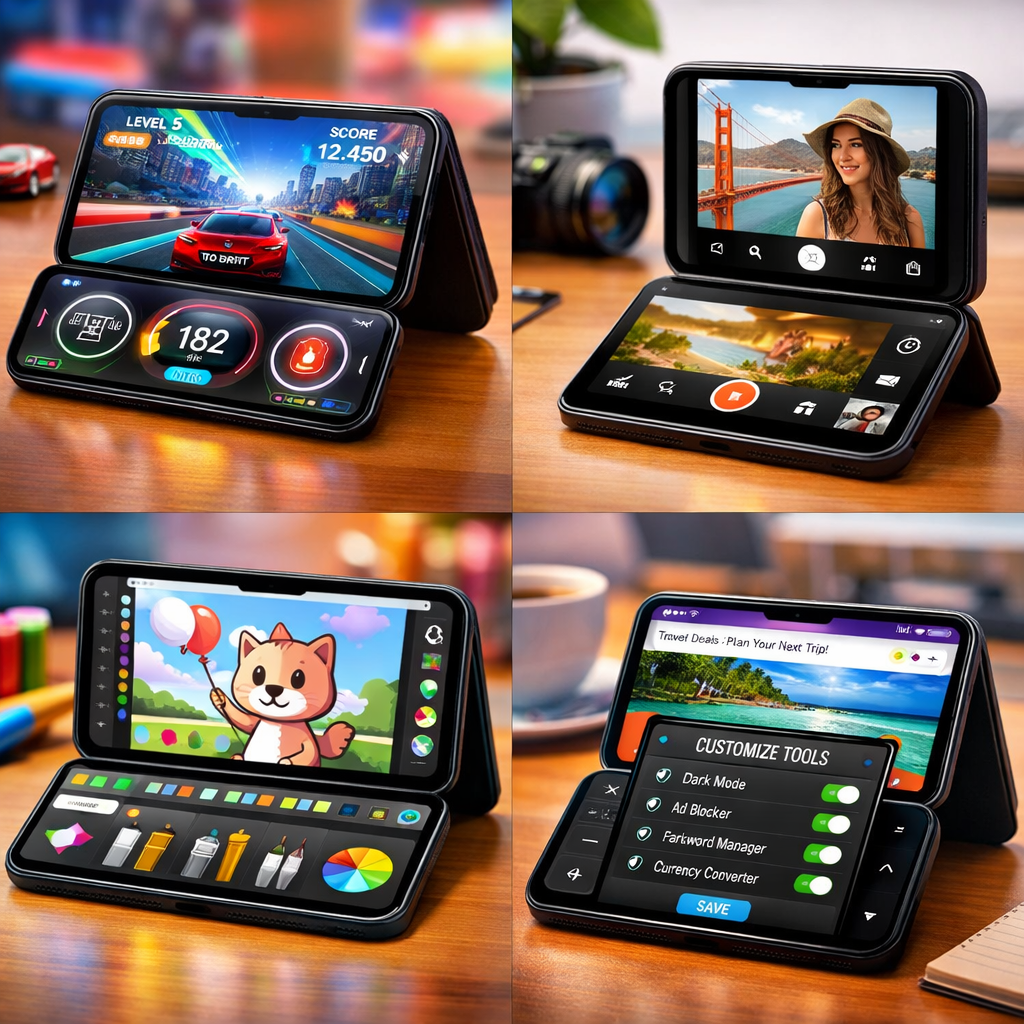
The iPhone Duo has just hit shelves, and developers are already bending it into shapes that go far beyond foldable phones’ usual tricks. Day one saw some strong releases—but this week’s picks stretch what Duo apps can be, serving up mini-games, multitasking tools, artistic outlets, and mindset-shifting experiments that play with both screens.
Not Just Another Display: How Duo Apps Reimagine Interaction
The unique folding design of the iPhone Duo gives rise to apps that divide functions across screens. For example, some rhythm and painting tools place controls on one half, the output or canvas on the other—think piano keys below, song visuals above. Others flip usage based on orientation: tent mode for wrist-friendly interaction, laptop mode for typing, and fully closed for simple gestures or quick actions. Even Safari gets extensions that capitalize on hidden width to expand button alignment and reduce visual clutter.
30 Standouts: From Games to Productivity
Below are 30 top apps that shine on Duo so far—grouped by how they stretch the Duo experience.
Fun & Games: “Marbles Unhinged” is a marble-maze puzzle where the hinge ramps and ramps up chaos. “Midnight Fridge” becomes a memory game disguised as a fridge door magnet tableau. “Greens: Mini Golf” lets you play across the fold, with one side as the course and the other a live caddie cam. There’s even “Battlefleet Duo”—a turn-based naval showdown spread out across both screens.
Clever & Novel: Feeling artistic? “AltoPaint” offers watercolor to gouache tools across Duo’s spread. “Post Club” and “Halfpage” mimic old-school typewriters with tactile half-fold interactions. Mood menu: “AskZine” is a question-and-answer flip-book vibe; “Duo Aquarium” turns tent mode into a live wallpaper, clock, and fish tank all in one. “Blankie” mixes music scrolling with mixer controls side-by-side.
Camera Experiments: “VNTG” turns the Duo into a foldable instant camera—you close it to snap, open it to reveal. “Flipcorder” lets you capture VHS-style video diaries and stores them like tapes. “IncrediBooth” packages your photos into strip formats—great for nostalgia fans.
Work & Utility: Looking for something serious? “SPAN” is a project tracker and timer with layouts for every fold. “BrainDrain” is designed for mental offloading—voice, text, and tent-mode journaling built in. Browser extensions like “Brim” and “Widen” leverage the outer screen’s width—one frees up unused space in Safari; the other breaks out media and text so you get cleaner reading.
Subscription models are showing up, too: “SPAN” for example offers a free trial week before tipping into a recurring charge for deeper tracking. Meanwhile, some titles unlock their full features via one-time fees, while others remain free with limited content or features.
As this ecosystem grows daily, these picks only scratch the surface. Expect more creative takes from fold-centric devs in the weeks ahead.
Takeaway: The iPhone Duo isn’t just another phone—it’s a new canvas. Apps that succeed aren’t just ported across; they reimagine what screens can do in sync. If you own a Duo, these thirty apps are well worth exploring. What to watch: how developers use fold positions to change the interface, whether interaction across the hinge feels natural, and how Apple’s app review might steer what’s usable vs. gimmicky in the long run.