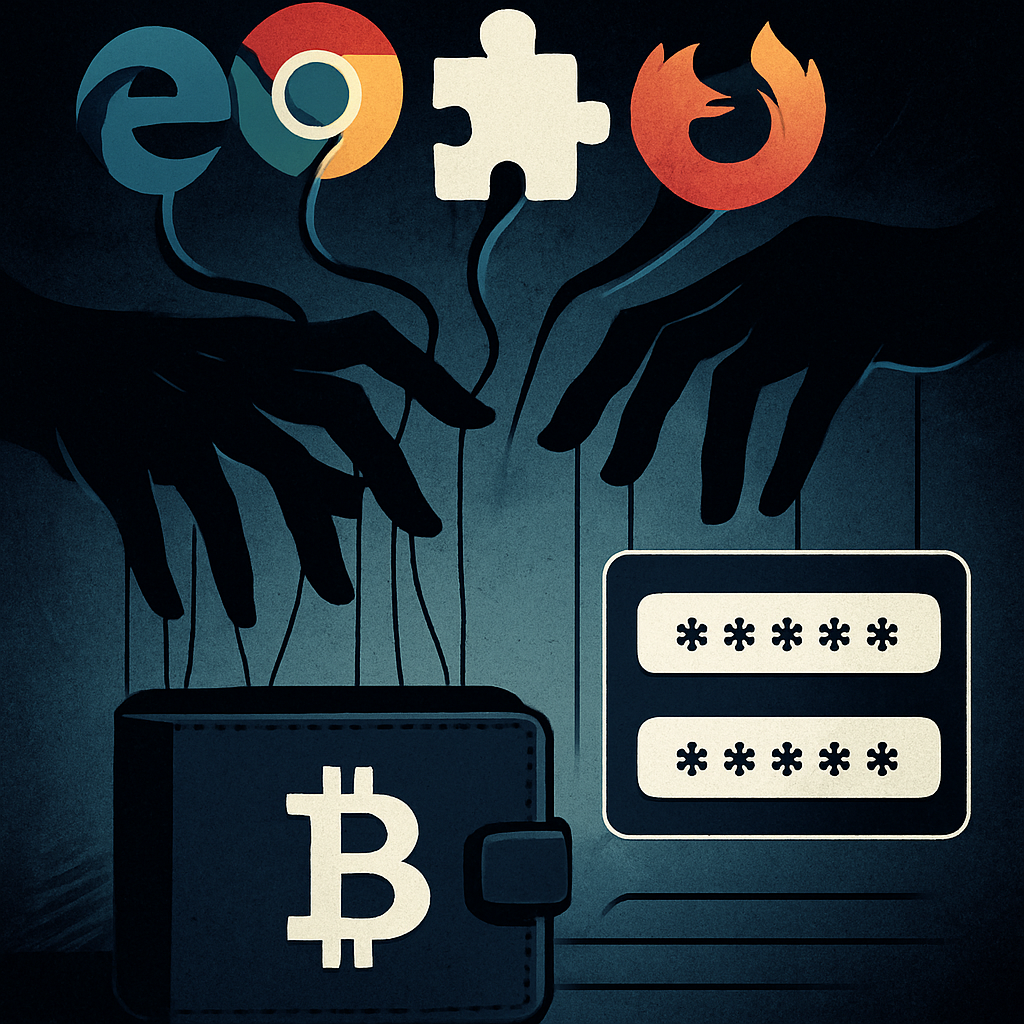
A malware campaign has emerged involving 19 browser extensions—for Chrome and Microsoft Edge—that have been stealing cryptocurrency wallet data and passwords. Originally benign tools like search helpers, price trackers, and copy-unlocking utilities were hijacked by attackers, who used stealthy updates to install malicious code.
Researchers at Socket.dev uncovered the operation, which they’ve named “Superior.” It spans 18 Chrome add-ons and one Edge extension. Some were developed by the attackers themselves; others were purchased from legitimate creators. Initially trustworthy, these extensions turned malicious after gaining users and access. The most widely impacted one, Enable Right Click & Copy – Smart Unlock + OCR, may have reached up to 80,000 users. While its Chrome version has been taken down, the Edge edition was still active at the time of disclosure.
How the Attacks Work
The malicious framework embedded within these extensions operates via updates. It deploys encrypted WebSocket connections to relay commands and modules to infected users, and it can dynamically switch C2 (command-and-control) servers. Key functionality includes stripping away browsers’ Content Security Policy policies, allowing attackers to inject and execute script from any site visited.
Modules loaded down the line are tailored to extract high-risk data: they intercept clicks or actions on ‘Connect Wallet’ and ‘Swap’ buttons to screw up transaction approvals; display fake wallet recovery or update interface screens to capture seed phrases; and siphon session cookies, access tokens, balances and account info from services like Coinbase, Binance, Kraken, and MetaMask. A universal form grabber also logs user input—email addresses, passwords—across websites. Collected data can include browsing history, social-media profile information, and even clipboard content via fake update prompts.
What to Do Now
Users should audit their installed extensions immediately, uninstall anything unfamiliar, and especially remove add-ons whose publisher or permissions changed recently. If you suspect exposure: change passwords using another secured device; terminate active sessions; and move any crypto holdings into a fresh wallet—especially if you ever entered your seed phrase into one of the compromised tools.
Organizations should maintain inventories of browser extensions, monitor outbound network behavior for anomalies, and treat updates or publisher switches as potential red flags. The report includes indicators of compromise: a list of primary and secondary C2 domains, payload-hosting domains, and specific extension IDs tied to the affected tools.
This attack is a sobering reminder: having an extension that seems useful doesn’t guarantee it remains safe. Once control changes hands—or updates introduce new scripts—what was once helpful becomes harmful. In our interconnected world where browser extensions have elevated privileges, remaining vigilant about permissions, publisher changes, and unexpected behaviors is no longer optional—it’s essential. Watch for unusual outbound connections, suspicious update prompts, and always assume that any extension might be compromised, especially if its behavior shifts.