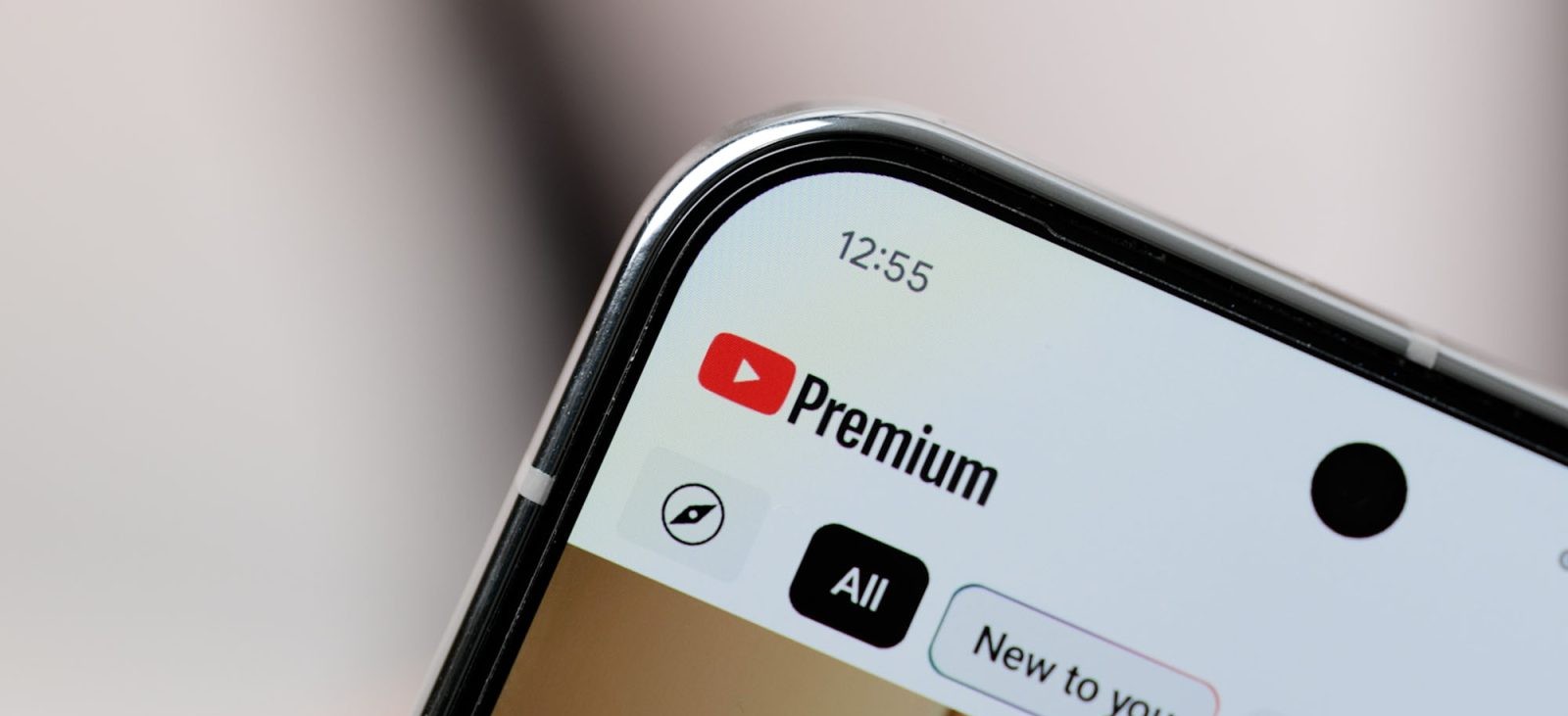
YouTube has initiated a significant redesign of its video player and iconography, aiming to provide a more immersive and user-friendly experience across Android, iOS, web, and TV platforms. This update introduces a cleaner interface, updated icons, and several functional enhancements to improve user engagement.
Unified Iconography for Enhanced Visibility
A key aspect of this redesign is the overhaul of YouTube’s icon set. The new icons feature bolder and more rounded outlines, enhancing visibility and accessibility. This update spans the entire application, including the top and bottom navigation bars and the video player interface. The design shift aligns with YouTube’s goal to create a more intuitive and cohesive user experience.
Video Player Enhancements for a Cleaner Viewing Experience
The video player has undergone substantial changes to minimize content obstruction and enhance user interaction. In portrait mode, users will notice the updated icon set, with the fullscreen button now larger and encased in a circle for easier access. Premium controls have also been modernized to align with the new design language.
In landscape mode, the thumbs up/down, comment, save, share, and overflow options are now grouped into a pill-shaped container located at the bottom-left corner. This arrangement provides a cleaner and more organized interface. Additionally, the More videos button has been refined for better usability. Notably, when a video is paused, the background no longer darkens, allowing users to view the content without unnecessary distractions.
Interactive and Dynamic Visual Feedback
YouTube has introduced dynamic visual treatments to enhance user engagement. When users like certain videos, they will experience custom animations based on the content. For instance, liking a music video triggers an animated musical note, while sports videos display a visual cue related to the game. This feature adds a layer of interactivity and enjoyment to the viewing experience.
Refined Gesture Controls
The double-tap to seek function has been updated to be more subtle and less intrusive. The new animation is compact, ensuring that users can navigate through videos without disrupting their viewing experience. This refinement reflects YouTube’s commitment to providing seamless and intuitive controls.
Additional Functional Improvements
Beyond visual enhancements, YouTube has implemented several functional updates:
– Seamless Navigation Between Tabs: Transitions between tabs now feature improved motion design, offering a smoother and more cohesive browsing experience.
– Streamlined Video Saving Process: Saving videos to playlists or the Watch Later list has been simplified with a refreshed design, making the process more visual and user-friendly.
– Enhanced Comment Threading: The introduction of structured comment threading allows for a more focused reading experience within the replies panel, facilitating better user interaction and engagement.
Global Rollout and User Accessibility
These updates are being rolled out globally, with users encouraged to update their YouTube applications to access the new features. The redesign reflects YouTube’s dedication to aligning the energy of its content with the look of its interface, aiming to make the platform more enjoyable and engaging for its diverse user base.