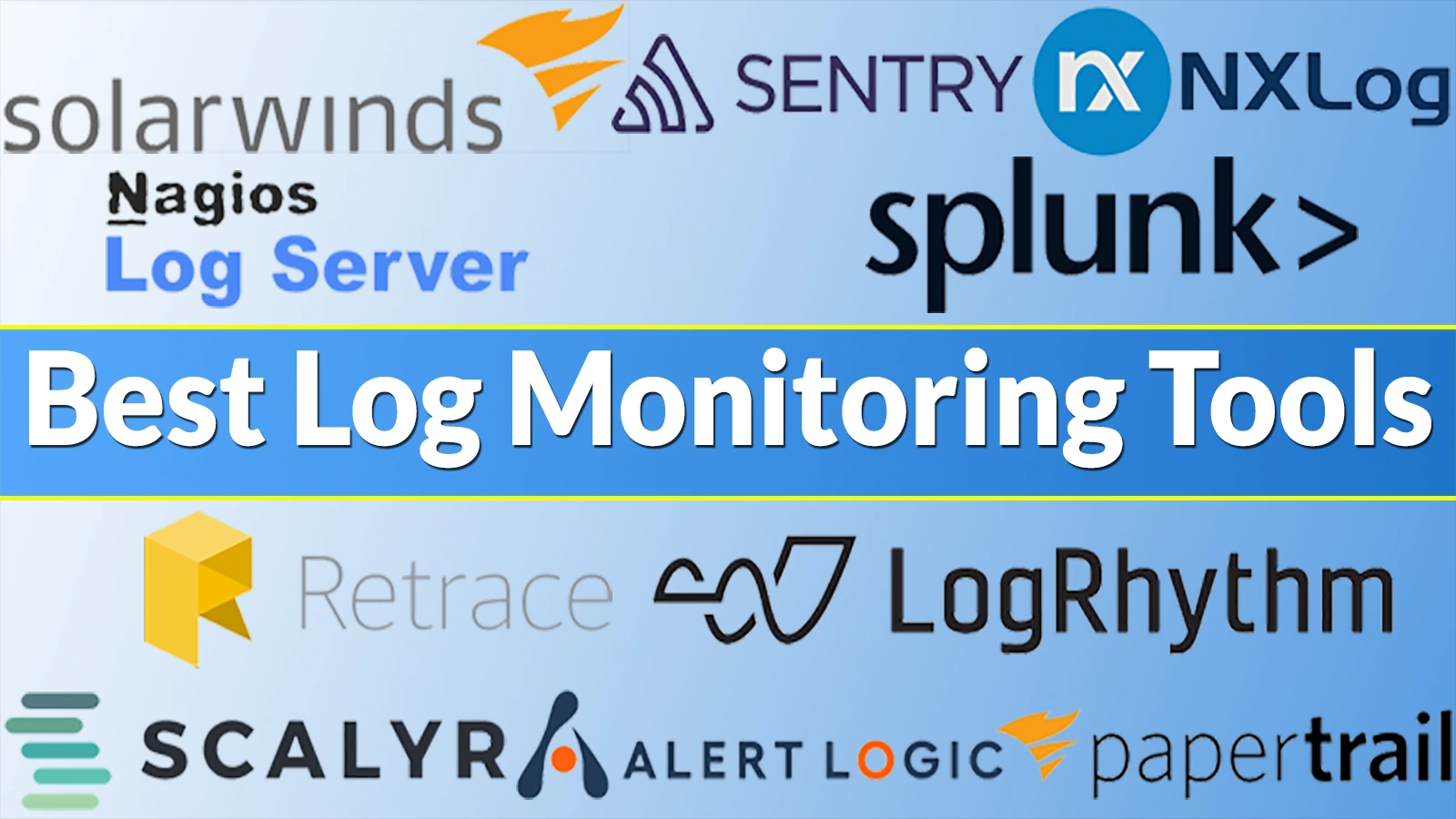
Top 10 Log Monitoring Tools to Enhance Your System’s Performance in 2026
In today’s rapidly evolving digital landscape, effective log monitoring has become indispensable for maintaining system health, ensuring security, and optimizing performance. As organizations increasingly adopt cloud-native technologies, containers, and microservices-based architectures, the complexity of IT environments has surged, leading to an exponential increase in the volume, velocity, and variety of logs. This complexity underscores the need for robust log monitoring tools that can efficiently collect, analyze, and interpret log data to provide actionable insights.
Understanding Logs and Log Monitoring
A log is a record of events occurring within a computing system, typically including a timestamp and details about the event. Logs are generated by applications, systems, and network devices, serving as vital resources for diagnosing issues, monitoring system stability, and detecting security vulnerabilities. Common types of logs include:
– Event Logs: Capture network traffic and usage information, such as login attempts and application events.
– Server Logs: Text files documenting actions related to a specific server over a defined period.
– System Logs (Syslogs): Record operating system-related events, including startup messages, system modifications, and errors.
– Authorization and Access Logs: List entities that have accessed specific files or software.
– Change Logs: Detail the sequence of changes made to applications or files.
– Availability Logs: Monitor system performance, uptime, and availability.
– Resource Logs: Provide information on connectivity challenges and capacity limitations.
– Threat Logs: Contain data about system, file, and application traffic that matches predefined security profiles.
Log monitoring involves the continuous observation of these logs to identify potential conflicts, security breaches, or performance issues. By leveraging log monitoring tools, IT teams can proactively address problems, maintain system stability, and enhance overall performance.
Top 10 Log Monitoring Tools in 2026
1. SolarWinds Log Analyzer
SolarWinds Log Analyzer offers real-time log analysis with customizable dashboards and robust alerting capabilities. It enables IT professionals to collect, search, and analyze log data from various sources, facilitating quick identification and resolution of issues. The tool’s intuitive interface and comprehensive reporting make it a valuable asset for organizations seeking to enhance their log management processes.
2. Nagios Log Server
Nagios Log Server provides scalable log monitoring with efficient search functions and comprehensive alerting for system logs. It allows users to quickly search and analyze log data, set up alerts for specific events, and generate detailed reports. Its scalability ensures that it can handle large volumes of log data, making it suitable for organizations of all sizes.
3. Retrace
Retrace combines centralized log management with error tracking and performance monitoring tools. It offers real-time insights into application performance, helping developers and IT teams identify and resolve issues promptly. Retrace’s comprehensive monitoring capabilities make it a versatile tool for maintaining system health and optimizing performance.
4. Papertrail
Papertrail is a cloud-based log aggregation tool that offers real-time search and event tracking. It simplifies log management by aggregating logs from various sources into a single platform, allowing for quick search and analysis. Its real-time alerting and integration capabilities make it a popular choice for teams seeking efficient log monitoring solutions.
5. Graylog
Graylog is an open-source event monitoring tool designed for real-time log management and analysis. It provides centralized log collection, storage, and visualization, enabling IT teams to monitor and troubleshoot systems effectively. With its powerful search and filter capabilities, Graylog helps in identifying and responding to security incidents, performance issues, and system anomalies quickly. Its extensible architecture supports integration with various data sources and third-party tools, making it a versatile solution for comprehensive event monitoring and analysis.
6. Loggly
Loggly is a powerful log management and API monitoring tool that provides real-time insights into your application’s performance and health. It offers centralized logging capabilities, allowing you to collect, analyze, and visualize log data from various sources. Loggly supports many log types, including those from APIs, enabling you to monitor API calls, detect anomalies, and troubleshoot issues quickly. With its intuitive dashboards and advanced search functionality, Loggly helps you gain actionable insights and ensure the reliability and efficiency of your APIs. It also integrates seamlessly with other tools in your tech stack, enhancing your overall monitoring and observability capabilities.
7. ManageEngine AD Audit Plus
ManageEngine AD Audit Plus is an advanced event monitoring tool designed to enhance security and compliance for Active Directory environments. It provides real-time auditing, in-depth reporting, and alerting capabilities, allowing organizations to track changes, monitor user activities, and detect potential threats. With its user-friendly interface and customizable reports, AD Audit Plus helps ensure compliance with regulatory standards and improves overall IT governance.
8. Datadog
Datadog is a comprehensive monitoring service that tracks online applications, cloud services, and infrastructure information. It captures data from servers, app instances, containers, and more to deliver detailed application performance and health insights. Users install a simple agent on cloud instances, servers, and apps to provide metrics and event data to Datadog. Its customized dashboards track server CPU, memory, latency, database load, and application faults. Datadog finds and monitors application servers, containers, and cloud services automatically. The platform monitors various applications on AWS, Azure, and Kubernetes.
9. SolarWinds Security Event Manager
SolarWinds Security Event Manager (SEM) is one of the most competitive entry-level SIEM tools today. The SEM includes all of the key capabilities you’d anticipate from an SIEM system, including sophisticated log management and reporting. SolarWind’s thorough real-time incident response makes it an excellent tool for companies wishing to actively manage their network infrastructure against future attacks by leveraging Windows event logs. SolarWinds Security Event Manager is an on-premises solution that can also communicate with cloud systems. This solution can monitor many websites and cloud storage from a central location on one of the servers. One of SEM’s main features is its comprehensive and user-friendly interface design. The dashboard’s simplicity facilitates the user’s comprehension of any irregularities. As a plus, the organization provides help around the clock, so you may call them for assistance if you encounter a problem.
10. Splunk
Splunk is one of the most widely used SIEM management software. It offers comprehensive log monitoring and analysis capabilities, enabling organizations to collect, index, and analyze log data from various sources. Splunk’s powerful search and visualization features help in identifying patterns, diagnosing issues, and gaining insights into system performance and security. Its scalability and extensive integration options make it suitable for organizations of all sizes.
Conclusion
Effective log monitoring is crucial for maintaining system health, ensuring security, and optimizing performance in today’s complex IT environments. The tools listed above offer a range of features to help organizations collect, analyze, and interpret log data efficiently. By selecting the appropriate log monitoring tool, businesses can proactively address issues, enhance system stability, and improve overall operational efficiency.