Samsung Galaxy S26: AirDrop Compatibility on the Horizon
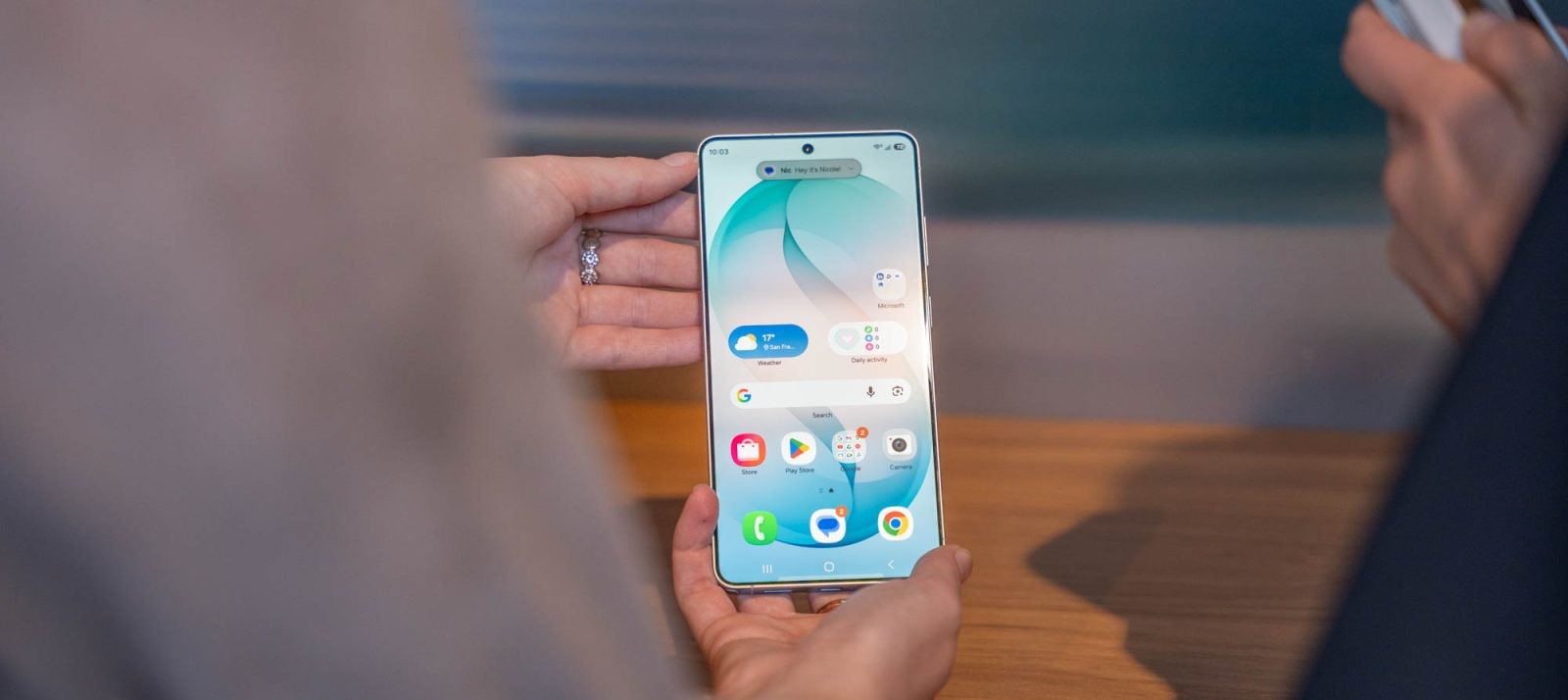
The Samsung Galaxy S26 series has been at the center of discussions regarding its potential to support Apple’s AirDrop feature through Samsung’s Quick Share. This development aims to enhance cross-platform file sharing between Android and iOS devices.
Current Status of AirDrop Support
As of now, the Galaxy S26 series does not support AirDrop via Quick Share. Despite earlier reports and leaked screenshots suggesting imminent compatibility, current software builds do not display Apple devices as share targets, nor do Galaxy S26 devices appear available for sharing from iPhones. This indicates that the feature is not yet active on these devices.
Insights from Leaked Information
A notable leak from user @chunvn8888 showcased a screenshot indicating AirDrop support within One UI 8.5. However, this functionality is not present in the current Galaxy S26 series software. The leaker clarified that the screenshot originated from early test units, suggesting that while the feature is in development, it has not been officially released.
Potential Timeline for Feature Rollout
Given the information from the leak, it’s plausible that AirDrop compatibility via Quick Share could be introduced in upcoming software updates. However, Samsung’s software release schedules have been unpredictable in recent times, making it challenging to pinpoint an exact timeline for this feature’s availability.
Implications for Users
The integration of AirDrop support would significantly streamline file sharing between Samsung and Apple devices, eliminating the need for third-party applications or complex workarounds. This enhancement would be particularly beneficial for users who operate within both ecosystems, offering a more cohesive and efficient experience.
Conclusion
While the Samsung Galaxy S26 series currently lacks AirDrop support through Quick Share, ongoing developments suggest that this feature may be on the horizon. Users are advised to stay updated with official announcements from Samsung regarding software updates that may introduce this functionality.