EpsteIn: A New Tool to Cross-Reference LinkedIn Connections with Epstein Court Documents
In a significant development for open-source intelligence (OSINT), a new Python-based tool named EpsteIn has been introduced, enabling users to cross-reference their LinkedIn connections against over 3.5 million pages of court documents related to Jeffrey Epstein. This tool, developed by Christopher Finke, operates locally on users’ machines, ensuring privacy and security during the analysis process.
Functionality and Operation
EpsteIn leverages an API developed by Patrick Duggan, which indexes mentions from publicly available Epstein files hosted on DugganUSA.com. By scanning user-exported LinkedIn Connections.csv files, the tool identifies potential matches between LinkedIn contacts and names mentioned in the extensive court documents.
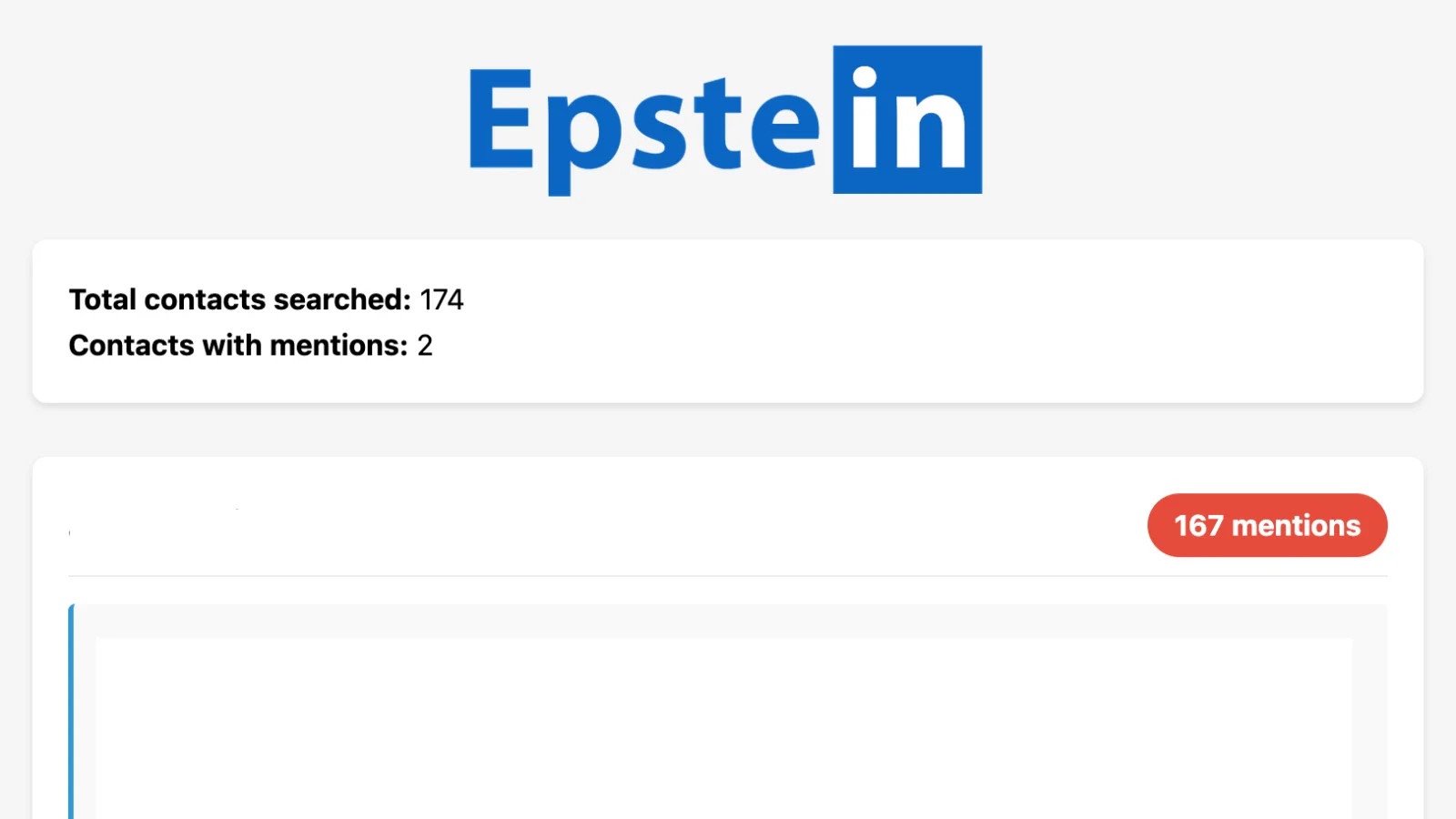
Upon execution, EpsteIn generates an interactive HTML report, typically named EpsteIn.html. This report is organized by the frequency of mentions and includes detailed contact cards for each identified individual. These cards provide comprehensive information such as names, current positions, associated companies, excerpt snippets from the court documents, and direct links to the original PDFs released by the U.S. Department of Justice.
User Experience and Findings
In practical applications, such as a test conducted by 404 Media, EpsteIn identified 22 potential matches within a user’s LinkedIn network. However, it’s important to note that common names like Adam S. can lead to false positives due to ambiguous references in the court documents. This underscores the necessity for manual verification of the tool’s findings to ensure accuracy.
Installation and Usage
To utilize EpsteIn, users must have Python version 3.6 or higher installed, along with the ‘requests’ library. Setting up a virtual environment is recommended for optimal performance. The installation process involves the following steps:
1. Install the required Python version and libraries.
2. Export LinkedIn connections by navigating to Settings > Data privacy > Get a copy of your data. Note that this process may take up to 24 hours.
3. Run the tool using the command:
“`bash
python EpsteIn.py –connections /path/to/Connections.csv
“`
Users can specify a custom output path for the HTML report using the `–output` option. Notably, EpsteIn operates entirely offline, ensuring that no data is processed in the cloud, thereby maintaining user privacy.
Implications for OSINT and Cybersecurity
EpsteIn exemplifies the growing accessibility of OSINT tools for personal and professional network analysis. For cybersecurity professionals, it offers a method to audit associations and connections, particularly in the wake of significant data releases. By running locally, the tool mitigates potential privacy concerns associated with server-side data processing.
Privacy Considerations and Potential Risks
While EpsteIn prioritizes user privacy by operating offline, exporting LinkedIn data inherently involves sharing comprehensive network information. There is a risk that such data could be misused for targeted doxxing or harassment if it falls into the wrong hands. Additionally, the potential for false positives necessitates careful manual review of the tool’s outputs to avoid misinterpretation.
Conclusion
EpsteIn serves as a powerful tool for individuals seeking to understand the intersections between their professional networks and publicly available court documents. However, users are advised to exercise caution, respect privacy considerations, and conduct thorough manual reviews of any findings to ensure accuracy and ethical use.