Motorola Razr Fold: A Harmonious Blend of Pixel Simplicity and Samsung Versatility
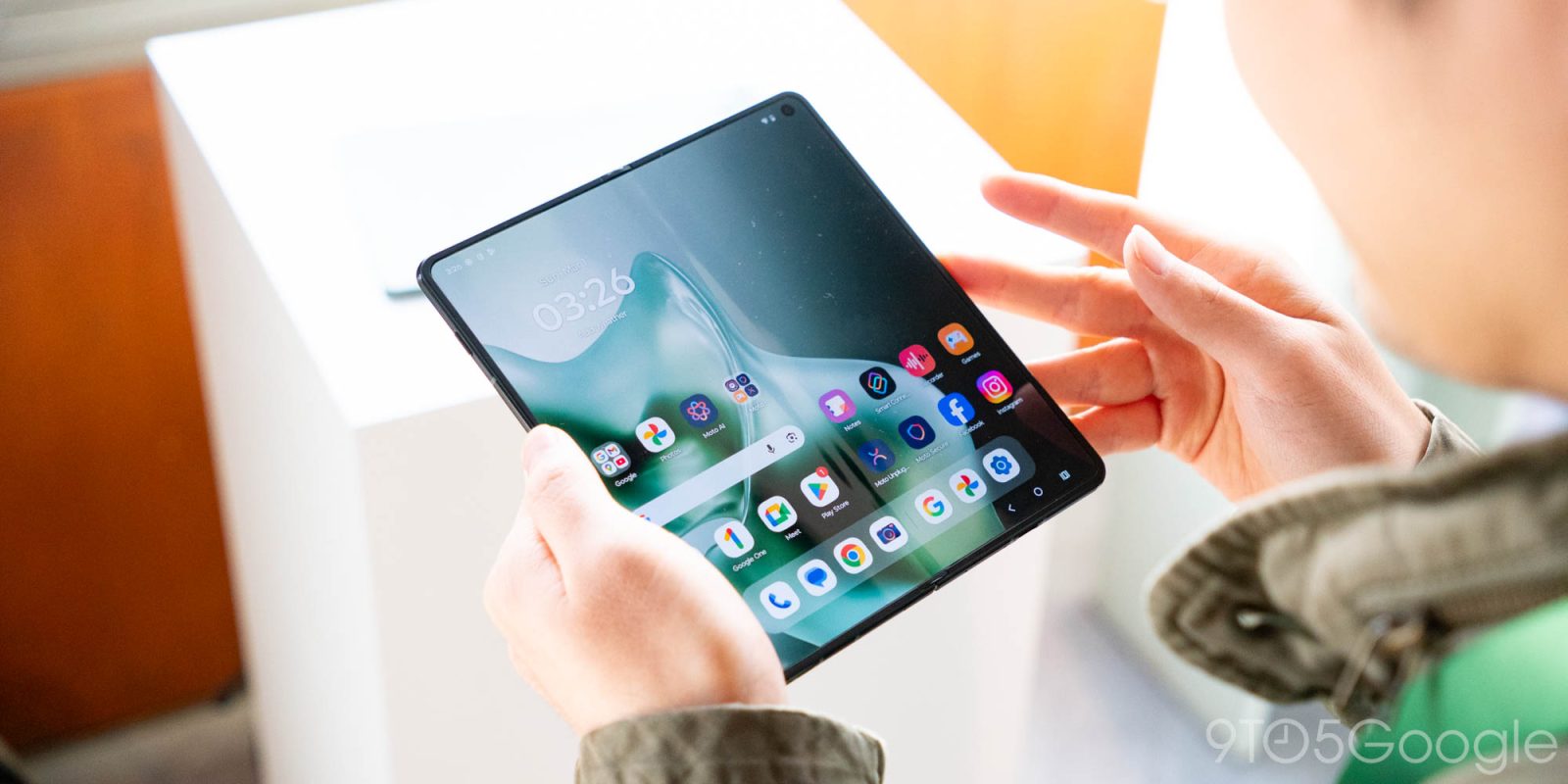
Motorola’s latest innovation, the Razr Fold, has captivated tech enthusiasts with its sleek design and promising features. During a hands-on session at the Mobile World Congress (MWC) 2026, the device’s software suite was unveiled, revealing a harmonious blend of Google’s Pixel simplicity and Samsung’s feature-rich Galaxy interface.
Striking a Balance Between Simplicity and Functionality
Samsung’s Galaxy Fold series is renowned for its extensive feature set, enhancing multitasking capabilities and maximizing hardware potential. However, this abundance can sometimes lead to a cluttered user experience. In contrast, Google’s Pixel devices offer a clean, streamlined interface, albeit with fewer features. The Razr Fold positions itself as the ideal middle ground, delivering a user-friendly experience without compromising on functionality.
Optimized for Foldable Displays
The Razr Fold fully leverages Android’s optimizations for foldable and tablet devices. Users can access a taskbar that remains visible, regardless of whether they prefer button or gesture navigation. This taskbar facilitates seamless multitasking, allowing users to effortlessly initiate split-screen modes.
Innovative ‘Laptop Mode’
A standout feature is the laptop mode. By positioning the device at a specific angle, the lower half of the display transforms into a trackpad, while the upper half functions as the main screen. This setup mirrors the functionality found in Samsung’s Galaxy foldables, offering users a versatile computing experience.
Customizable Recents Menu
Motorola introduces flexibility in the Recents menu. Users can choose between a two-row grid layout, reminiscent of the Pixel’s design, or a single-row list akin to Samsung’s approach. This customization ensures that users can tailor the interface to their preferences.
‘Desk Display’ Mode
When the Razr Fold is set in a tented position, it activates the desk display mode. In this configuration, the device showcases the clock and calendar, drawing inspiration from previous tent modes in the Razr series. While its utility on a book-style foldable remains to be seen, it adds another layer of versatility to the device.
Anticipation Builds
The Razr Fold’s software suite has generated significant excitement, especially with Motorola’s commitment to providing seven years of updates. As the tech community eagerly awaits a comprehensive review, the absence of a confirmed release date adds to the anticipation surrounding this innovative device.