Article Title:
Microsoft Teams to Enforce Messaging Safety Defaults Starting January 2026
Article Text:
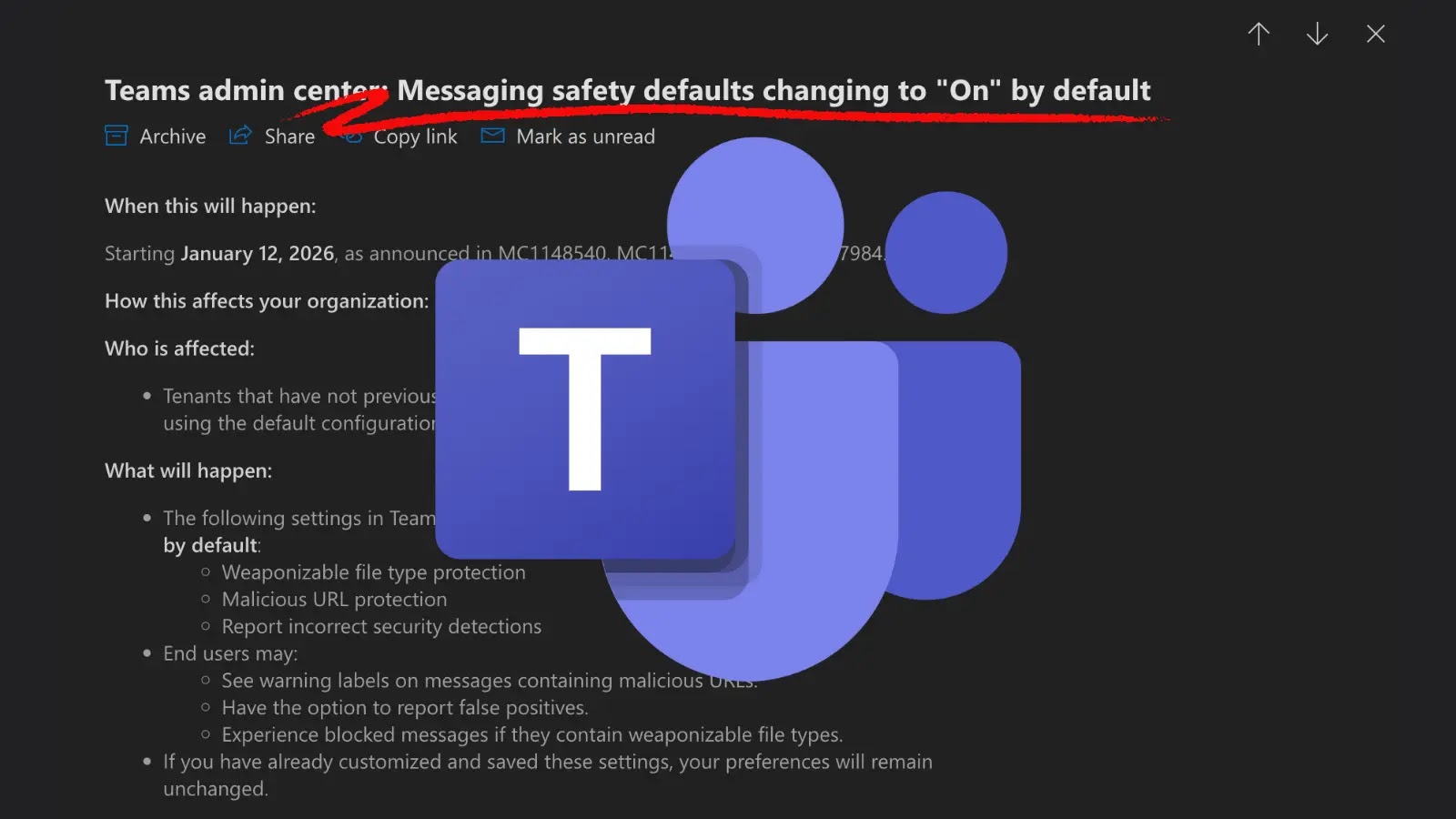
Microsoft is set to enhance the security framework of its collaboration platform, Microsoft Teams, by automatically activating key messaging safety features. This change, effective January 12, 2026, aims to fortify organizational defenses against prevalent cyber threats.
Overview of the Update
In a strategic move towards a secure-by-default approach, Microsoft will implement several protective measures within the Teams Admin Center’s Messaging Safety section. This initiative is designed to minimize the risk of cyberattacks exploiting messaging functionalities.
Key Features Being Enabled
For organizations that have not previously customized their messaging safety settings, the following protections will be activated:
1. Weaponizable File Type Protection: This feature blocks the transmission of file types commonly exploited to deliver malware, such as executable files and scripts.
2. Malicious URL Protection: Teams will now scan shared links in real-time, identifying and flagging URLs associated with phishing schemes or malicious content.
3. Report Incorrect Security Detections: A feedback mechanism allowing users to report false positives, thereby refining Microsoft’s threat detection algorithms over time.
Implications for Organizations
This update primarily affects tenants utilizing default configurations. Organizations that have previously customized their messaging safety settings will retain their existing preferences, as these will override the new defaults.
Action Steps for Administrators
IT administrators are encouraged to review and, if necessary, adjust their messaging safety settings before the January 12, 2026, implementation date. To do so:
– Navigate to the Teams Admin Center.
– Select Messaging > Messaging settings > Messaging safety.
– Review current configurations and make any desired changes.
If no action is taken, the new security protocols will be applied automatically.
Preparing for the Transition
To ensure a seamless adaptation to these changes, organizations should:
– Update Internal Documentation: Clearly outline acceptable file types and provide guidance on handling URL warnings.
– Inform Support Teams: Equip helpdesk staff with information about the upcoming changes to effectively address user inquiries and distinguish between legitimate security blocks and potential system errors.
Enhancing Security in Collaboration Platforms
By standardizing these protections, Microsoft aims to mitigate the increasing trend of cybercriminals exploiting collaboration tools for malicious activities. This proactive measure underscores the importance of robust security practices in the digital workspace.