Mastering the M4 iPad Air Pre-Order: A Comprehensive Guide
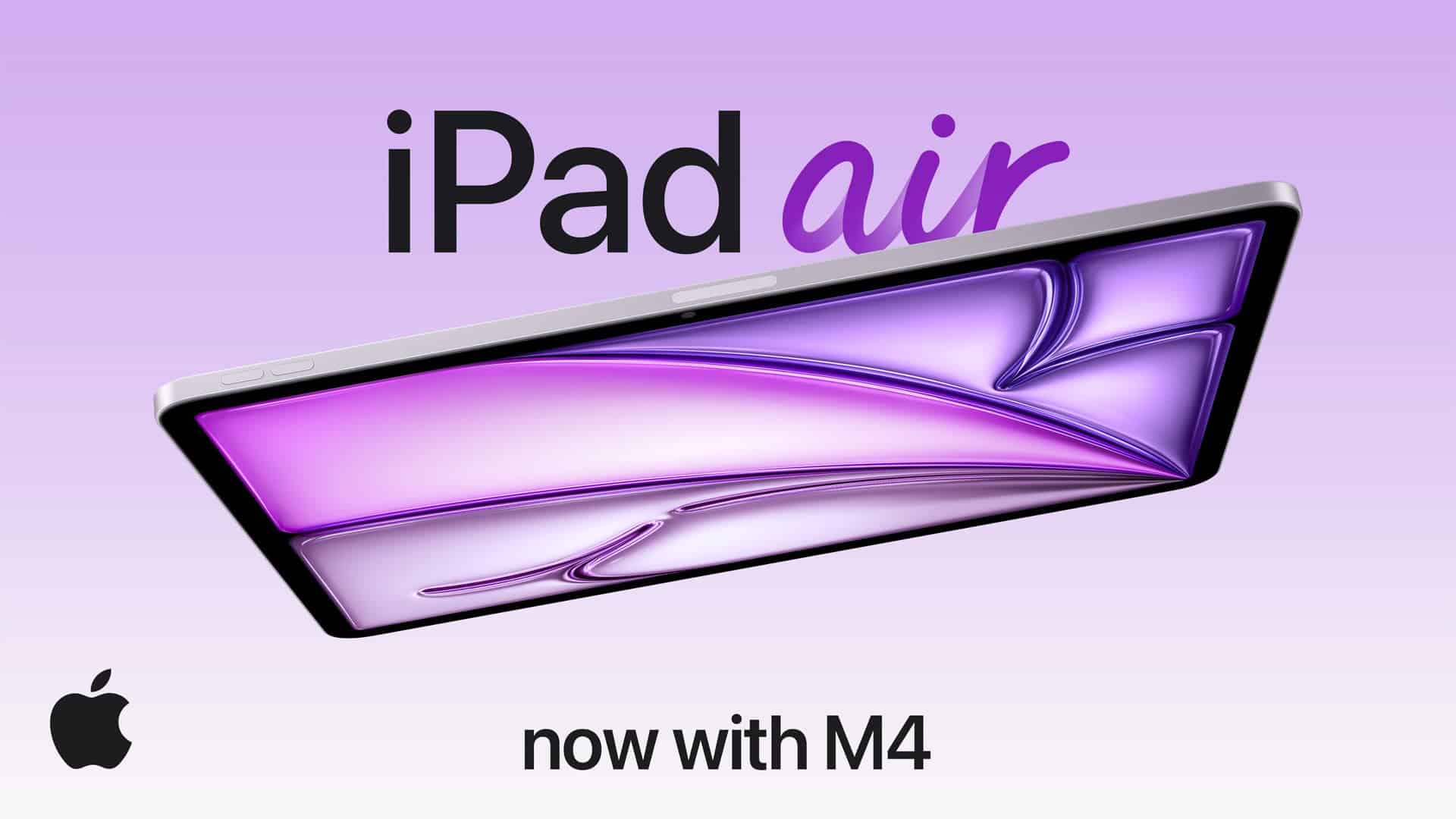
Apple’s latest innovation, the M4 iPad Air, is set to revolutionize the tablet experience with its enhanced performance and cutting-edge features. Pre-orders commence on March 4, 2026, with the official release slated for March 11, 2026. This guide provides a detailed walkthrough on how to secure your M4 iPad Air, whether online or in-store, ensuring a seamless purchasing process.
Understanding the M4 iPad Air
The M4 iPad Air introduces significant upgrades over its predecessor, the M3 model. Equipped with the powerful M4 chip, it boasts up to 30% faster performance, facilitating smoother multitasking and enhanced app responsiveness. The device is available in two sizes—11-inch and 13-inch—and offers storage capacities ranging from 128GB to 1TB. Connectivity has also been improved with the inclusion of Wi-Fi 7 and advanced wireless capabilities, ensuring faster and more reliable internet access. ([macobserver.com](https://www.macobserver.com/news/apple-ipad-air-m4-price-is-599-for-11-inch-and-799-for-13-inch/?utm_source=openai))
Pre-Order Details
Pre-orders for the M4 iPad Air begin on March 4, 2026. To secure your device promptly, consider the following options:
Online Pre-Ordering
1. Apple’s Official Website: Visit [apple.com](https://www.apple.com) on March 4. Navigate to the iPad Air (M4) product page, select your preferred model size, storage capacity, and connectivity option (Wi-Fi only or Wi-Fi + Cellular). Add any desired accessories, such as the Apple Pencil or Magic Keyboard, to your cart. Proceed to checkout to finalize your purchase.
2. Apple Store App: For a streamlined experience, use the Apple Store app on your iPhone or iPad. The app often provides a faster checkout process and may offer exclusive promotions.
In-Store Pre-Ordering
If you prefer a hands-on approach or have specific questions, consider visiting an Apple Retail Store:
1. Locate a Store: Use the [Apple Store Locator](https://www.apple.com/retail/) to find the nearest location.
2. Consult with Specialists: Apple Specialists can assist you in selecting the right configuration and accessories to meet your needs.
3. Place Your Pre-Order: After finalizing your choices, an Apple Specialist will help you place your pre-order. Ensure you receive a confirmation receipt detailing your order and expected pickup date.
Authorized Resellers and Carriers
In addition to Apple’s channels, authorized resellers and carriers may offer pre-order options:
1. Authorized Resellers: Retailers like Best Buy, Amazon, and B&H Photo often participate in Apple product launches. Check their websites or contact local stores for pre-order availability.
2. Carriers: If you’re interested in the Wi-Fi + Cellular model, major carriers such as AT&T, Verizon, and T-Mobile may offer pre-order options, sometimes with exclusive deals or financing plans.
Tips for a Successful Pre-Order
– Act Promptly: High demand can lead to limited availability. Placing your pre-order as soon as it opens increases the likelihood of receiving your device on the release date.
– Verify Payment Information: Ensure your payment method is up-to-date to avoid delays during checkout.
– Consider Trade-Ins: Apple offers trade-in programs that can provide credit towards your new purchase. Evaluate your current devices to see if they qualify.
– Review Return Policies: Familiarize yourself with the return and exchange policies of the retailer or carrier to ensure flexibility if needed.
Conclusion
The M4 iPad Air represents a significant advancement in Apple’s tablet lineup, offering enhanced performance and connectivity. By following this guide, you can navigate the pre-order process with confidence, securing your device through the channel that best suits your preferences. Whether online or in-store, acting promptly and being prepared will ensure a smooth acquisition of your new M4 iPad Air.