Malicious ‘ClawdBot Agent’ Extension Targets VS Code Users
Cybersecurity researchers have recently identified a malicious extension on the Visual Studio Code (VS Code) Marketplace, masquerading as an AI-powered coding assistant named ClawdBot Agent – AI Coding Assistant. This extension, published under the identifier clawdbot.clawdbot-agent, was uploaded by a user named clawdbot on January 27, 2026. Microsoft has since removed the extension from the marketplace.
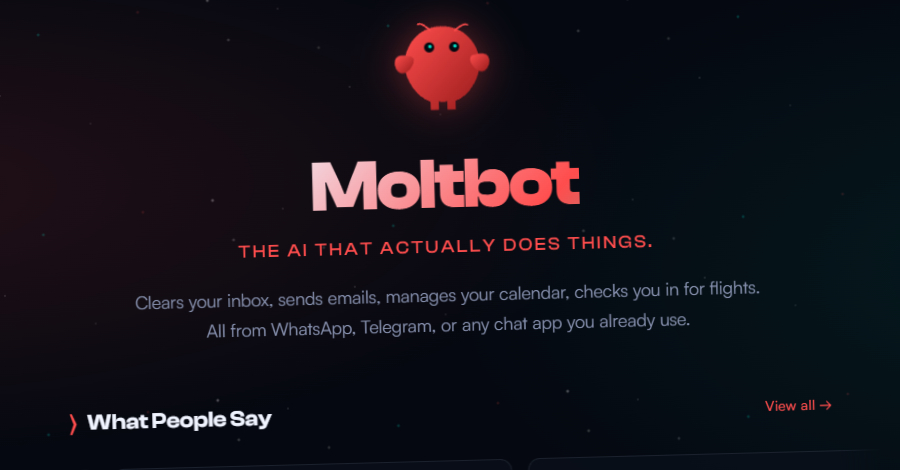
Moltbot, formerly known as Clawdbot, is an open-source project developed by Austrian programmer Peter Steinberger. It enables users to run a personal AI assistant powered by a large language model (LLM) locally on their devices, facilitating interactions over platforms like WhatsApp, Telegram, Slack, Discord, Google Chat, Signal, iMessage, Microsoft Teams, and WebChat. As of now, Moltbot has garnered over 85,000 stars on GitHub, reflecting its growing popularity.
Notably, Moltbot does not have an official VS Code extension. Threat actors exploited this gap by creating a counterfeit extension to deceive developers into downloading and installing it.
Upon installation, the malicious extension is designed to execute automatically each time the VS Code integrated development environment (IDE) is launched. It stealthily retrieves a file named config.json from an external server (clawdbot.getintwopc[.]site) and executes a binary named Code.exe. This binary deploys a legitimate remote desktop application, such as ConnectWise ScreenConnect, which then connects to meeting.bulletmailer[.]net:8041, granting attackers persistent remote access to the compromised system.
According to Aikido researcher Charlie Eriksen, The attackers set up their own ScreenConnect relay server, generated a pre-configured client installer, and distributed it through the VS Code extension. When victims install the extension, they get a fully functional ScreenConnect client that immediately phones home to the attacker’s infrastructure.
The extension also includes a fallback mechanism that retrieves a DLL specified in config.json and sideloads it to obtain the same payload from Dropbox. The DLL, named DWrite.dll and written in Rust, ensures the delivery of the ScreenConnect client even if the primary command-and-control (C2) infrastructure becomes inaccessible.
Further analysis suggests that the attacker anticipated potential failures, incorporating multiple delivery methods to ensure the payload reaches the target system. For instance, code.exe loads DWrite.dll using DLL side-loading, and when both files are in the same directory, the malicious DLL is likely loaded by default.
Additionally, the fake Moltbot extension embeds hard-coded URLs to fetch the executable and the DLL to be sideloaded. Another alternative method involves using a batch script to obtain the payloads from a different domain (darkgptprivate[.]com).
Security Risks Associated with Moltbot
In a related development, security researcher and Dvuln founder Jamieson O’Reilly discovered hundreds of unauthenticated Moltbot instances exposed online due to a misconfiguration involving reverse proxies. This misconfiguration exposes configuration data, API keys, OAuth credentials, and conversation histories from private chats to unauthorized parties.
The issue arises from Moltbot’s default behavior of auto-approving local connections. Deployments behind reverse proxies can cause internet connections to be treated as local, leading to unauthorized access without authentication.
O’Reilly explained, The real problem is that Clawdbot agents have agency. This means that the agents can perform actions on behalf of users, and if exposed, they can be manipulated by unauthorized entities.
Recommendations for Developers
To mitigate the risks associated with malicious extensions and misconfigurations, developers are advised to:
– Verify Extensions: Before installing any extension, especially those claiming to offer AI functionalities, verify their authenticity by checking official sources and reviews.
– Monitor Network Traffic: Regularly monitor network traffic for unusual activities, such as unauthorized connections to external servers.
– Implement Security Best Practices: Ensure that applications and services are configured securely, paying special attention to reverse proxy settings to prevent unauthorized access.
– Stay Informed: Keep abreast of the latest cybersecurity threats and advisories to proactively protect development environments.
By adopting these practices, developers can enhance the security of their development environments and protect sensitive data from potential threats.