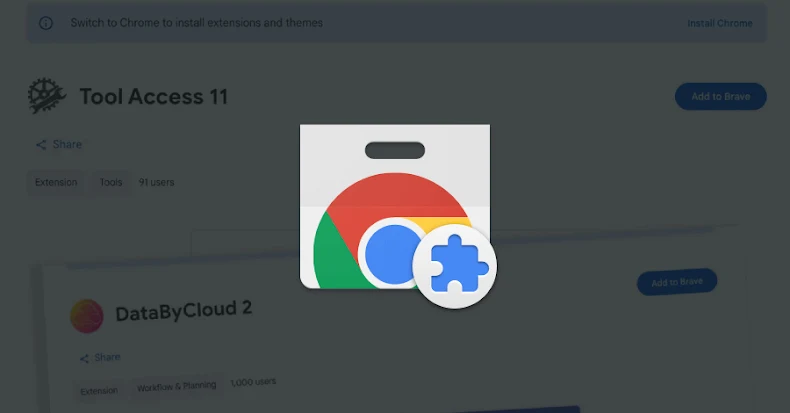
Malicious Chrome Extensions Masquerade as HR and ERP Tools to Hijack Accounts
Cybersecurity researchers have uncovered a series of malicious Google Chrome extensions that impersonate human resources (HR) and enterprise resource planning (ERP) platforms, such as Workday, NetSuite, and SuccessFactors, to gain unauthorized access to user accounts. These extensions are designed to steal authentication tokens, obstruct incident response efforts, and enable complete account takeovers through session hijacking.
Identified Malicious Extensions:
1. DataByCloud Access
– Extension ID: oldhjammhkghhahhhdcifmmlefibciph
– Publisher: databycloud1104
– Installations: 251
2. Tool Access 11
– Extension ID: ijapakghdgckgblfgjobhcfglebbkebf
– Publisher: databycloud1104
– Installations: 101
3. DataByCloud 1
– Extension ID: mbjjeombjeklkbndcjgmfcdhfbjngcam
– Publisher: databycloud1104
– Installations: 1,000
4. DataByCloud 2
– Extension ID: makdmacamkifdldldlelollkkjnoiedg
– Publisher: databycloud1104
– Installations: 1,000
5. Software Access
– Extension ID: bmodapcihjhklpogdpblefpepjolaoij
– Publisher: Software Access
– Installations: 27
As of now, all extensions except Software Access have been removed from the Chrome Web Store. However, they remain accessible on third-party software download sites like Softonic. These extensions are marketed as productivity tools offering access to premium features of platforms like Workday and NetSuite. Notably, DataByCloud 1 and DataByCloud 2 were first published on August 18, 2021.
Coordinated Malicious Campaign:
Despite being published under different names, the extensions exhibit identical functionalities and infrastructure patterns, indicating a coordinated effort. Their primary objectives include:
– Exfiltrating Cookies: Collecting authentication cookies and transmitting them to attacker-controlled servers.
– Blocking Security Pages: Manipulating the Document Object Model (DOM) to obstruct access to security administration pages.
– Session Hijacking: Injecting stolen cookies to hijack user sessions.
Detailed Functionality:
– DataByCloud Access: Requests permissions for cookies, management, scripting, storage, and declarativeNetRequest across domains like Workday, NetSuite, and SuccessFactors. It collects authentication cookies every 60 seconds and sends them to api.databycloud[.]com.
– Tool Access 11 (v1.4): Prevents access to 44 administrative pages within Workday by erasing page content and redirecting to malformed URLs. This includes blocking interfaces for authentication management, security proxy configuration, IP range management, and session control.
– DataByCloud 2: Expands the blocking feature to 56 pages, adding functions like password changes, account deactivation, two-factor authentication device management, and security audit log access. It targets both production environments and Workday’s sandbox testing environment at workdaysuv[.]com.
– DataByCloud 1: Replicates the cookie-stealing functionality of DataByCloud Access and incorporates features to prevent code inspection using browser developer tools, utilizing the open-source DisableDevtool library. Both extensions encrypt their command-and-control (C2) traffic.
– Software Access: Combines cookie theft with the ability to receive stolen cookies from api.software-access[.]com and inject them into the browser for direct session hijacking. It also includes password input field protection to prevent users from inspecting credential inputs.
Implications and Recommendations:
The discovery of these malicious extensions underscores the evolving tactics of cyber attackers who exploit trusted platforms to infiltrate systems. By masquerading as legitimate productivity tools, these extensions can bypass traditional security measures and gain unauthorized access to sensitive information.
Recommendations for Users:
1. Review Installed Extensions: Regularly audit browser extensions and remove any that are unfamiliar or unnecessary.
2. Verify Extension Sources: Only install extensions from reputable sources and verify their authenticity before installation.
3. Monitor Account Activity: Keep an eye on account activities for any unauthorized actions and report suspicious behavior immediately.
4. Implement Security Measures: Utilize multi-factor authentication and other security protocols to add layers of protection to accounts.
By staying vigilant and adopting proactive security practices, users can mitigate the risks associated with malicious browser extensions and safeguard their digital assets.