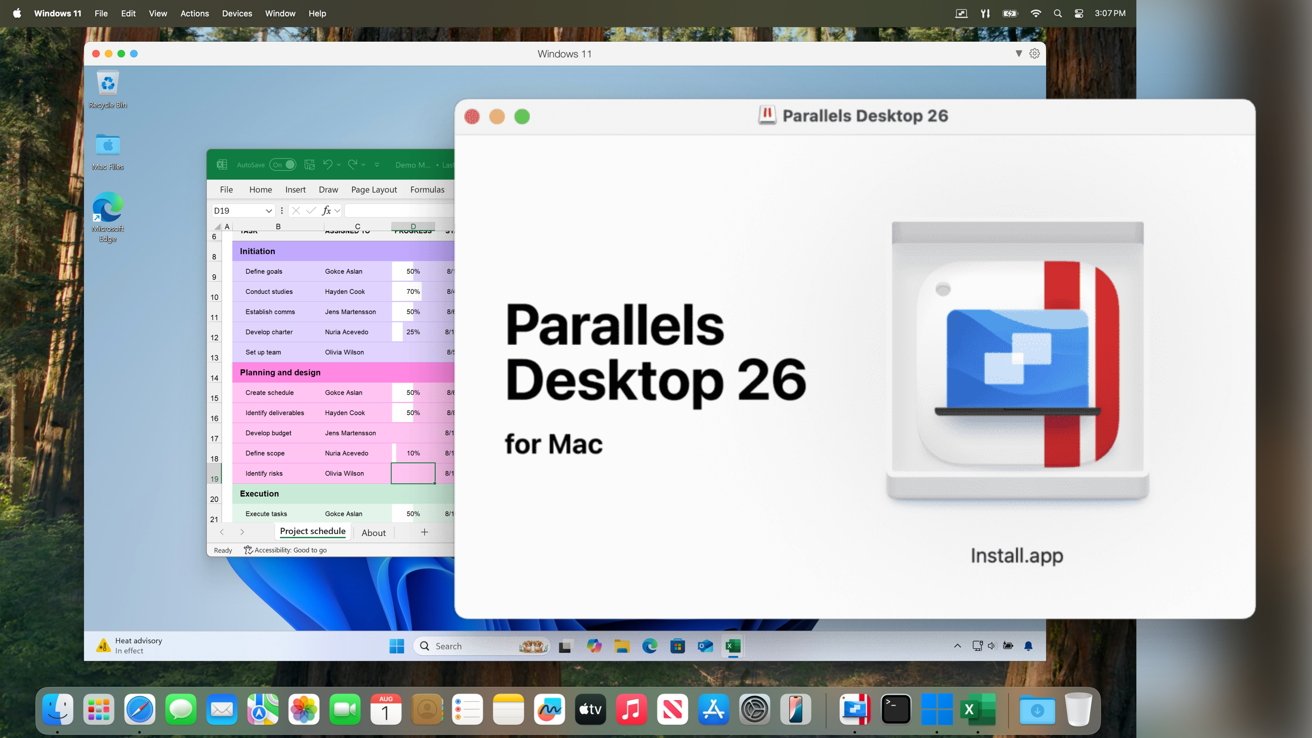
Unlocking Windows Applications on MacBook Neo with Parallels Desktop
Apple’s recent release of the MacBook Neo, priced at an accessible $599 and powered by the A18 Pro chip, has sparked interest among users seeking a budget-friendly Mac experience. A pertinent question arises: Can this entry-level Mac efficiently run Windows applications? Parallels Desktop, a renowned virtualization software, has confirmed its compatibility with the MacBook Neo, enabling users to operate Windows applications on this new device.
Understanding the MacBook Neo’s Hardware Capabilities
The MacBook Neo is equipped with the A18 Pro chip, identical to the processor found in the iPhone 16 Pro. This ARM-based architecture aligns well with Apple’s M-series chips, facilitating smooth virtualization processes. Parallels Desktop has conducted thorough testing, affirming that virtual machines can be installed and run with reliable stability on the MacBook Neo. Additionally, Apple’s Rosetta 2 translation layer functions seamlessly on this device, further enhancing its versatility.
Memory Constraints and Their Implications
Despite the processor’s capabilities, the MacBook Neo’s fixed memory limit presents a significant challenge. The device comes with 8GB of unified memory, with no options for expansion. Windows 11 requires a minimum of 4GB of RAM to operate effectively. Allocating half of the Neo’s memory to a Windows virtual machine leaves the remaining 4GB for macOS and other applications, potentially leading to performance issues during multitasking.
Optimal Use Cases for Virtualization on MacBook Neo
Given these memory limitations, the MacBook Neo is best suited for basic tasks involving dual operating systems. Parallels Desktop recommends this setup for light, occasional use. For instance, if you need to access a legacy business tool or a simple Windows-only utility sporadically, the Neo can handle these tasks adequately.
However, for users whose daily workflow involves resource-intensive Windows software, the MacBook Neo may not be the ideal choice. Running two operating systems simultaneously on an 8GB memory limit can strain the system, leading to suboptimal performance.
Alternative Solutions for Heavy Windows Application Users
For those who rely heavily on Windows applications but prefer the Mac ecosystem, considering a MacBook Air or MacBook Pro with at least 16GB of unified memory would be a more prudent investment. These models offer greater capacity and performance, better accommodating the demands of running resource-heavy Windows software alongside macOS.
Conclusion
The MacBook Neo, in conjunction with Parallels Desktop, opens the door to Windows compatibility on a budget-friendly Mac. However, its fixed 8GB memory limit confines its suitability to light, occasional use of Windows applications. For more intensive tasks, exploring higher-end Mac models with greater memory capacity is advisable to ensure a seamless and efficient user experience.