KimJongRAT: A New Cyber Threat Targeting Windows Users
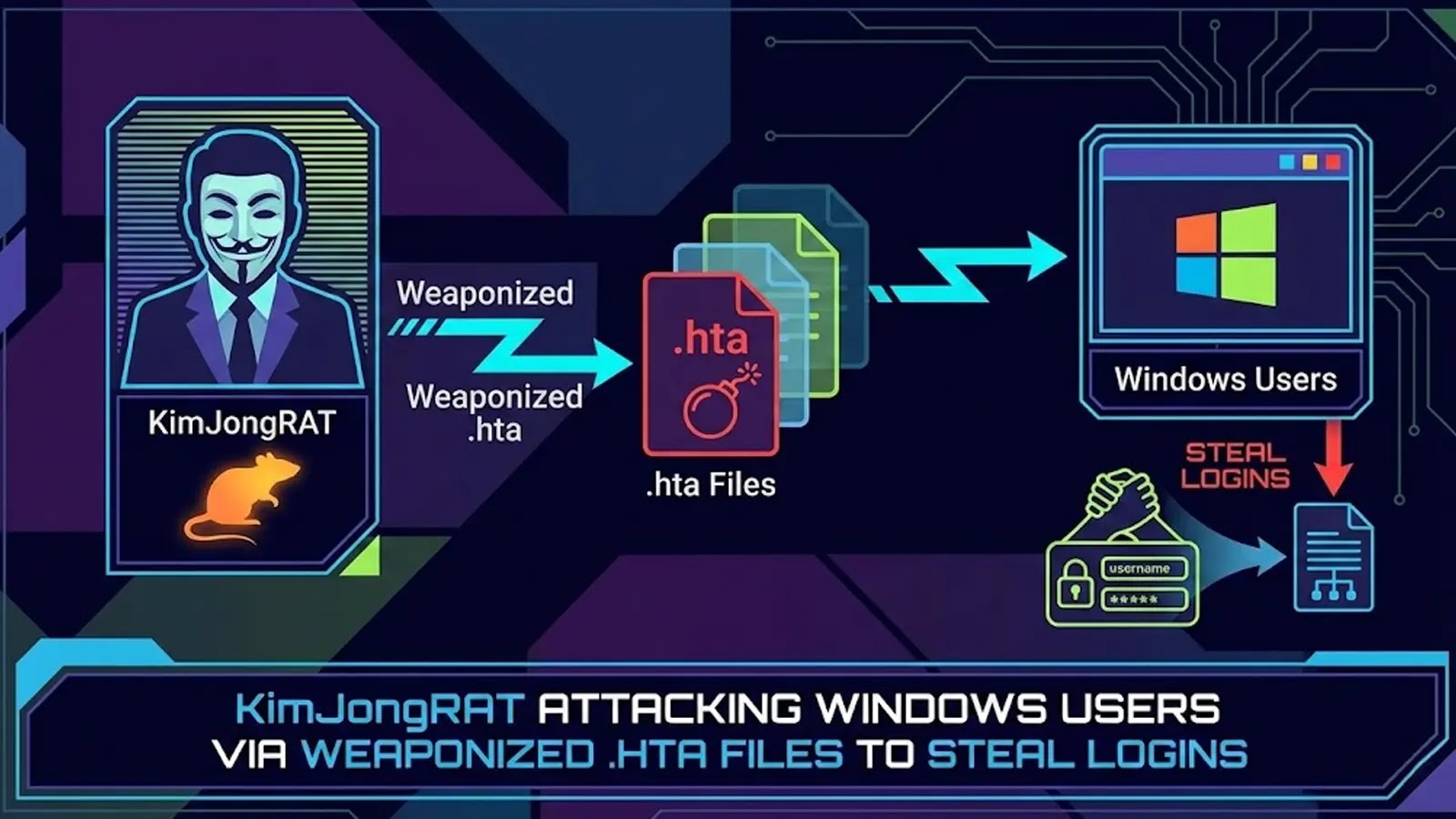
A newly identified remote access trojan (RAT), dubbed KimJongRAT, has emerged as a significant cybersecurity threat to Windows users. This sophisticated malware is attributed to the Kimsuky group, a threat actor believed to have state sponsorship.
Infection Vector:
The attack initiates through phishing emails that contain deceptive archives labeled as National Tax Notice. These archives entice recipients to open them, setting off the infection sequence. Upon accessing the archive, users encounter a shortcut file masquerading as a legitimate PDF document. Executing this shortcut triggers a concealed command that decodes a Base64 URL, exploiting the Microsoft HTML Application utility to connect with a remote server. This connection discreetly downloads an additional payload named tax.hta, effectively circumventing standard security protocols.
Evasion Techniques:
KimJongRAT employs advanced evasion strategies to avoid detection. The loader script, written in VBScript, utilizes legitimate services like Google Drive to host its malicious components, thereby reducing the likelihood of raising suspicion. Once activated, the loader retrieves both decoy documents to mislead the user and the actual malicious binaries necessary for the subsequent stages of the attack.
Data Exfiltration:
The primary goal of this campaign is the extraction of sensitive personal and financial information. KimJongRAT targets a broad spectrum of data, including system details, browser storage data, and encryption keys. It specifically seeks out cryptocurrency wallet information and credentials for communication platforms such as Telegram and Discord, posing significant risks for identity theft and financial fraud.
Adaptive Behavior:
A notable feature of KimJongRAT is its ability to adapt its behavior based on the security posture of the target environment. The malware executes a specific VBScript command to assess the status of Windows Defender before proceeding. If Windows Defender is disabled, the malware downloads a file named v3.log, which executes the primary payload. If security measures are active, it retrieves an alternative file called pipe.log to evade detection. Regardless of the path taken, the malware establishes persistence by registering itself in the system registry, ensuring it runs automatically to transmit stolen data periodically.
Implications:
The emergence of KimJongRAT underscores the evolving landscape of cyber threats and the increasing sophistication of state-sponsored cyber espionage activities. Its targeted approach, advanced evasion techniques, and focus on financial data extraction highlight the need for heightened vigilance among Windows users.
Recommendations:
To mitigate the risk posed by KimJongRAT, users and organizations should implement the following measures:
1. Exercise Caution with Emails: Be wary of unsolicited emails, especially those containing attachments or links, even if they appear to be from legitimate sources.
2. Verify File Authenticity: Before opening any files, especially those received via email, verify their authenticity through direct communication with the sender.
3. Maintain Updated Security Software: Ensure that antivirus and anti-malware software are up to date to detect and prevent the execution of malicious scripts.
4. Regular System Updates: Keep operating systems and all software applications updated to patch vulnerabilities that could be exploited by malware.
5. User Education: Educate users about the risks of phishing attacks and the importance of cautious behavior when handling emails and downloads.
6. Monitor System Activity: Regularly monitor system and network activity for unusual behavior that could indicate a malware infection.
By adopting these proactive measures, individuals and organizations can enhance their defenses against KimJongRAT and similar cyber threats.