Enhancing iPhone Privacy: Adapting Samsung’s Galaxy S26 Ultra Display Innovations
In the ever-evolving landscape of smartphone technology, privacy remains a paramount concern for users. Samsung’s recent introduction of a privacy display feature in its Galaxy S26 Ultra has set a new benchmark in safeguarding on-screen information from prying eyes. This innovation has sparked interest among iPhone users seeking similar capabilities without resorting to additional accessories.
Samsung’s Privacy Display Feature
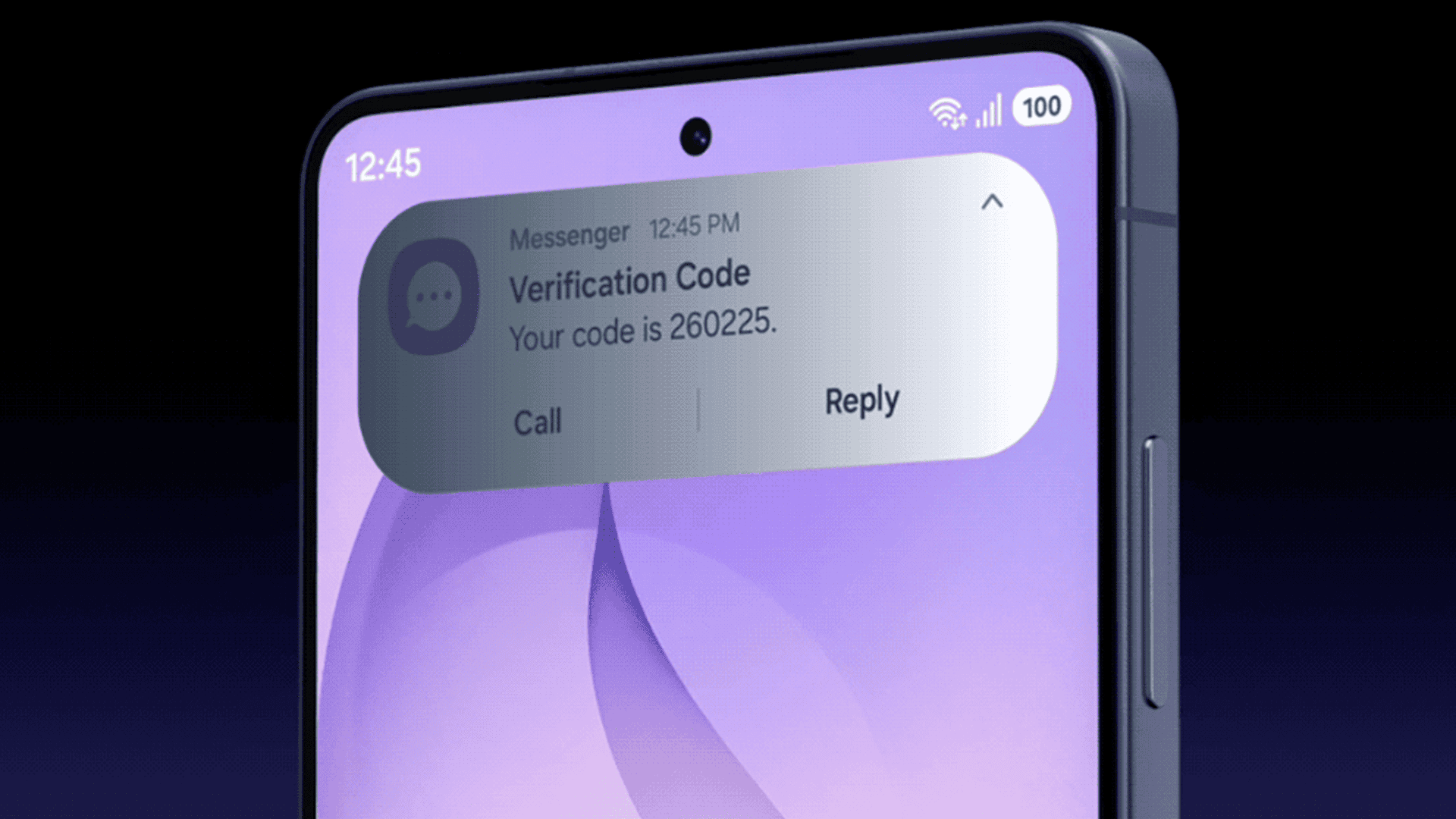
The Galaxy S26 Ultra’s privacy display is engineered to restrict screen visibility from side angles. When activated, the screen content is clear to the user directly in front but becomes blurred or darkened when viewed from the sides. This functionality is particularly beneficial in public settings, such as cafes or public transportation, where sensitive information might be exposed to unintended viewers. Samsung’s implementation allows users to customize this feature, enabling it for specific applications, passwords, or notifications, thereby offering a tailored privacy experience.
According to Samsung’s official announcement during the Galaxy S26 Ultra launch, this feature leverages advanced display technology integrated directly into the screen panel. This hardware-software synergy ensures a seamless and polished user experience, distinguishing it from software-only solutions.
iPhone’s Current Privacy Measures
As of now, Apple has not incorporated a hardware-based privacy display into its iPhone lineup. However, iOS offers several accessibility settings that can be adjusted to enhance on-screen privacy, particularly concerning notifications on the lock screen.
Implementing a Privacy Effect on iPhone
While iPhones lack a dedicated privacy display feature akin to Samsung’s, users can employ existing settings to achieve a similar effect:
1. Adjusting Display Settings:
– Navigate to Settings > Accessibility > Display & Text Size.
– Disable Auto-Brightness to prevent automatic screen brightness adjustments.
– Enable Reduce White Point and set the intensity to approximately 90-100%.
By increasing the Reduce White Point level, the intensity of white elements on the screen diminishes. This reduction makes notifications and other white-text content less discernible from side angles while maintaining readability when viewed directly.
2. Utilizing the Action Button:
– For iPhones equipped with an Action Button, assign the Reduce White Point function for quick toggling.
– Go to Settings > Action Button, select Accessibility, and choose Reduce White Point under the Vision category.
This setup allows users to swiftly activate or deactivate the privacy effect, enhancing convenience in various environments.
Comparative Analysis: Samsung vs. Apple
Samsung’s privacy display feature is a testament to the company’s commitment to integrating hardware and software for enhanced user privacy. The hardware-based approach ensures that the privacy effect is consistent and robust, offering users peace of mind in protecting their on-screen information.
In contrast, Apple’s current privacy measures rely on software adjustments within iOS. While these settings provide a degree of privacy enhancement, they may not offer the same level of protection as Samsung’s hardware-integrated solution. The software-based approach can be effective but might lack the seamlessness and reliability of a hardware-software combined feature.
Potential for Future iPhone Developments
The introduction of Samsung’s privacy display has set a precedent that Apple may consider in future iPhone iterations. Integrating a similar hardware-based privacy feature could significantly enhance user privacy and align with the growing demand for secure personal devices.
Reports suggest that Apple is exploring advanced display technologies for upcoming devices. For instance, the anticipated 20th-anniversary iPhone, expected in 2027, is rumored to feature a fully bezel-less design with a four-sided bending OLED panel. This design innovation indicates Apple’s willingness to adopt new display technologies, which could potentially include privacy-focused features.
User Considerations and Best Practices
Until Apple introduces a dedicated privacy display feature, iPhone users can adopt the aforementioned settings to enhance on-screen privacy. Additionally, users should remain vigilant about their surroundings when accessing sensitive information in public spaces. Employing screen protectors with privacy filters can also serve as an interim solution to reduce side-angle visibility.
Conclusion
Samsung’s Galaxy S26 Ultra has raised the bar for on-screen privacy with its innovative display technology. While iPhone users currently lack a direct equivalent, leveraging iOS accessibility settings can provide a comparable effect. As the demand for enhanced privacy features grows, it remains to be seen how Apple will respond in future iPhone models. In the meantime, users are encouraged to utilize available settings and best practices to safeguard their on-screen information.