iOS 26 Keyboard Woes: Users Demand Immediate Fixes
Millions of iPhone users rely on the on-screen keyboard for daily tasks such as messaging, emailing, and note-taking. However, since the release of iOS 26, a surge of complaints has emerged regarding the keyboard’s performance. Users report issues including incorrect character input, typing lag, and erratic autocorrect behavior. Despite multiple updates aimed at resolving these problems, many users continue to experience significant disruptions.
Persistent Keyboard Issues Post-iOS 26 Update
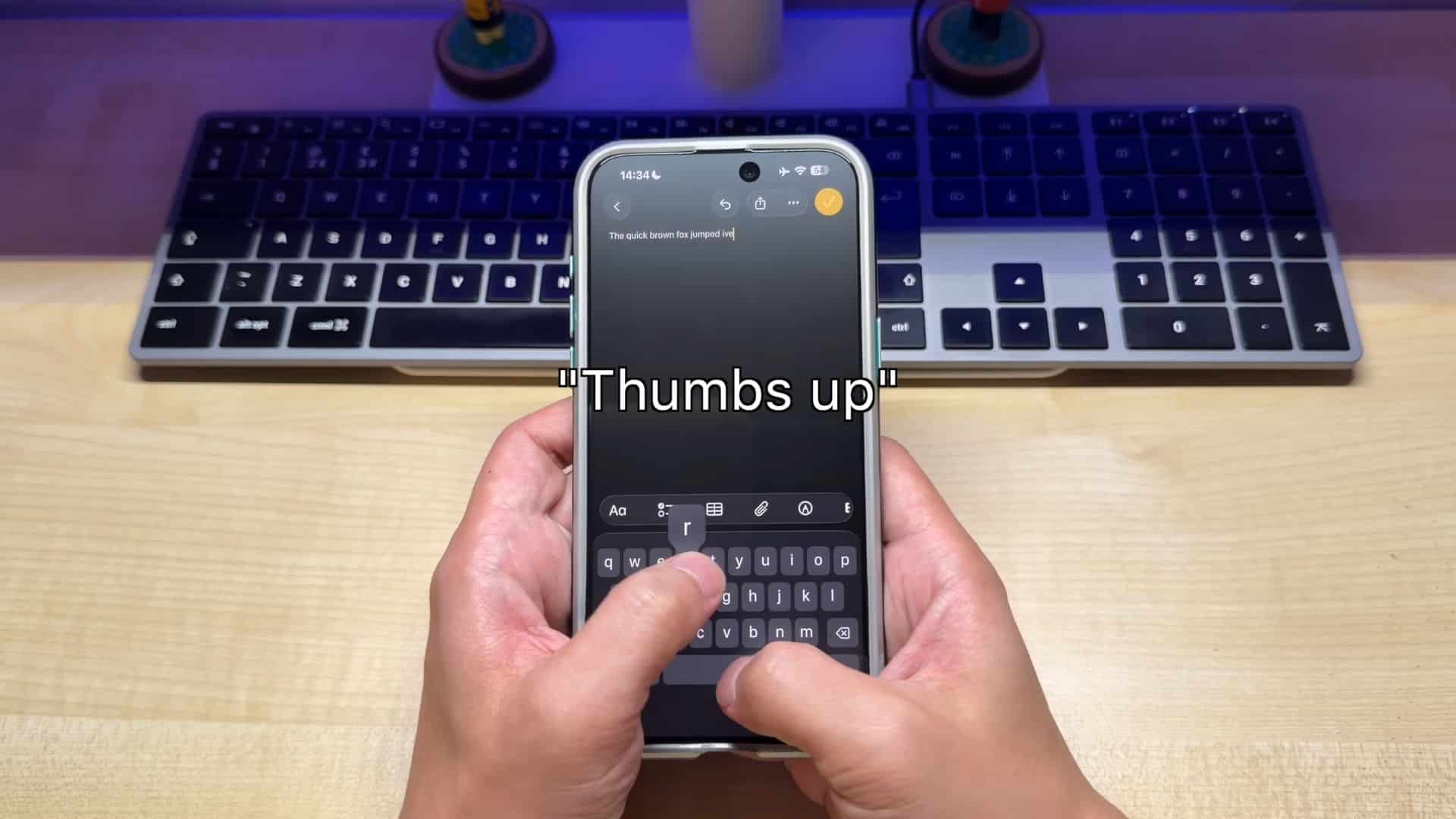
Shortly after the rollout of iOS 26, users began noticing that the keyboard was not functioning as expected. Instances were reported where pressing a key resulted in a different character appearing on the screen. For example, pressing U might produce J or H, and M could yield N. Additionally, some users experienced delays between key presses and character display, making typing cumbersome. These issues have been widely discussed across various platforms, including Reddit and Apple’s official support forums.
Community Feedback Highlights Widespread Frustration
The iOS 26 keyboard issues have led to extensive discussions among users. Common grievances include:
– Incorrect Character Input: Users report that the keyboard registers different characters than those pressed, disrupting the typing process.
– Typing Lag: There are delays between pressing a key and the character appearing on the screen, affecting typing speed and accuracy.
– Autocorrect Anomalies: The autocorrect feature suggests inappropriate words or changes correct words to incorrect ones, leading to confusion.
– Visual Glitches: Some users observe white visual artifacts around the keyboard area, giving the interface an unfinished appearance.
– Inconsistent Keyboard Design: A mix of old and new keyboard layouts across different apps creates inconsistency in the typing experience.
These issues have been highlighted in various reports, including those from The Mac Observer and TechRadar.
Potential Causes and User Workarounds
While Apple has not officially confirmed the root causes of these keyboard issues, user feedback suggests several possibilities:
– Touch Sensitivity: High touch sensitivity may cause unintended inputs, leading to incorrect characters being registered.
– Predictive and Slide-to-Type Features: These features might conflict with quick taps, resulting in mismatches between intended and actual input.
– Corrupted Keyboard Data: Accumulated data or learned words could confuse autocorrect, leading to incorrect suggestions.
– Third-Party Keyboard Interactions: The presence of third-party keyboards or multiple language layouts may complicate input processing.
In response, some users have implemented temporary solutions:
– Disabling Predictive Text: Turning off predictive text in the settings has helped some users reduce input errors.
– Resetting Keyboard Dictionary: Clearing the keyboard’s learned data can mitigate autocorrect issues.
– Turning Off Slide-to-Type: Disabling this feature has improved typing accuracy for certain users.
These workarounds have been discussed in community forums and articles, such as those on The Mac Observer.
Apple’s Response and Ongoing User Concerns
Apple has released several updates, including iOS 26.1, 26.2, and 26.3, aiming to address these keyboard issues. However, user feedback indicates that the problems persist. The lack of explicit acknowledgment from Apple regarding the keyboard glitches has led to growing frustration among users. Many are calling for a dedicated fix in upcoming updates to restore the keyboard’s reliability.
Conclusion
The iOS 26 keyboard issues have significantly impacted the user experience for many iPhone owners. While temporary workarounds exist, they do not provide a permanent solution. Users are eagerly awaiting a comprehensive fix from Apple to address these persistent problems and restore the seamless typing experience they expect.