Exploring the New ‘Preview’ App in iOS 26: A Game-Changer for Document Management
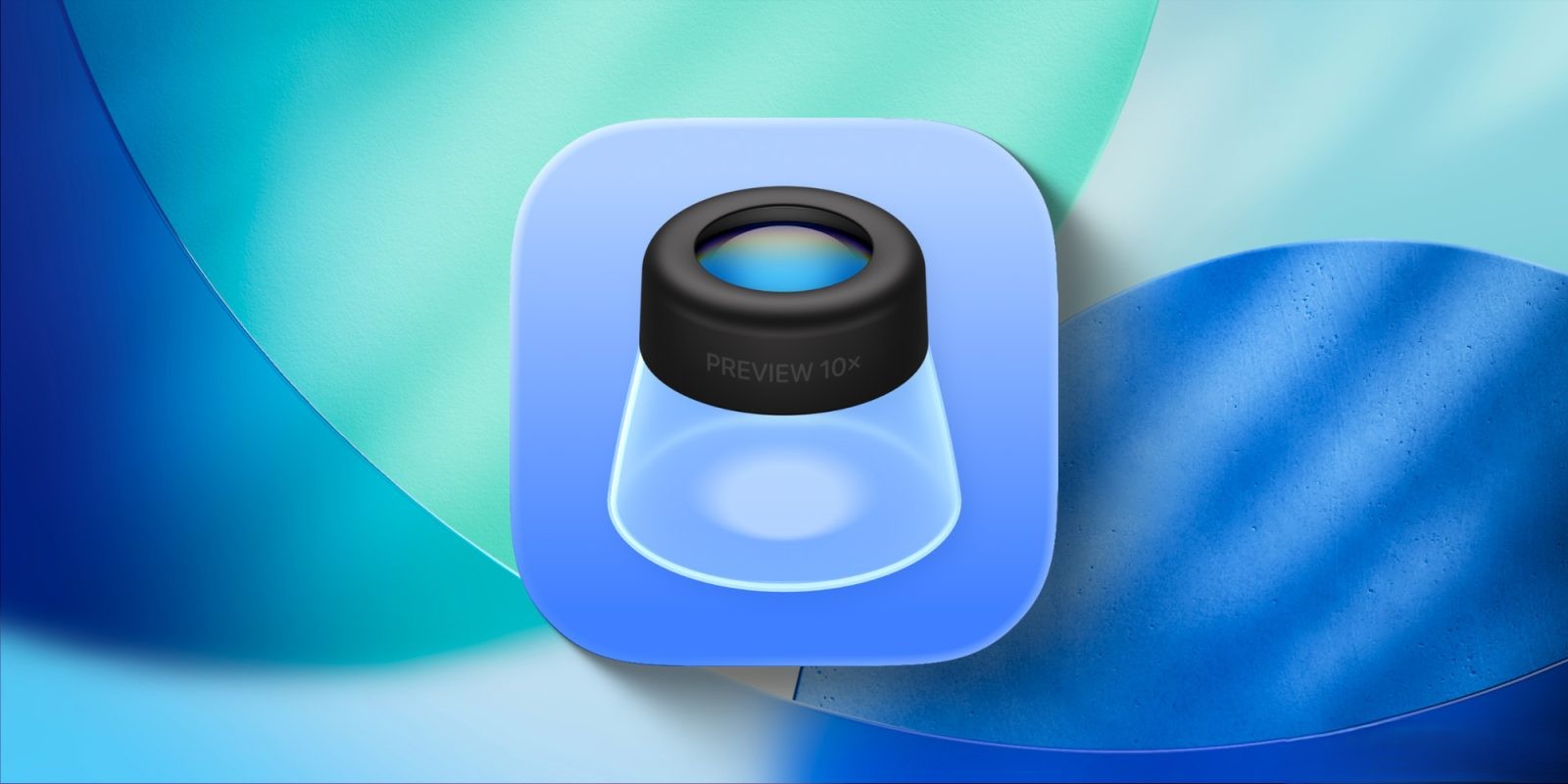
With the release of iOS 26, Apple has introduced two significant additions to the iPhone’s Home Screen: the ‘Preview’ and ‘Apple Games’ apps. This article delves into the functionalities of the ‘Preview’ app, highlighting its features and practical applications.
Introduction to the ‘Preview’ App
Traditionally a staple on macOS, the ‘Preview’ app has been a versatile tool for viewing and editing PDFs and images. With iOS 26, Apple has extended this utility to iPhone and iPad users, providing a dedicated platform for document management. This move aims to enhance the user experience by offering a centralized hub for handling various document types.
Key Features of the ‘Preview’ App
The ‘Preview’ app on iOS 26 offers a range of features designed to streamline document handling:
– Document Viewing and Editing: Users can open PDFs and images directly within the app, utilizing tools for resizing, rotating, and annotating documents.
– Markup Capabilities: The app supports adding signatures, filling out forms, and making notes directly on documents, enhancing productivity.
– Integration with Files App: ‘Preview’ seamlessly integrates with the Files app, allowing users to access documents stored in iCloud or other locations without redundancy.
– Document Scanning: The app includes a scanning feature, enabling users to digitize physical documents and save them as PDFs.
– AutoFill for Forms: Users can quickly fill out PDF forms using the AutoFill feature, saving time and effort.
Practical Applications and User Experience
The introduction of ‘Preview’ has significantly improved document management on iOS devices. For instance, during complex processes like home buying, users often handle numerous documents. The ‘Preview’ app facilitates easy access and organization of these PDFs directly on the iPhone.
The ‘Quick Look’ function within the Files app complements ‘Preview’ by allowing users to view documents without fully opening them. This feature is particularly useful when managing multiple documents simultaneously, as it enables quick switching between ‘Preview’ and ‘Files’ via the app switcher, enhancing multitasking efficiency.
On the iPad, the synergy between ‘Preview’ and the new windowing system in iPadOS 26 offers a more dynamic workflow. Users can set up unique window configurations, such as having ‘Preview’ occupy a large portion of the screen while ‘Files’ resides in a smaller window. This setup allows for simultaneous viewing and navigation of documents, streamlining the process of accessing and editing files.
Enhanced Editing Tools
The ‘Preview’ app brings a more comprehensive set of editing tools to iOS, aligning closely with its macOS counterpart. Users can add or remove pages from PDFs, sign documents using the Markup feature, and fill out forms efficiently. These enhancements make ‘Preview’ a robust tool for both personal and professional document management.
User Feedback and Adaptation
While the ‘Preview’ app offers numerous benefits, some users have found its integration into their workflow to be redundant, especially on the iPhone. Previously, the Files app handled viewing PDFs and images within the same interface. With ‘Preview,’ opening a file now redirects users to a separate app, which can be cumbersome for those accustomed to the previous system.
For users who prefer the traditional method, there is a simple solution: deleting the ‘Preview’ app. By doing so, the Files app reverts to its prior functionality, opening files within the same interface without redirecting to ‘Preview.’ This flexibility allows users to choose the workflow that best suits their preferences.
Conclusion
The addition of the ‘Preview’ app in iOS 26 marks a significant step forward in document management for iPhone and iPad users. Its comprehensive features and seamless integration with existing apps provide a more efficient and versatile platform for handling PDFs and images. While it may require an adjustment period for some users, the benefits of having a dedicated document management app are substantial. As with any new feature, user feedback will be crucial in refining ‘Preview’ to meet the diverse needs of the iOS community.