iOS 26 Introduces ‘Keep Audio with Headphones’ to Prevent Unwanted Bluetooth Switching
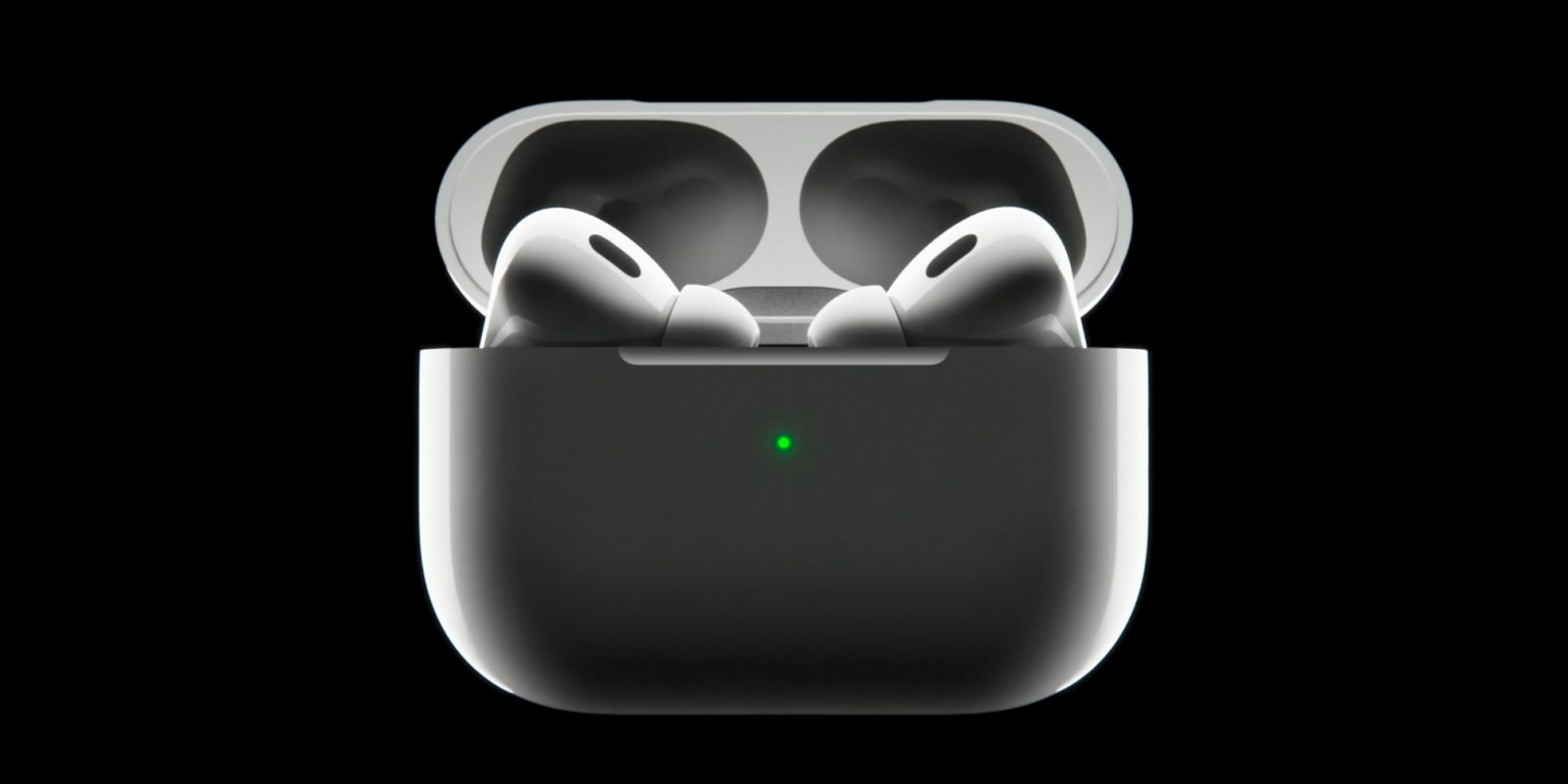
Apple’s iOS 26 update brings a host of enhancements, notably addressing a longstanding issue for AirPods and other Bluetooth headphone users. The new ‘Keep Audio with Headphones’ feature empowers users to maintain their audio stream on their headphones, preventing automatic switching to other Bluetooth devices like in-car systems or external speakers.
Understanding the Issue
Many users have experienced the frustration of their iPhone’s audio unexpectedly transferring from their AirPods to nearby Bluetooth speakers or car audio systems. This automatic switching can disrupt listening experiences, especially when transitioning between environments equipped with multiple Bluetooth devices.
Introducing ‘Keep Audio with Headphones’
To address this, iOS 26 introduces the ‘Keep Audio with Headphones’ setting. When activated, this feature ensures that audio remains with the connected headphones, even when other Bluetooth devices attempt to connect.
How to Enable the Feature
To activate ‘Keep Audio with Headphones’ on your iPhone running iOS 26:
1. Open the Settings app.
2. Tap on General.
3. Select AirPlay & Continuity.
4. Toggle on Keep Audio with Headphones.
Apple describes this setting as:
> When using AirPods or other wireless headphones, keep audio with headphones when other devices like speakers or cars connect to iPhone.
User Control and Preferences
By default, this setting is turned off, allowing users who prefer the existing automatic switching behavior to continue without change. However, for those who find the automatic switching disruptive, enabling this feature offers a straightforward solution.
Complementing Other Features
The introduction of ‘Keep Audio with Headphones’ may also complement other iOS 26 features, such as automatic CarPlay switching. This addition provides users with greater control over their audio experience, ensuring that their preferences are prioritized.
Additional AirPods Enhancements in iOS 26
Beyond this feature, iOS 26 includes several other improvements for AirPods users:
– Automatic Device Switching with CarPlay: Seamlessly transition audio from CarPlay to AirPods when leaving your vehicle.
– Low Battery Notifications: Receive alerts when your AirPods or their charging case are running low on battery.
– Enhanced Audio Recording and Call Quality: Experience better sound quality during recordings and phone calls.
Conclusion
The ‘Keep Audio with Headphones’ feature in iOS 26 addresses a common inconvenience for AirPods users, offering a simple yet effective solution to maintain control over their audio streams. By enabling this setting, users can enjoy uninterrupted listening experiences, free from unexpected audio switches to other Bluetooth devices.