iOS 26: Four Game-Changing Features Enhancing Daily iPhone Use
Apple’s iOS 26 introduces a suite of innovative features designed to enhance user experience and productivity. Among the myriad of updates, four standout additions have seamlessly integrated into daily routines, offering both convenience and efficiency.
1. Adaptive Toolbar in Notes
The Notes app has long been a staple for iPhone users, and with iOS 26, it receives a significant upgrade through the Adaptive Toolbar. This dynamic feature intelligently adjusts the toolbar above the keyboard based on the user’s current activity within a note. For instance, when editing standard text, the toolbar presents options like bold, italics, underline, and highlight tools. If multiple lines are selected, it shifts to display list options, indentations, block quotes, and more. This context-aware functionality streamlines the note-taking process, reducing the need to navigate through menus and enhancing overall productivity.
2. Introduction of the Preview App
iOS 26 brings the Mac’s renowned Preview app to the iPhone, offering a robust platform for viewing and managing PDFs and images. While the Files app previously provided basic viewing capabilities, Preview elevates this experience by allowing users to open documents in a dedicated interface. This separation enables multitasking, such as viewing a document in Preview while navigating the file system in Files. For users handling multiple PDFs or images, this dual-app functionality mirrors the efficiency traditionally found on desktop systems, making document management on the iPhone more intuitive and effective.
3. Sleep Score in Health App
Understanding sleep patterns is crucial for overall well-being, and iOS 26 enhances this insight with the introduction of the Sleep Score in the Health app. This feature consolidates sleep data into a comprehensive score, reflecting the quality of the previous night’s rest. It evaluates metrics such as duration, bedtime consistency, and interruptions, providing a clear and concise overview. This scoring system simplifies the interpretation of sleep data, allowing users to identify patterns and make informed decisions to improve their sleep health.
4. Enhanced Live Activities
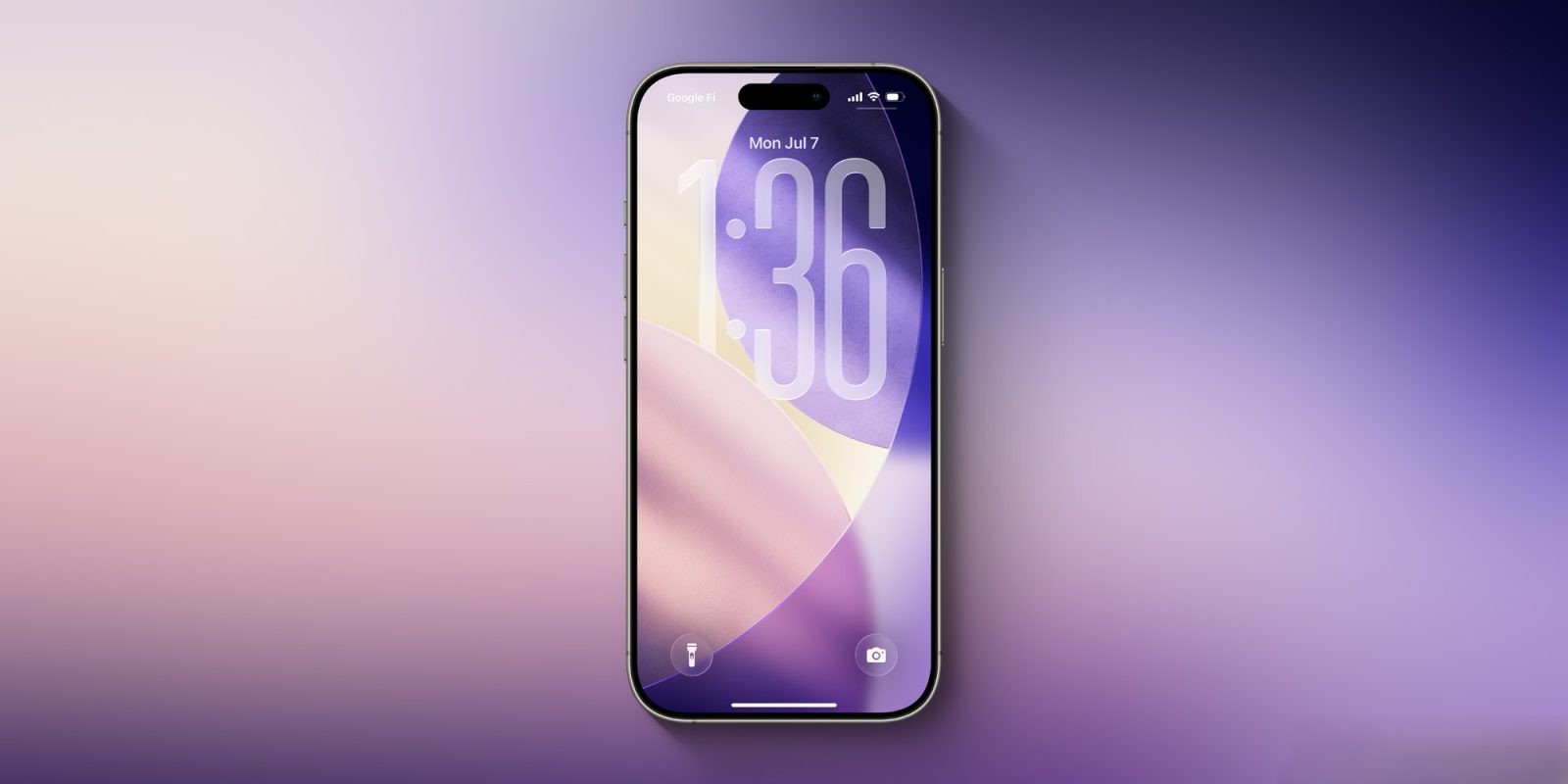
Live Activities have been a dynamic component of the iPhone experience, and iOS 26 further refines this feature. The Fitness app now initiates a Live Activity when a workout begins, displaying real-time metrics on the Lock Screen and Dynamic Island. This immediate access to workout data enhances user engagement and motivation. Additionally, the ability to schedule Live Activities for future events has been extended to third-party apps via a new developer API. This expansion opens the door for a variety of applications, from tracking upcoming deliveries to monitoring live sports scores, enriching the real-time information available to users.
These four features exemplify Apple’s commitment to enhancing the iPhone’s functionality and user experience. By integrating intelligent design and user-centric innovations, iOS 26 not only streamlines daily tasks but also introduces new dimensions of interactivity and personalization.