Enhancing iOS 26’s ‘Screen Unknown Senders’ Feature: A Simple Setting Adjustment
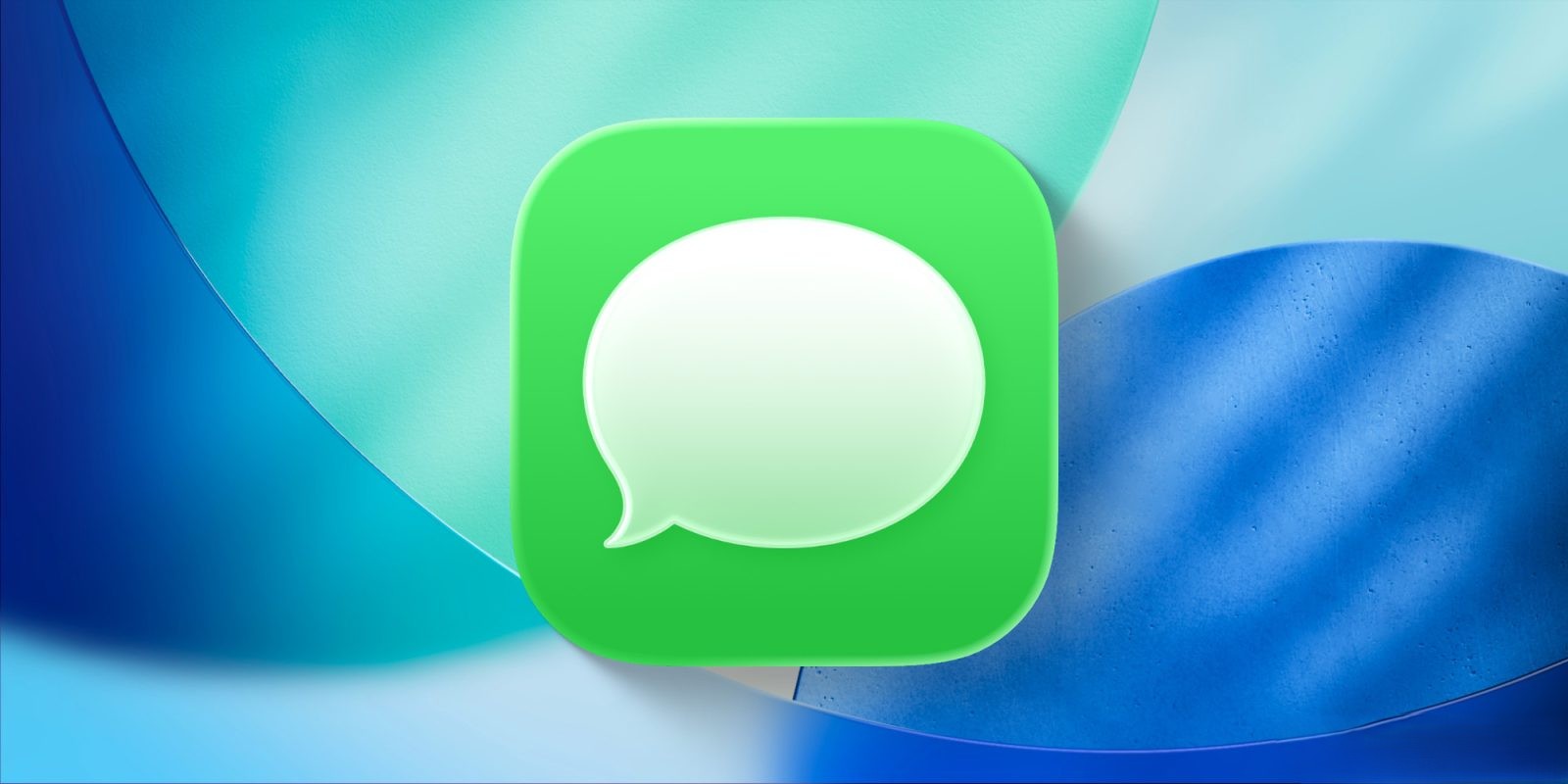
Apple’s iOS 26 introduces a suite of enhancements aimed at refining user experience, notably within the Messages app. A standout addition is the ‘Screen Unknown Senders’ feature, designed to mitigate the influx of spam texts. This function identifies potential spam messages and relegates them to a separate ‘Unknown Senders’ section, accessible via the filter icon in the top-right corner of the Messages app. Importantly, these messages do not trigger push notifications, ensuring users aren’t disturbed by unsolicited texts.
While the feature’s intent is commendable, its initial implementation may lead to unintended consequences, such as missing important messages from unfamiliar contacts. To optimize this feature, users can adjust specific settings:
1. Accessing Settings: Navigate to Settings > Apps > Messages.
2. Allow Notifications Menu: Within the Messages settings, locate the ‘Allow Notifications’ option under the ‘Unknown Senders’ section. This menu becomes visible when ‘Screen Unknown Senders’ is activated.
3. Customizing Notifications: The ‘Allow Notifications’ menu offers toggles for four categories of messages:
– Time Sensitive: Includes alerts, verification codes, and urgent requests.
– Personal: Messages identified as not sent by businesses or organizations.
– Transactions: Covers order updates, receipts, and confirmations.
– Promotions: Encompasses general offers and updates sent to multiple recipients.
By default, only ‘Time Sensitive’ notifications are enabled. However, enabling ‘Personal’ notifications ensures that messages from individual senders, even if they’re not in your contacts, will prompt alerts. This adjustment allows users to receive important communications without being overwhelmed by spam.
In summary, while iOS 26’s ‘Screen Unknown Senders’ feature is a valuable tool for managing unwanted messages, fine-tuning its settings can significantly enhance its effectiveness, ensuring that critical messages are not inadvertently missed.