Article Title:
iOS 26.4 Beta: Elevating iPhone Customization and User Experience
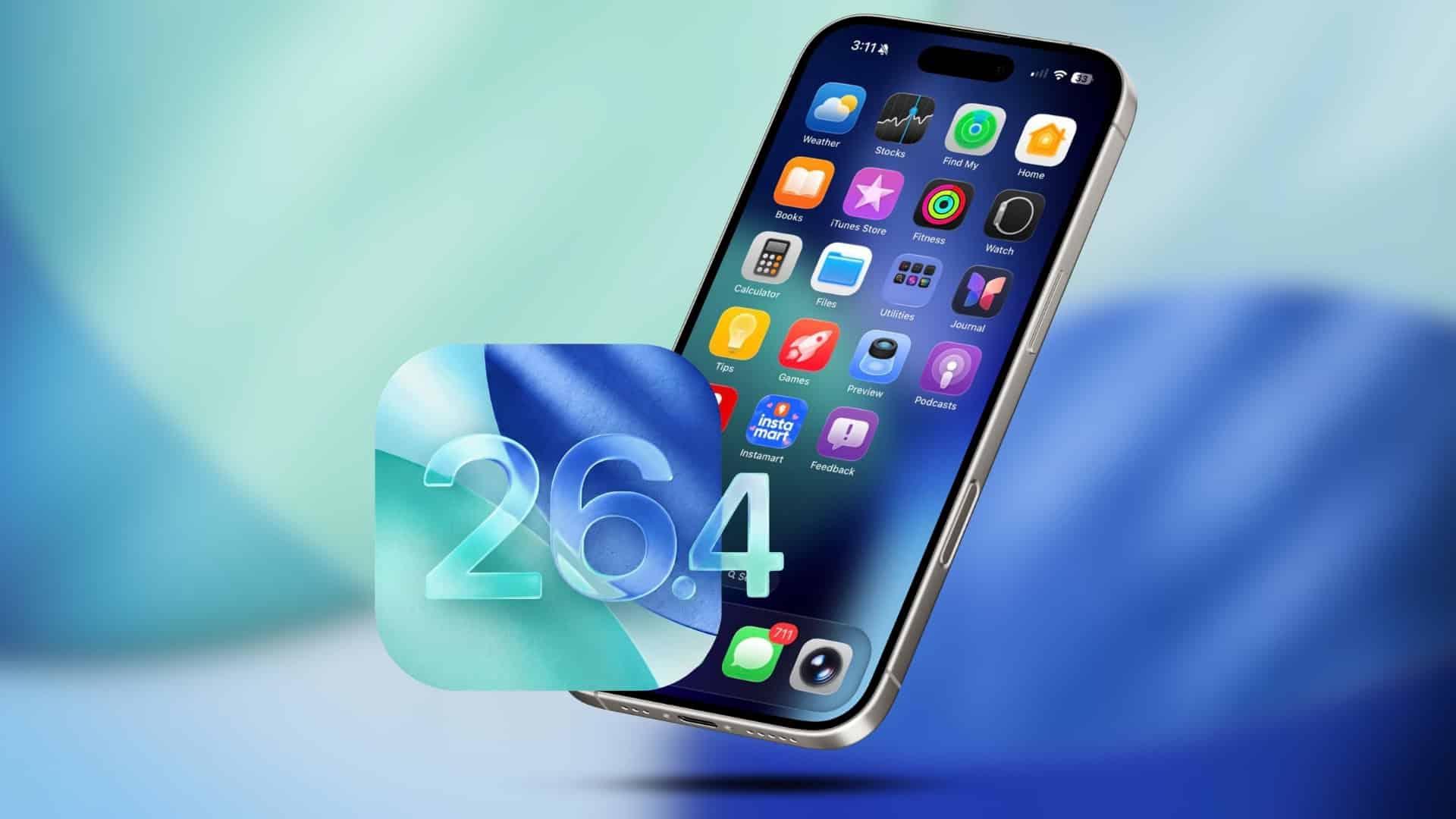
Apple’s forthcoming iOS 26.4 update introduces a suite of enhancements aimed at refining the iPhone user experience. These updates focus on visual comfort, battery management, and media consumption, offering users greater control and personalization options.
Visual Comfort Enhancements
The Liquid Glass interface, introduced in iOS 26, brought dynamic highlights and animations to system elements. Recognizing that some users prefer a more subdued interface, iOS 26.4 introduces the Reduce Bright Effects feature. This setting minimizes intense visual effects, providing a calmer user experience. To activate:
1. Navigate to Settings.
2. Select Accessibility.
3. Tap on Display & Text Size.
4. Enable Reduce Bright Effects.
Once enabled, this feature diminishes the intensity of highlights and animations across the system, catering to users seeking a more understated interface.
Advanced Battery Management
Battery longevity is a priority for many users. Building upon existing charge limit options, iOS 26.4 integrates a Set Battery Charge Limit action within the Shortcuts app. This addition allows users to automate charging behaviors based on specific conditions, such as location or network connection. For instance:
– Set the device to charge up to 80% when at home.
– Allow full charging to 100% when traveling.
– Adjust charging limits based on Wi-Fi or cellular usage.
To configure this automation:
1. Open the Shortcuts app.
2. Tap on Automation.
3. Create a new automation.
4. Add the Set Battery Charge Limit action.
This feature empowers users to tailor charging habits, potentially extending battery lifespan.
Enhanced Subtitle Customization
Media consumption is further personalized with new subtitle styling options in the system’s video player. Users can now select from styles such as:
– Classic
– Large Text
– Outline Text
– Transparent Background
Additionally, the Manage Styles option within Accessibility settings allows for adjustments to subtitle size, background, and formatting, ensuring optimal readability and user comfort.
Apple Music Enhancements
Apple Music undergoes significant upgrades in iOS 26.4, introducing features that enhance user engagement and personalization.
Playlist Playground
A standout addition is the Playlist Playground, an AI-driven tool that enables users to create playlists based on text prompts. By inputting descriptions like upbeat workout mix or calm evening tunes, Apple Music generates a 25-song playlist tailored to the specified mood or activity. Users can further refine these playlists by adding or removing songs, adjusting the order, and customizing cover art and descriptions. This feature leverages Apple’s AI capabilities to offer a dynamic and personalized music experience.
Concerts Near You
Enhancing the connection between digital music and live performances, Apple Music now includes a Concerts Near You feature. This addition provides users with information about upcoming concerts and events in their vicinity, based on their listening habits and location. By integrating concert listings directly into the app, Apple Music bridges the gap between streaming and live music experiences, offering users a comprehensive musical journey.
Visual and Functional Updates
The update also brings visual enhancements to Apple Music. Select albums and playlists now feature full-screen animated artwork, creating a more immersive listening experience. Additionally, the Profile section within the app has been redesigned for easier access to account details and common actions. This updated interface is consistent across other Apple services, including the App Store, Apple Podcasts, and Apple TV, promoting a unified design language.
Apple Podcasts Video Integration
Apple Podcasts receives a notable upgrade with support for video content. This enhancement allows users to watch video podcasts directly within the app, offering a richer media experience. The integration utilizes Apple’s HTTP Live Streaming (HLS) technology, ensuring adaptive streaming quality based on network conditions. Users can also download video episodes for offline viewing, providing flexibility in content consumption.
Stolen Device Protection
Security is bolstered with the Stolen Device Protection feature, now enabled by default. This function requires biometric authentication for sensitive actions when the device is away from trusted locations. It also enforces a time delay before completing certain critical changes, adding an extra layer of security against unauthorized access.
Adaptive Power Mode
To further enhance battery efficiency, iOS 26.4 introduces Adaptive Power Mode. Unlike the traditional Low Power Mode, which reduces performance and disables certain features to save battery, Adaptive Power Mode makes subtle adjustments based on usage patterns. This intelligent management aims to extend battery life without significantly impacting user experience, allowing the feature to be used continuously.
Health App Redesign
The Health app undergoes a significant redesign, focusing on a more intuitive and user-friendly interface. The new layout presents clear dashboards and logical groupings, enabling users to quickly access key metrics such as sleep, activity, heart health, and nutrition. This scan-and-go design philosophy caters to users seeking quick health insights without navigating complex menus.
Native Food Tracking
A highly anticipated addition to the Health app is native food tracking. Users can log dietary intake, monitor calorie consumption, and set nutritional goals directly within the app. This feature positions the Health app as a comprehensive tool for managing various aspects of health and wellness, potentially reducing the need for third-party applications.
Conclusion
iOS 26.4 introduces a range of features that enhance customization, security, and user engagement. From visual comfort settings and advanced battery management to enriched media experiences and health tracking, this update reflects Apple’s commitment to providing a personalized and secure user experience.