iOS 26.4 Introduces ‘Reduce Bright Effects’ to Customize Liquid Glass Experience
Apple’s iOS 26.4 beta 4 introduces a new feature called ‘Reduce Bright Effects,’ allowing users to minimize the bright flashing responses associated with the Liquid Glass design. This addition provides further customization options for the user interface.
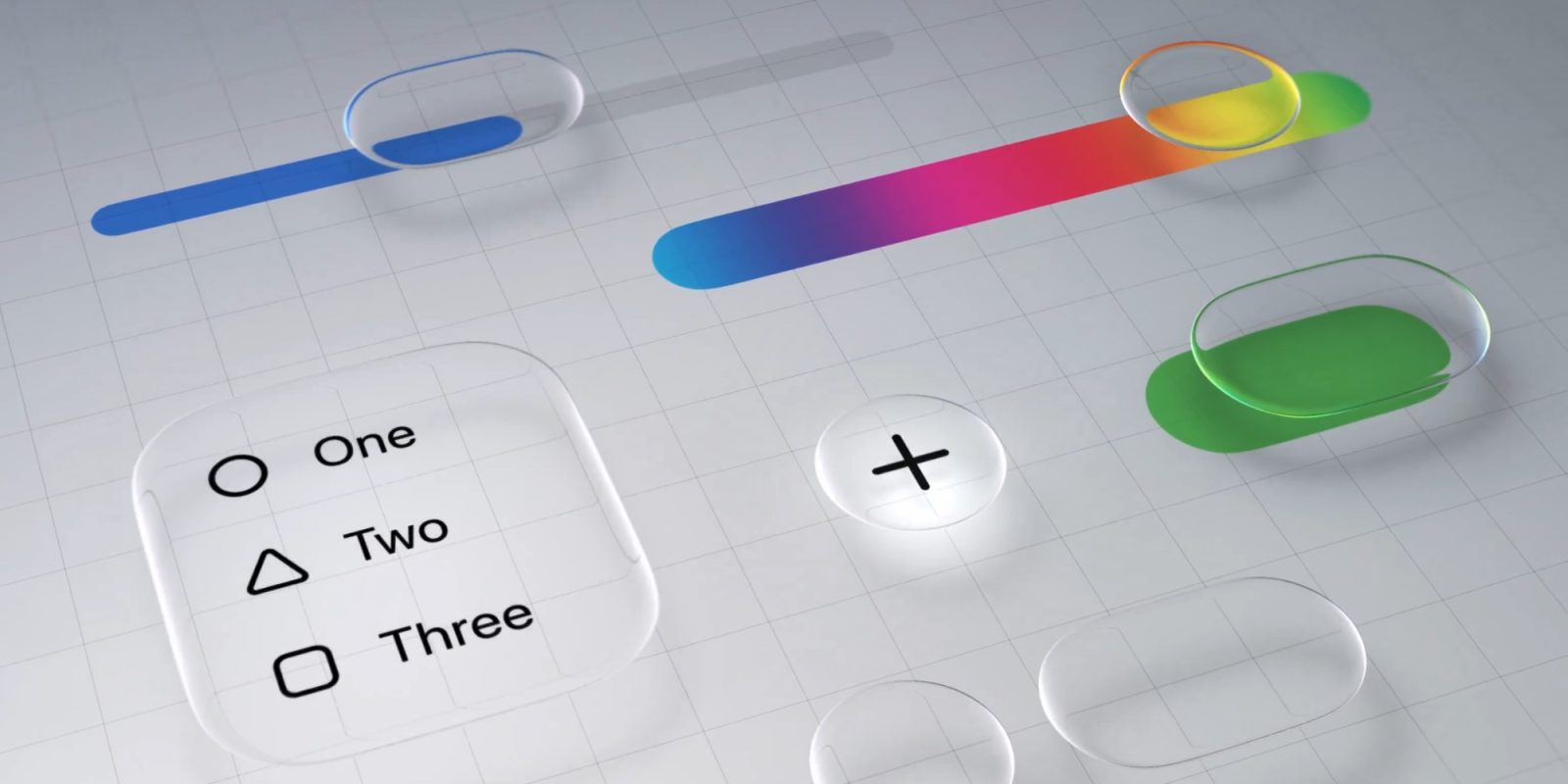
The Liquid Glass design, introduced in iOS 26, brought a transparent and fluid aesthetic to the iPhone interface. While many users appreciated this modern look, others found certain elements, like the bright flashing effects during interactions, to be distracting. In response, Apple has been refining the design and offering settings to tailor the experience.
In iOS 26.1, Apple added an option in the Display & Brightness settings to switch from the default ‘Clear’ design to a more opaque ‘Tinted’ look, resembling the classic iOS 18 appearance. This change allowed users to reduce transparency and increase contrast, making the interface more familiar to long-time iPhone users.
Building on this, iOS 26.4 introduces the ‘Reduce Bright Effects’ setting, which specifically targets the bright flashing responses that occur when interacting with certain UI elements. By enabling this setting, users can diminish these effects, resulting in a more subdued visual experience.
To activate ‘Reduce Bright Effects,’ navigate to Settings > Accessibility > Display & Text Size. Combining this with the ‘Tinted’ Liquid Glass option allows users to closely replicate the pre-iOS 26 design, catering to those who prefer a less flashy interface.
The introduction of these customization options reflects Apple’s commitment to user feedback and its dedication to providing a personalized experience. By offering settings like ‘Reduce Bright Effects’ and the ‘Tinted’ design, Apple ensures that users can tailor their devices to their preferences, balancing modern aesthetics with usability.
As iOS continues to evolve, it’s evident that Apple is striving to strike a balance between innovative design and user comfort. The ‘Reduce Bright Effects’ feature is a testament to this approach, allowing users to enjoy the benefits of the Liquid Glass design without compromising on their personal comfort.