Discover the Latest Enhancements in iOS 26.3: A Comprehensive Guide
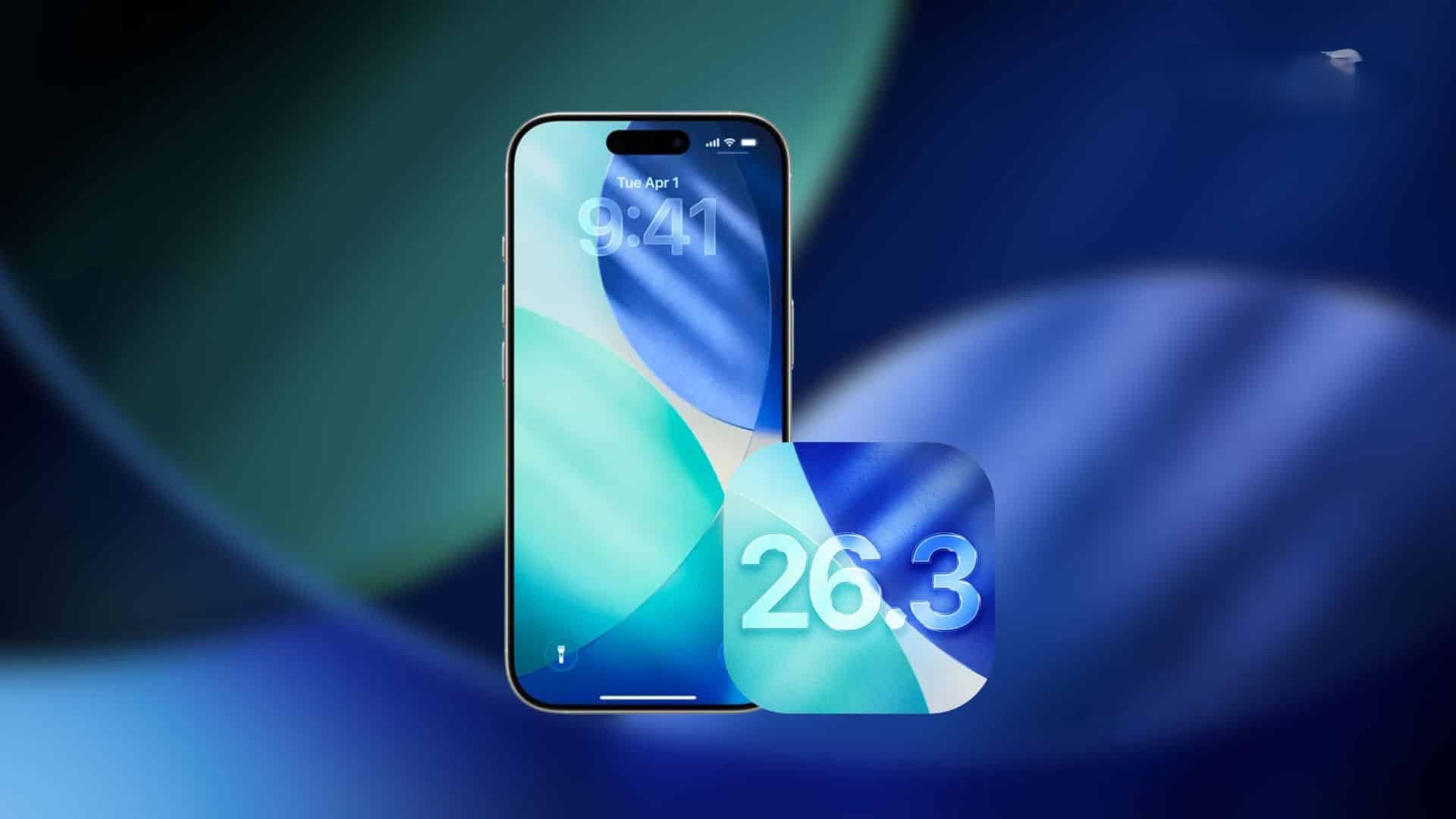
Apple’s iOS 26.3 update introduces a suite of features aimed at enhancing user experience, privacy, and device interoperability. This comprehensive guide delves into the key additions and improvements you can expect upon updating your iPhone.
1. Seamless Transition with ‘Transfer to Android’
Apple has streamlined the process of switching from an iPhone to an Android device with the new ‘Transfer to Android’ feature. This built-in tool allows users to wirelessly transfer essential data by placing both devices in proximity and initiating the transfer from the iPhone’s settings. The data that can be transferred includes:
– Photos and videos
– Messages
– Notes
– Certain apps and their associated data
– Phone number handoff
However, some data types remain excluded from this transfer, such as health data, Bluetooth pairing history, and locked notes. To access this feature, navigate to Settings > General > Transfer or Reset iPhone > Transfer to Android. ([macobserver.com](https://www.macobserver.com/news/ios-26-3-adds-a-built-in-tool-transfer-to-android-for-users/?utm_source=openai))
2. Enhanced Privacy with ‘Limit Precise Location’
iOS 26.3 introduces a privacy-centric feature that allows users to limit the precision of their location data shared with cellular networks. By enabling this setting, carriers receive a broader location estimate, such as a neighborhood, rather than an exact street address. This ensures that while general location data is available, precise tracking is curtailed, enhancing user privacy. Emergency services will still have access to accurate location information when necessary. This feature is accessible on devices equipped with Apple’s newer modem technology, including the iPhone Air, iPhone 16e, and cellular models of the M5 iPad Pro. To activate this setting, go to Settings > Cellular > Cellular Data Options > Limit Precise Location. ([macobserver.com](https://www.macobserver.com/tips/ios-26-3-new-features-all-you-need-to-know-before-updating/?utm_source=openai))
3. Notification Forwarding to Third-Party Wearables in the EU
In compliance with European Union interoperability regulations, iOS 26.3 introduces ‘Notification Forwarding’ for third-party wearables. This feature enables iPhone notifications to appear on compatible non-Apple smartwatches. Users can designate one accessory to receive forwarded notifications at a time. When this feature is active, the Apple Watch will cease mirroring notifications to prevent duplication. To configure this setting, navigate to Settings > Notifications > Notification Forwarding. ([macobserver.com](https://www.macobserver.com/tips/ios-26-3-new-features-all-you-need-to-know-before-updating/?utm_source=openai))
4. Expanded Support for Third-Party Accessories in the EU
Beyond notification forwarding, iOS 26.3 enhances support for third-party accessories within the European Union by introducing:
– Proximity Pairing: Simplified pairing processes for third-party earbuds and accessories, akin to the seamless experience with AirPods.
– Extended NFC Access: Third-party applications gain broader access to NFC capabilities, moving beyond the traditional confines of the Wallet app.
– High-Bandwidth Peer-to-Peer Wi-Fi: Improved device-to-device connections, facilitating faster data transfers and more robust communication between devices.
These enhancements aim to foster a more inclusive and versatile ecosystem for accessory integration. ([macobserver.com](https://www.macobserver.com/tips/ios-26-3-new-features-all-you-need-to-know-before-updating/?utm_source=openai))
5. Revamped Wallpaper Gallery with New Weather Options
The wallpaper selection process receives a facelift in iOS 26.3. The Weather and Astronomy categories are now distinct, allowing for easier navigation. Additionally, new Weather wallpaper configurations have been introduced, showcasing live weather elements that dynamically change based on real-time conditions. A Black Unity wallpaper is also anticipated to be part of this update, celebrating diversity and inclusion. ([macobserver.com](https://www.macobserver.com/tips/ios-26-3-new-features-all-you-need-to-know-before-updating/?utm_source=openai))
6. Laying the Groundwork for Encrypted RCS Messaging
iOS 26.3 appears to set the stage for carriers to support end-to-end encrypted Rich Communication Services (RCS) messaging. While this feature may not be immediately visible to users, it signifies Apple’s commitment to enhancing messaging security and interoperability with other platforms. As carriers adopt this standard, users can expect more secure and feature-rich messaging experiences. ([macobserver.com](https://www.macobserver.com/tips/ios-26-3-new-features-all-you-need-to-know-before-updating/?utm_source=openai))
7. Additional Customization and Privacy Features
Beyond the major updates, iOS 26.3 introduces several refinements:
– Weather Wallpapers: New dynamic wallpapers that reflect current weather conditions, adding a personalized touch to the Lock Screen.
– Limit Precise Location Toggle: A privacy setting that reduces the granularity of location data shared with cellular networks, enhancing user privacy without compromising essential services.
These additions aim to provide users with more control over their device’s appearance and data sharing preferences. ([macobserver.com](https://www.macobserver.com/tips/ios-26-3-new-features-all-you-need-to-know-before-updating/?utm_source=openai))
8. Known Beta Issues to Consider
Users participating in the iOS 26.3 beta program should be aware of certain issues:
– Continuity Features: Some users have reported disruptions in Continuity features, including iPhone Mirroring, AirPlay mirroring to Apple TV 4K, wireless Continuity Camera, and Sidecar on the M5 iPad Pro. If these features are integral to your workflow, it may be advisable to delay updating until these issues are resolved. ([macobserver.com](https://www.macobserver.com/news/ios-26-3-public-beta-3-is-here-with-these-changes/?utm_source=openai))
FAQs
Is iOS 26.3 a significant update?
While iOS 26.3 may not introduce groundbreaking features, it focuses on enhancing interoperability, privacy, and user customization, making it a valuable update for many users.
Will all features be available globally?
No, certain features, such as Notification Forwarding to third-party wearables and expanded support for third-party accessories, are specific to the European Union due to regional regulations.
When is the public release of iOS 26.3 expected?
Apple plans to release iOS 26.3 to the public in February 2026, following the completion of the current beta testing phase.
Conclusion
iOS 26.3 brings a host of thoughtful enhancements aimed at improving user experience, privacy, and device interoperability. By understanding these new features, users can make informed decisions about updating their devices and leveraging the latest capabilities offered by Apple.