iOS 26.3 Introduces Enhanced Interoperability and Privacy Features for iPhone Users
Apple’s latest update, iOS 26.3, brings a suite of new features aimed at enhancing user experience, privacy, and device interoperability. This update introduces a streamlined process for transferring data between iPhone and Android devices, a privacy feature to limit location data sharing, and support for third-party smartwatches through notification forwarding.
Seamless Data Transfer Between iPhone and Android
In a collaborative effort with Google, Apple has developed a Transfer to Android feature in iOS 26.3. This functionality simplifies the process for users transitioning from an iPhone to an Android device. By placing the Android device near the iPhone, users can initiate a wireless transfer of photos, messages, notes, apps, and more. The system also facilitates the transfer of the user’s phone number to the new device.
It’s important to note that certain sensitive information, such as Health data, Bluetooth device pairings, and locked notes, are not included in this transfer process. Apple and Google have indicated plans to expand the types of data that can be transferred in future updates.
Enhanced Privacy with Location Data Sharing Controls
iOS 26.3 introduces a new privacy feature called Limit Price Location, designed to restrict the granularity of location data accessible to cellular networks. With this feature enabled, carriers can determine only the general area of the device, such as the neighborhood, rather than the exact address.
To utilize this feature, users need an iPhone Air, iPhone 16e, or iPad Pro (M5) Wi-Fi + Cellular running iOS 26.3 or later, along with a supported carrier. Supported carriers include Telekom in Germany, EE and BT in the United Kingdom, Boost Mobile in the United States, and AIS and True in Thailand. Users can activate this setting by navigating to Settings > Cellular > Cellular Data Options.
Notification Forwarding to Third-Party Devices
Another notable addition in iOS 26.3 is the Notification Forwarding feature, which allows iPhone notifications to be displayed on third-party smartwatches and other wearable devices. This feature is particularly significant for users in the European Union, as it aligns with upcoming Digital Markets Act (DMA) regulations that mandate interoperability between devices from different manufacturers.
Users can enable Notification Forwarding by going to Settings > Notifications. It’s important to note that notifications can be forwarded to only one accessory at a time, and while this feature is active, notifications will not appear on an Apple Watch.
Additional Features for European Union Users
In compliance with the DMA, iOS 26.3 includes several features exclusive to European Union users:
– Proximity Pairing for Third-Party Accessories: This feature enables seamless pairing of third-party accessories, similar to the experience with AirPods.
– Expanded NFC Capabilities: Users can initiate connections with compatible devices using NFC, even without the presence of an iPhone.
– High-Bandwidth Wi-Fi Connections: This enhancement supports peer-to-peer use, facilitating faster data transfer rates and improved connectivity.
These additions aim to provide European users with greater flexibility and interoperability between devices from different manufacturers.
Revamped Wallpaper Options
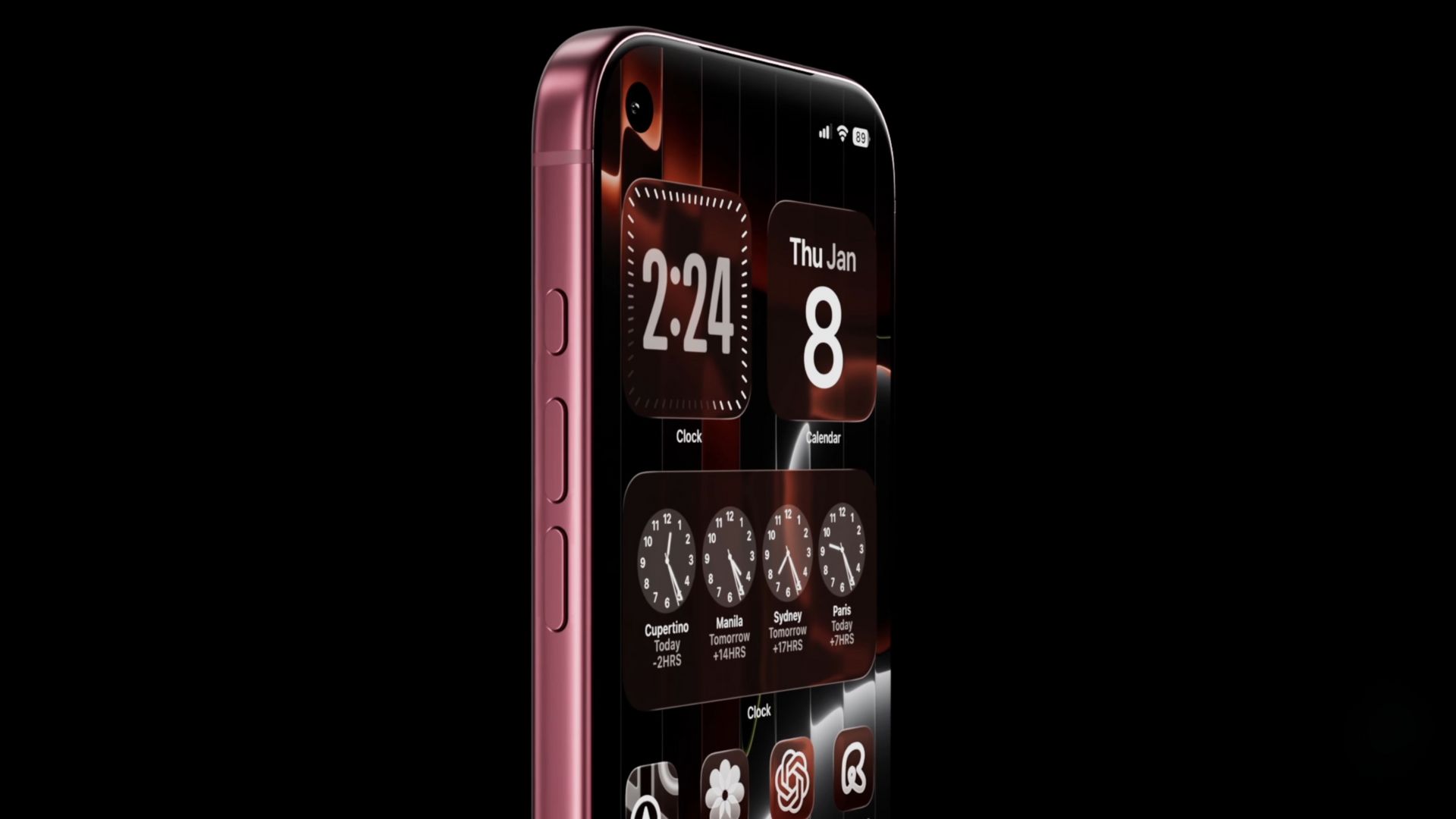
iOS 26.3 also brings aesthetic enhancements with new wallpaper options. The previously combined Weather & Astronomy section has been divided into separate Weather and Astronomy categories. The Weather section now offers three distinct wallpapers, each displaying live weather conditions for the user’s current location. These wallpapers come with different font styles and widget configurations, allowing users to personalize their home screens further.
Availability and Installation
iOS 26.3 is currently available in public beta, with a general release expected soon. Users interested in exploring these new features can enroll in the Apple Beta Software Program to download and install the update. As with all beta software, it’s advisable to back up your device before installation to prevent potential data loss.
Conclusion
The iOS 26.3 update underscores Apple’s commitment to enhancing user experience through improved interoperability, privacy controls, and customization options. By facilitating easier data transfer between iPhone and Android devices, introducing features like Notification Forwarding, and expanding wallpaper choices, Apple continues to refine its ecosystem to meet the diverse needs of its global user base.