iOS 26.3.1 Update: Users Report Connectivity Issues, Battery Drain, and More
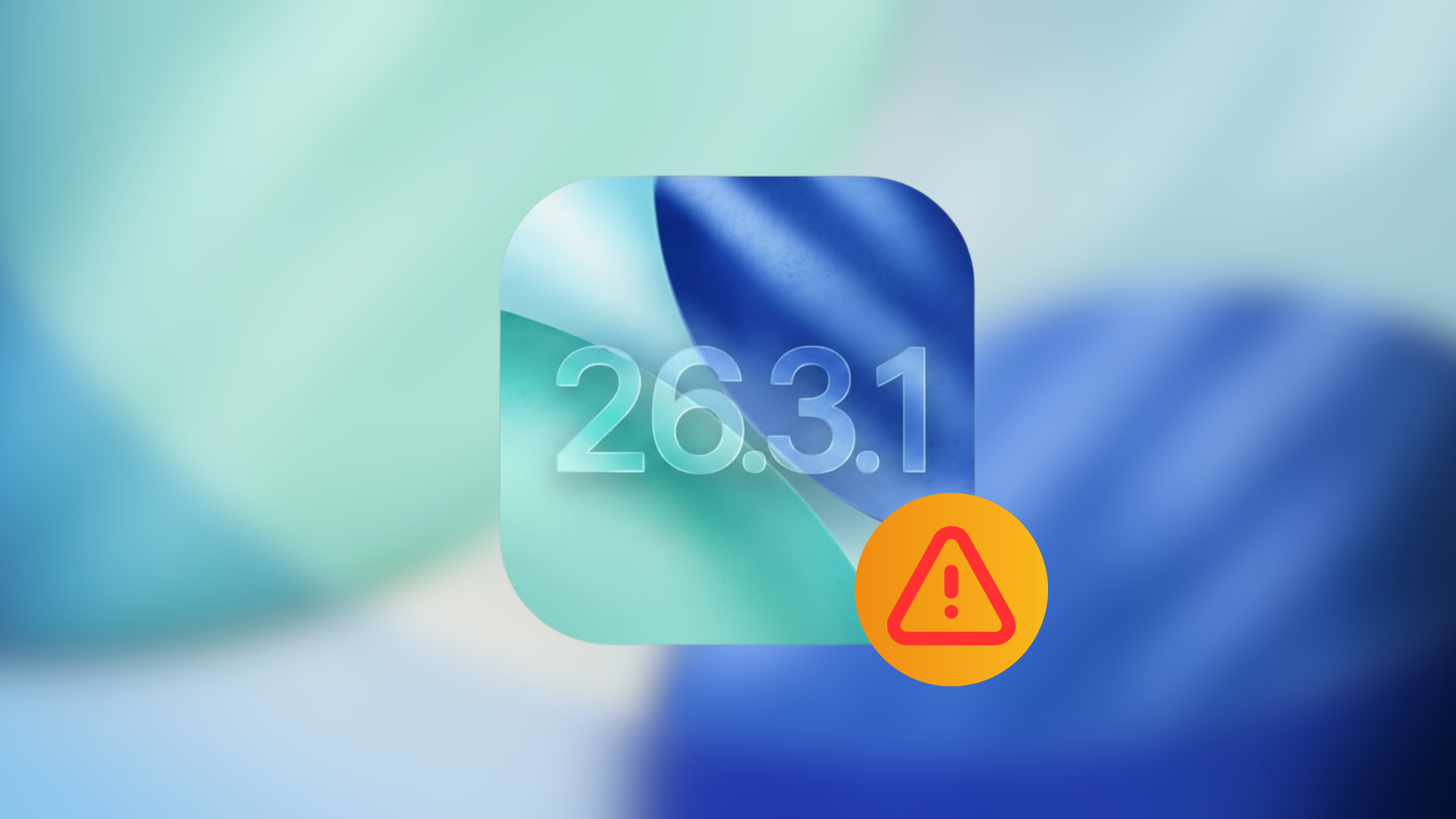
On March 4, 2026, Apple released iOS 26.3.1, identified by build number 23D8133. This update was intended to introduce support for the latest Studio Display models and implement various bug fixes. However, since its release, a significant number of iPhone users have reported a range of issues affecting device performance and functionality.
Intended Enhancements in iOS 26.3.1
The primary objectives of iOS 26.3.1 were to:
– Enable compatibility with the new Studio Display (2026) and Studio Display XDR on supported iPhone models.
– Address and rectify existing software bugs to enhance overall system stability.
Apple also noted that once this update is installed, users cannot revert to previous iOS versions through standard procedures.
User-Reported Issues Post-Update
Following the installation of iOS 26.3.1, users have taken to platforms like Reddit and Apple Support Communities to share their experiences. The most frequently reported problems include:
1. Network Connectivity Failures: Users have encountered complete loss of internet access over both Wi-Fi and cellular networks. One Reddit user described their iPhone failing to connect to the internet after an automatic overnight update, despite functioning Wi-Fi and cellular data.
2. Persistent Location Permission Prompts: Built-in applications such as Weather, Calendar, and Reminders repeatedly request location access authorization, even after permissions have been granted.
3. Disappearance of Apple Watch Apps and Complications: Some users noted that certain first-party apps vanished from their Apple Watch post-update, leading to the removal of associated complications.
4. AirDrop Discovery Issues: The updated iPhones are reportedly unable to detect other devices via AirDrop, hindering file-sharing capabilities.
5. App Performance Degradation and Overheating: Users have observed apps loading sluggishly, experiencing black-screen crashes, and devices becoming noticeably warm after updating from iOS 26.3 to 26.3.1.
6. Safari Layout Glitches: The Safari browser remains stuck in a compact layout mode, unresponsive to attempts at changing the view, even after clearing data and restarting the device.
7. Front Camera Malfunctions: Instances have been reported where the front-facing camera ceases to function following the update, particularly on iPhone 13 models.
8. Microphone Issues During Calls: Users have experienced problems with the microphone during phone calls, where the other party cannot hear them properly after updating to iOS 26.3.1.
9. Screen Time App Limits Not Resetting: The Screen Time feature fails to reset app usage limits after midnight, causing some apps to remain blocked even if they haven’t been used that day.
Assessing the Severity of These Issues
While these reports are concerning, it’s important to note that not all users are experiencing these problems. Some have reported that their devices are functioning normally post-update, with no noticeable battery drain or overheating. This suggests that the issues may not be widespread across all iPhone models.
Recommendations for Users
– If You’ve Already Updated: Monitor your device’s performance closely. If you encounter any of the issues mentioned, consider reaching out to Apple Support for assistance.
– If You’re Considering Updating: Given the inability to downgrade after installation, it may be prudent to delay updating until more information is available. Keep an eye on user reports specific to your iPhone model to make an informed decision.
In conclusion, while iOS 26.3.1 aims to enhance device functionality and support new hardware, the emergence of these user-reported issues underscores the importance of cautious updating. Staying informed and vigilant can help mitigate potential disruptions to your device’s performance.