Huion Kamvas 22 (Gen 3) Review: A Top Choice for Aspiring Digital Artists
The Huion Kamvas 22 (Gen 3) emerges as a compelling option for digital artists seeking a high-quality pen display without a hefty price tag. This third-generation model combines robust construction, user-friendly features, and impressive performance, making it an excellent choice for both beginners and seasoned creatives.
Design and Build Quality
Huion has meticulously crafted the Kamvas 22 with a sturdy casing that exudes durability. The full-lamination anti-glare screen not only enhances visual clarity but also reduces parallax, providing a more natural drawing experience. The thoughtful placement of functional buttons ensures ease of use without compromising the tablet’s sleek, modern aesthetic.
A standout feature is the inclusion of a detachable display stand, the ST100D, which allows for adjustable angles ranging from 20 to 80 degrees. This flexibility caters to various working preferences and alleviates the discomfort associated with prolonged use. The stand’s removability also facilitates lap use or the attachment of alternative display mounts, with Huion providing the necessary screws and a screwdriver for easy setup.
Pen Performance
The Kamvas 22 comes equipped with Huion’s latest PenTech 4.0 PW600L, a battery-free stylus that offers a comfortable grip reminiscent of chunkier models from competitors like Wacom and Xencelabs. The pen’s slight taper enhances comfort during extended drawing sessions. It features three programmable buttons and a programmable eraser end, allowing for a customized workflow. Huion also includes ten standard pen nibs housed within an elegant pen stand, ensuring artists have ample replacements at their disposal.
Setup and Connectivity
Setting up the Kamvas 22 is remarkably straightforward. After unboxing, users can connect the tablet to their computer using one of three methods: a direct USB-C to USB-C connection, an HDMI cable paired with a USB-C to USB-A adapter, or an HDMI cable with a USB-C to USB-A adapter. This versatility ensures compatibility with a wide range of devices.
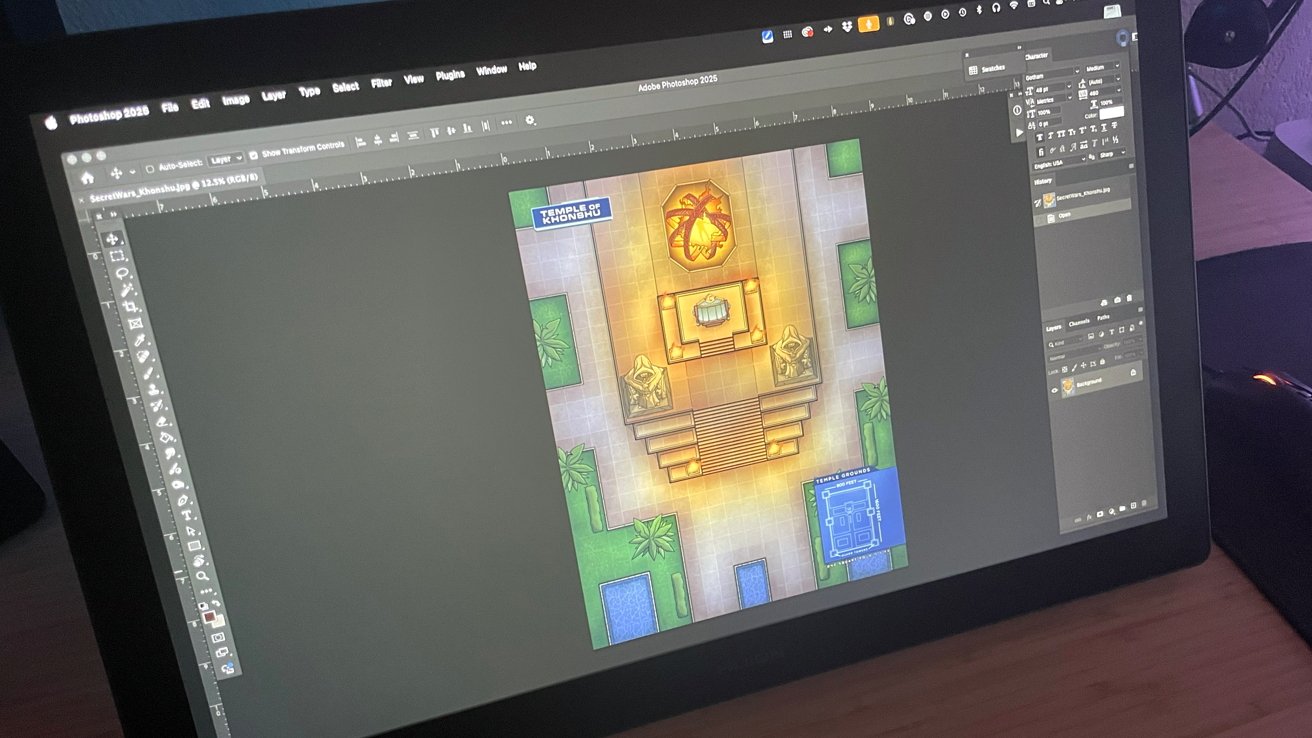
Upon connecting to a Mac Studio, the tablet functioned seamlessly. Downloading and installing the Huion driver for macOS was quick and hassle-free, allowing for immediate use. The driver facilitates customization of pressure settings and stylus button functions, enabling users to tailor the tablet to their specific needs. Additionally, the driver supports profile creation for different applications, enhancing workflow efficiency.
Ambient Lighting Feature
A novel addition to the Kamvas 22 is the ambient lighting feature—a ring of light on the back of the display that provides subtle illumination. While seemingly decorative, this feature proves beneficial in low-light environments, offering gentle backlighting that reduces eye strain during extended use.
Comparison with Competitors
When compared to other tablets in its class, the Kamvas 22 holds its own. For instance, the XP-Pen Innovator 16 offers a sleek design and accurate stylus detection but falls short with issues like micro-scratches on the display and a less stable stand. Similarly, the Xencelabs Graphic Tablet provides a comfortable drawing experience with two included pens but lacks sufficient shortcut buttons and a pen holder. The Kamvas 22 addresses these shortcomings by offering a durable build, a comfortable and feature-rich stylus, and a versatile stand, all at a competitive price point.
Conclusion
The Huion Kamvas 22 (Gen 3) stands out as a top choice for digital artists seeking a reliable and feature-rich pen display. Its combination of thoughtful design, user-friendly features, and impressive performance makes it a valuable tool for both novices and experienced creatives. Whether you’re transitioning from a traditional tablet or upgrading your current setup, the Kamvas 22 offers a compelling blend of quality and affordability.