Ensuring Your iPhone Alarm Sounds Properly in iOS 26
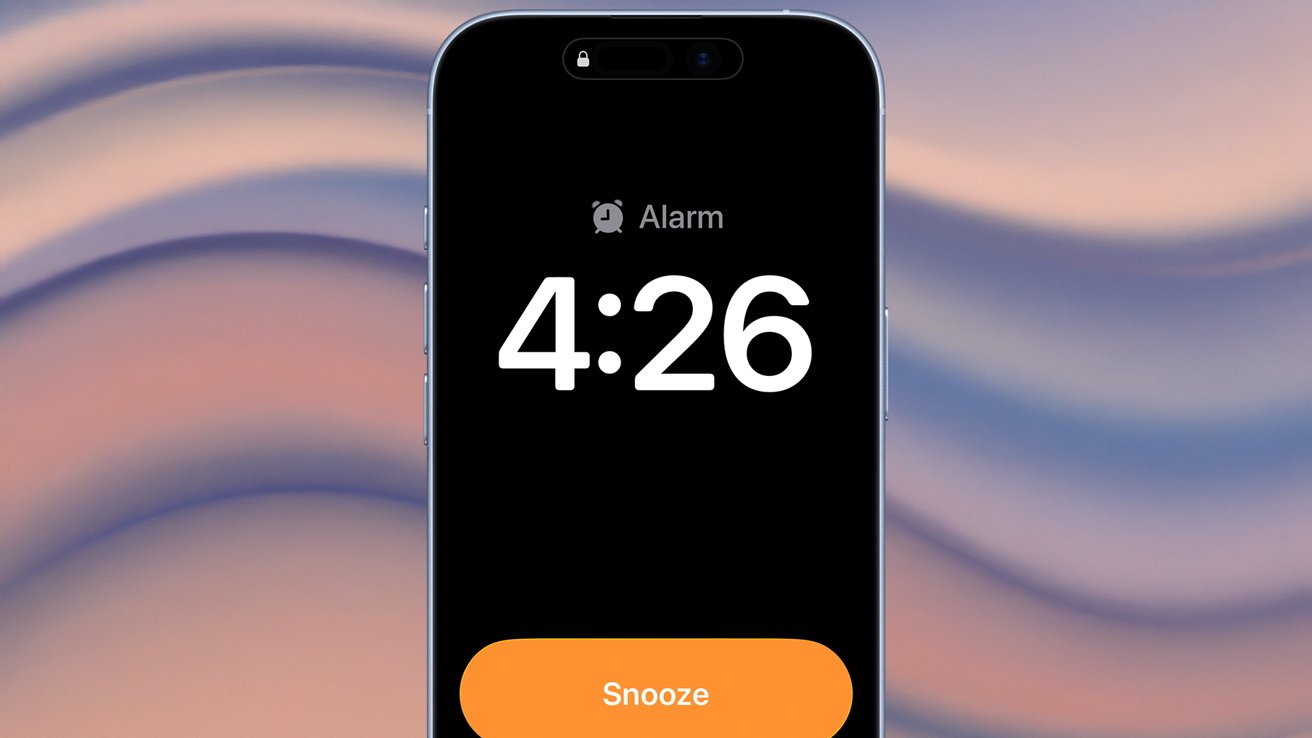
Many iPhone users have reported a recurring issue where alarms appear active but fail to produce sound, leading to missed appointments and disrupted schedules. This problem, which has surfaced in previous iOS versions, continues to affect users in iOS 26. Understanding the potential causes and implementing effective solutions can help ensure your alarms function as intended.
Common Causes of Silent Alarms:
1. Volume and Sound Settings:
– Ringer and Alerts Volume: The volume level for alarms is tied to the Ringer and Alerts setting. If this is set too low or muted, alarms may not sound.
– Change with Buttons: If enabled, this feature allows the volume buttons to adjust the ringer volume, which can inadvertently lower alarm volume.
2. Attention-Aware Features:
– This feature uses Face ID to detect if you’re looking at your device and can lower the volume of alerts accordingly.
3. Software Bugs:
– Occasional software glitches can cause alarms to malfunction, especially after updates or changes in settings.
Steps to Ensure Alarms Sound Properly:
1. Check and Adjust Volume Settings:
– Navigate to Settings > Sounds & Haptics.
– Ensure the Ringer and Alerts slider is set to an appropriate volume.
– Consider disabling Change with Buttons to prevent accidental volume changes.
2. Disable Attention-Aware Features:
– Go to Settings > Accessibility > Face ID & Attention.
– Toggle off Attention-Aware Features to prevent automatic volume adjustments.
3. Delete and Recreate Alarms:
– Open the Clock app and delete existing alarms.
– Create new alarms to ensure they are set up correctly.
4. Set Multiple Alarms:
– As a precaution, set a secondary alarm a minute after your primary alarm to ensure at least one sounds.
5. Restart Your iPhone:
– A simple restart can resolve minor software glitches.
6. Update iOS:
– Ensure your device is running the latest iOS version, as updates often include bug fixes.
Additional Considerations:
– Do Not Disturb Mode: Verify that Do Not Disturb is not enabled during your alarm times, as it can silence notifications.
– Third-Party Alarm Apps: If using third-party apps, ensure they have the necessary permissions and are updated.
By proactively managing these settings and being aware of potential issues, you can significantly reduce the risk of silent alarms and ensure your iPhone wakes you up as expected.