Google’s January 2026 System Updates: Enhancing Security, Stability, and User Experience
In January 2026, Google has rolled out a series of system updates aimed at bolstering security, improving system stability, and enriching user experience across its diverse platforms, including Android devices, Wear OS, Google TV, Android Auto, and PCs.
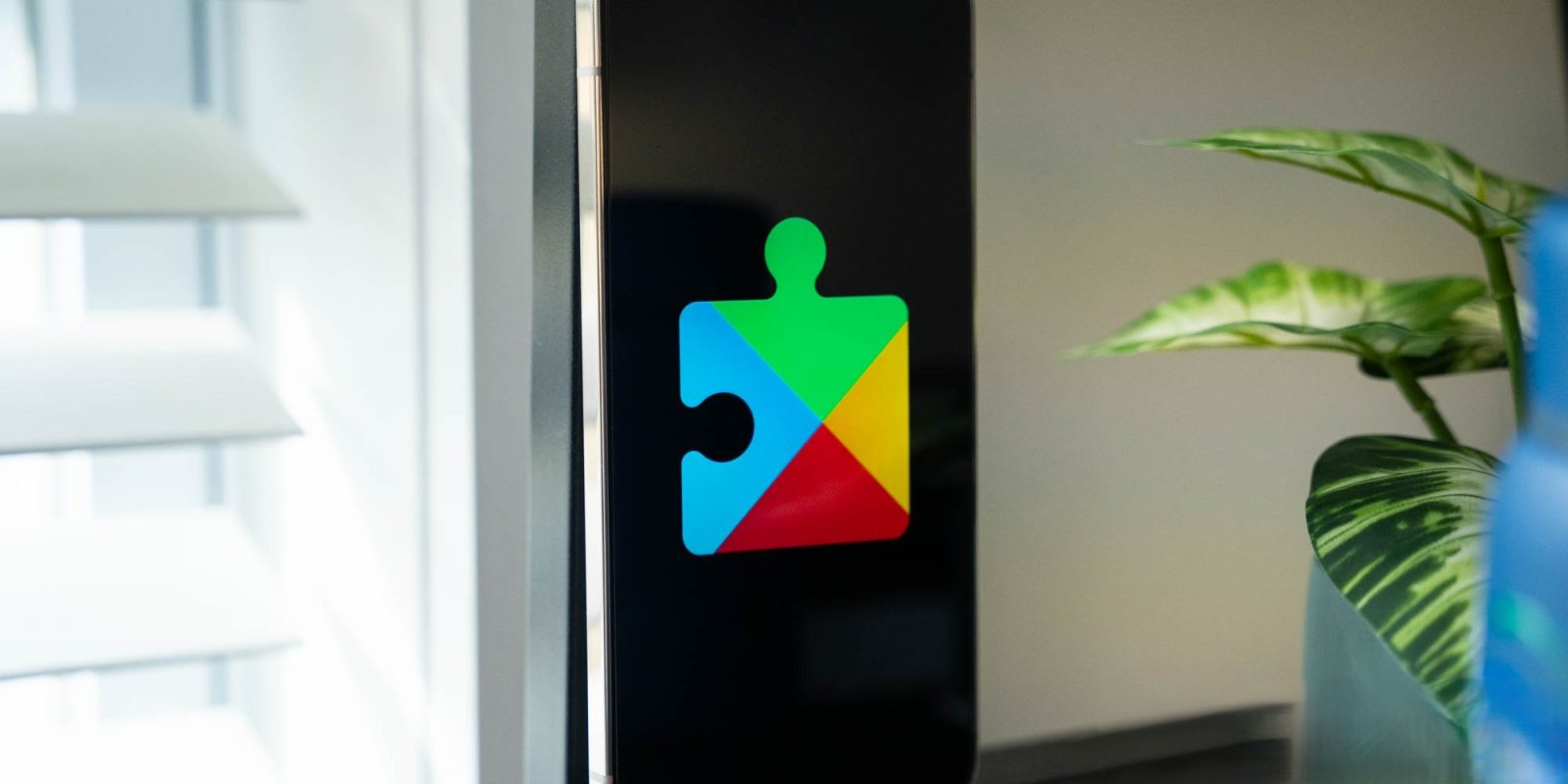
Google Play Services v26.01 (2026-01-12):
Developer Services:
For developers, this update introduces new features that enhance location and context-related processes within applications. These tools are designed to facilitate the creation of more responsive and context-aware apps, thereby improving user engagement and functionality.
System Management:
The update brings enhancements to system management services across various platforms—Auto, PC, Phone, TV, and Wear. These improvements are focused on increasing system stability, ensuring smoother performance, and reducing the likelihood of crashes or system errors.
Wallet:
Users of Google Wallet on phones and Wear OS devices will now have the capability to view transactions from other devices and online purchases that utilize virtual card numbers. This feature offers a consolidated view of transactions, enhancing financial management and oversight.
Google Play Store v49.7 (2026-01-12):
A notable addition in this update is the option for users to select from multiple prizes instead of receiving a single one. This feature aims to provide a more personalized and rewarding experience for users engaging with promotional content or rewards programs within the Play Store.
Android WebView v144 (2026-01-07):
The latest version of Android WebView focuses on strengthening security and privacy measures, addressing various bug fixes to ensure a safer browsing experience within apps. Additionally, it introduces new developer features that support the display of web content, enabling richer and more interactive in-app web experiences.
Update Process:
To access these updates, users can navigate to the Settings app on their devices, tap on their name at the top to access Google services, proceed to the All services tab, and then select Privacy & security followed by System services. It’s important to note that while these features are listed in the changelog, their availability may vary, and some functionalities might take time to become widely accessible.
These updates underscore Google’s commitment to continuously enhancing the functionality, security, and user experience of its ecosystem, ensuring that users and developers alike benefit from the latest technological advancements.