Gemini App Introduces ‘Notebooks’ for Enhanced Chat and File Organization
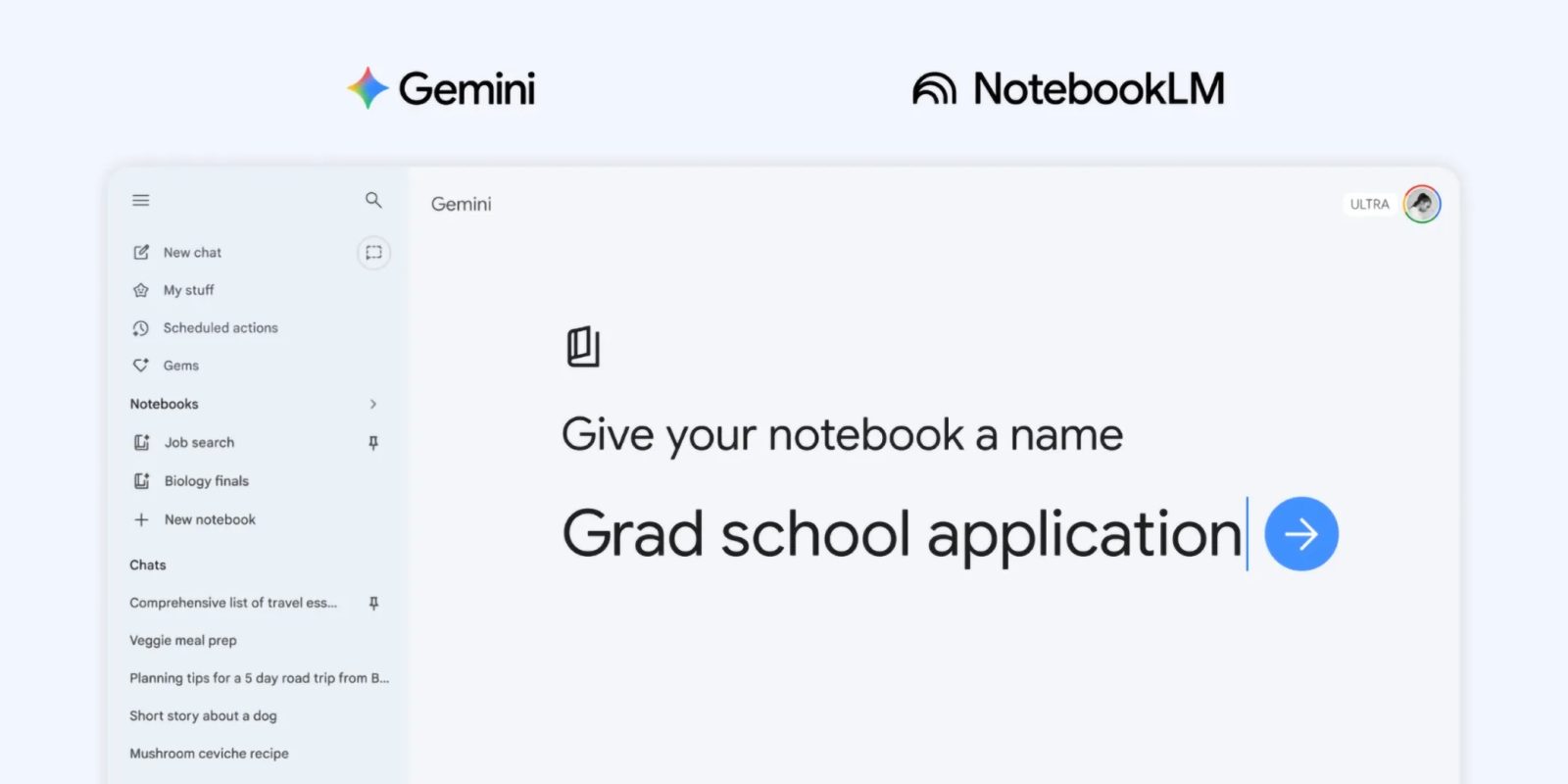
Google’s Gemini app has unveiled a significant update by introducing ‘notebooks,’ a feature designed to streamline the organization of chats and files. This enhancement marks a deeper integration with NotebookLM, Google’s AI-powered note-taking platform, aiming to provide users with a cohesive and efficient workflow.
Understanding ‘Notebooks’ in Gemini
The ‘notebooks’ feature serves as personal knowledge bases that are accessible across various Google products, with Gemini being the starting point. Users can conceptualize these notebooks as dedicated projects or collections where they can systematically organize their interactions and documents. A new ‘Notebooks’ section has been added to the Gemini side panel, positioned between ‘My Stuff’ and ‘Gems,’ facilitating easy access and management.
Key Functionalities and Integration
With this update, every chat within Gemini now includes an ‘Add to notebook’ option in the overflow menu. By selecting a specific notebook, users can pose questions to Gemini and utilize all existing prompt box tools. The sources associated with each notebook are clearly indicated, offering options to delete or add more from various inputs such as files, Google Drive, websites, or copied text.
This integration ensures that once users curate their sources into a notebook, Gemini leverages them alongside its robust tools and web search capabilities to deliver uniquely tailored responses. Additionally, a shortcut to open NotebookLM is conveniently located in the top-right corner, and the overflow menu provides options to enable or disable ‘Use notebook memory’ and to add specific instructions guiding Gemini’s response style and tone.
Seamless Synchronization Between Gemini and NotebookLM
The synchronization between Gemini and NotebookLM is designed to enhance user experience. Conversations conducted within a particular notebook in Gemini are displayed beneath the prompt box, ensuring continuity and context. Conversely, these ‘Chats from Gemini’ are recognized as sources within NotebookLM, and any notebooks created in the Gemini app are accessible in NotebookLM.
For instance, students can add their class notes to a notebook and utilize NotebookLM to generate a Cinematic Video Overview. Subsequently, they can open the Gemini app to draft an essay outline based on the same material, demonstrating the practical applications of this integration.
Availability and Future Enhancements
The ‘notebooks’ feature is initially rolling out to Google AI Plus, Pro, and Ultra subscribers on the web. Plans are in place to extend this functionality to mobile platforms, additional European countries, and free users in the coming weeks. Google emphasizes that this is the first step, with ongoing efforts to introduce more helpful features to notebooks in Gemini in the future.
Conclusion
The introduction of ‘notebooks’ in the Gemini app signifies a substantial advancement in organizing digital interactions and resources. By integrating with NotebookLM, Google offers users a powerful tool to manage their information efficiently, fostering a more productive and streamlined experience across its suite of products.