Find Hub for Android Removes Biometric Login Requirement
In a recent update, Google’s Find Hub app for Android, formerly known as Find My Device, has eliminated the need for biometric authentication when accessing the Devices or People lists. This change, implemented via a server-side rollout, means users are no longer prompted to provide a fingerprint or PIN to open the app.
The biometric login feature was initially introduced in 2024 to enhance security by requiring users to authenticate their identity before accessing the app’s functionalities. However, the recent removal suggests a shift in Google’s approach to balancing security measures with user convenience.
The update was deployed over the past few hours and remains in effect as of this morning. Notably, this change was made server-side, with the most recent Play Store update occurring in February.
While biometric authentication can provide an added layer of security, its removal from Find Hub aligns the app’s user experience with other Google services. For instance, Google Maps’ location-sharing feature does not require additional authentication, and Apple’s Find My app on iOS also opens immediately without extra confirmation steps.
Some users found the biometric login feature cumbersome, especially when using the app to navigate to another person’s location, as it required multiple authentications. The removal of this requirement streamlines the process, allowing for quicker access to the app’s features.
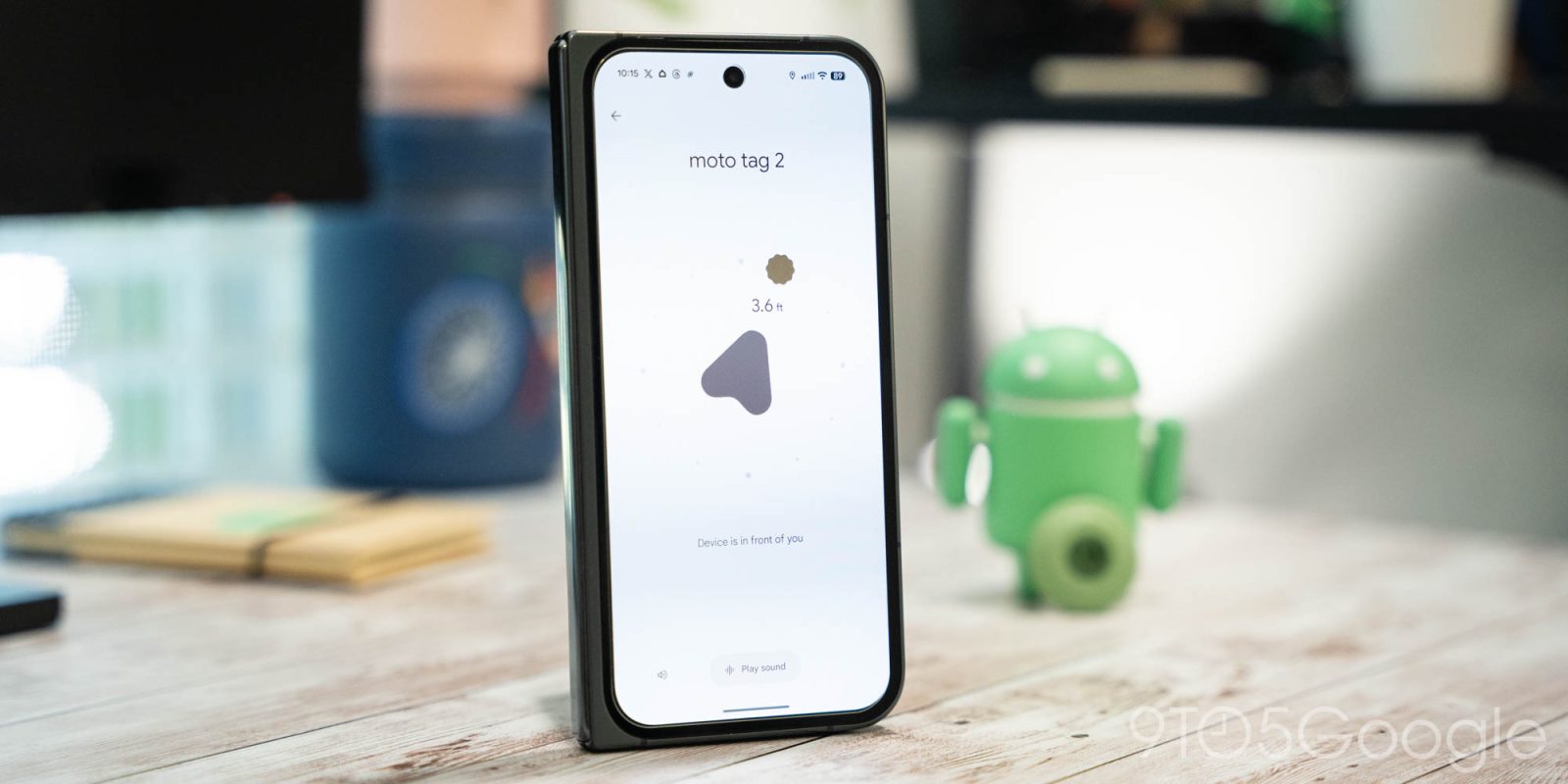
In addition to this change, Google has addressed other issues within the app. The latest update includes a fix for a problem where Precision Finding was not functioning correctly on certain Android devices. This improvement enhances the app’s accuracy in locating devices, providing a more reliable user experience.
The decision to remove biometric authentication from Find Hub reflects Google’s ongoing efforts to refine its applications based on user feedback and usage patterns. By simplifying access to the app, Google aims to make device tracking more efficient and user-friendly.
As with any security feature, the balance between protection and convenience is crucial. Users are encouraged to stay informed about app updates and adjust their security settings according to their personal preferences and needs.