Google’s December 2025 Pixel Update: Enhancing Performance and Security
Google has released the December 2025 update for its Pixel devices, introducing a series of enhancements aimed at improving user experience and device security. This update addresses 33 issues across various domains, including audio, battery and charging, Bluetooth, camera, display and graphics, framework, sensors, system, telephony, touch, user interface, and Wi-Fi.
Key Fixes and Improvements:
– Battery Management: A significant fix ensures that the 80% charge limit feature now functions correctly across all devices. Previously, some users reported that this limit was not being respected, leading to concerns about battery longevity.
– User Interface Enhancements: Users had encountered a ‘?’ symbol appearing in the battery status bar icon. This update resolves that anomaly, providing a clearer and more accurate representation of battery status.
– Display Stability: For Pixel 10 series users, the update addresses issues where displays would flash, remain black, hang, or freeze. These fixes aim to provide a more stable and reliable visual experience.
Security Enhancements:
The update incorporates 51 security patches dated December 1, 2025, and an additional 56 patches dated December 5, 2025. These patches address vulnerabilities ranging from high to critical severity, underscoring Google’s commitment to device security.
Device Compatibility and Build Information:
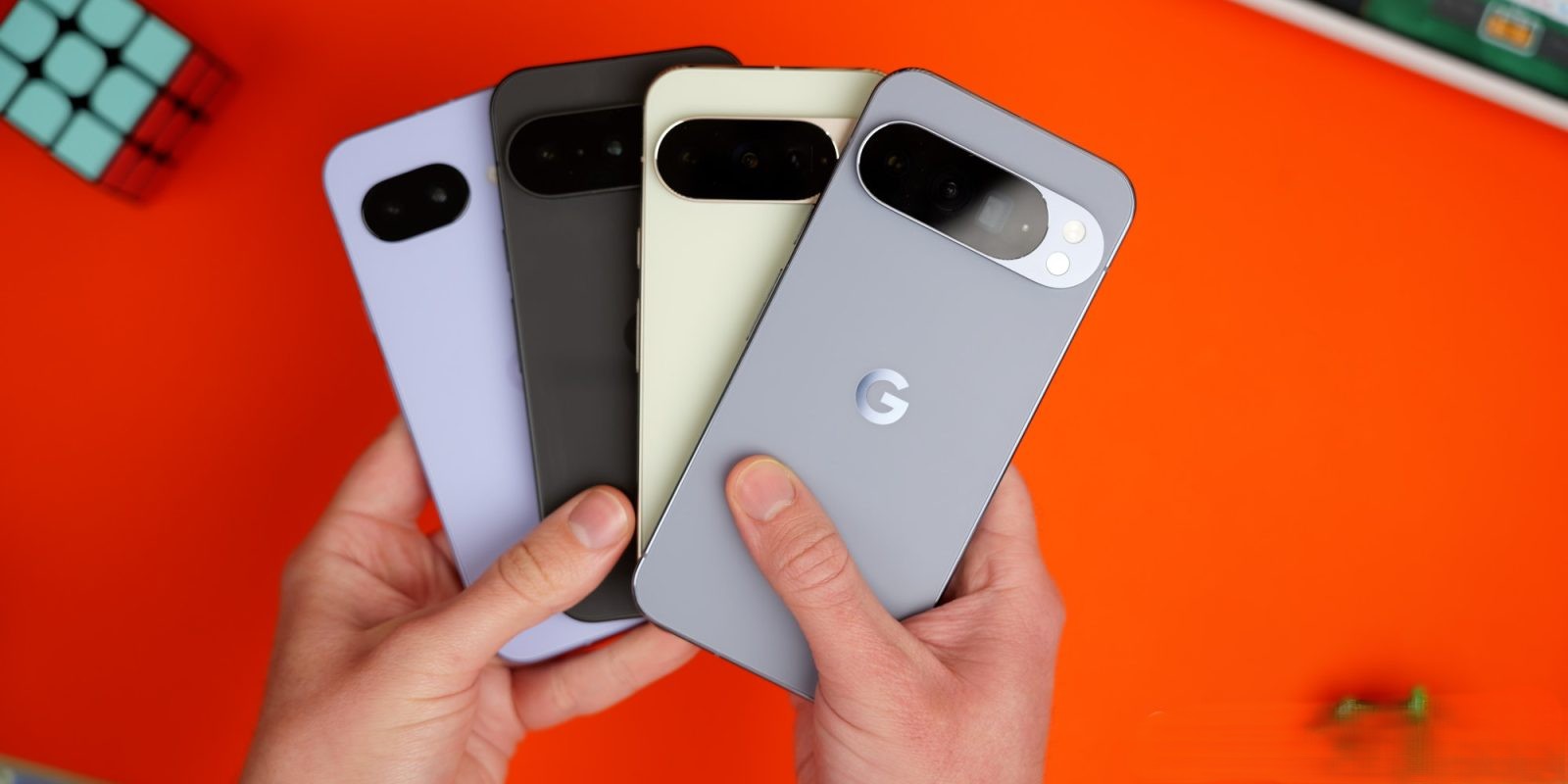
The update is available for a wide range of Pixel devices, each receiving a specific build number:
– Global Builds:
– Pixel 6, 6 Pro, 6a, 7, 7 Pro, 8, 8 Pro, 8a, Fold, Tablet, 9, 9 Pro, 9 Pro XL, 9 Pro Fold, 9a, 10, 10 Pro, 10 Pro XL, 10 Pro Fold: BP4A.251205.006
– EMEA (Europe, Middle East, and Africa) Builds:
– Pixel 9, 9 Pro, 9 Pro XL, 9 Pro Fold, 10, 10 Pro, 10 Pro XL, 10 Pro Fold: BP4A.251205.006.A1
– Japan Builds:
– Pixel 9a, 10, 10 Pro, 10 Pro XL, 10 Pro Fold: BP4A.251205.006.C1
– Verizon Builds:
– Pixel 9a: BP4A.251205.006.B1
Additional Context:
This update is part of Google’s ongoing efforts to enhance the functionality and security of its Pixel devices. By addressing user-reported issues and implementing critical security patches, Google aims to provide a seamless and secure user experience.
Users are encouraged to install the update promptly to benefit from these improvements. To check for the update, navigate to Settings > System > Software updates > System update on your Pixel device.