Android’s Desktop Interface Unveiled: A Glimpse into the Future of Mobile Computing
In a recent development, Google’s ongoing efforts to transform Android into a versatile desktop operating system have come to light. A bug report on the Chromium Issue Tracker has inadvertently revealed the first visuals of Android’s desktop interface, offering a tantalizing preview of what’s to come.
The Leak: A Closer Look
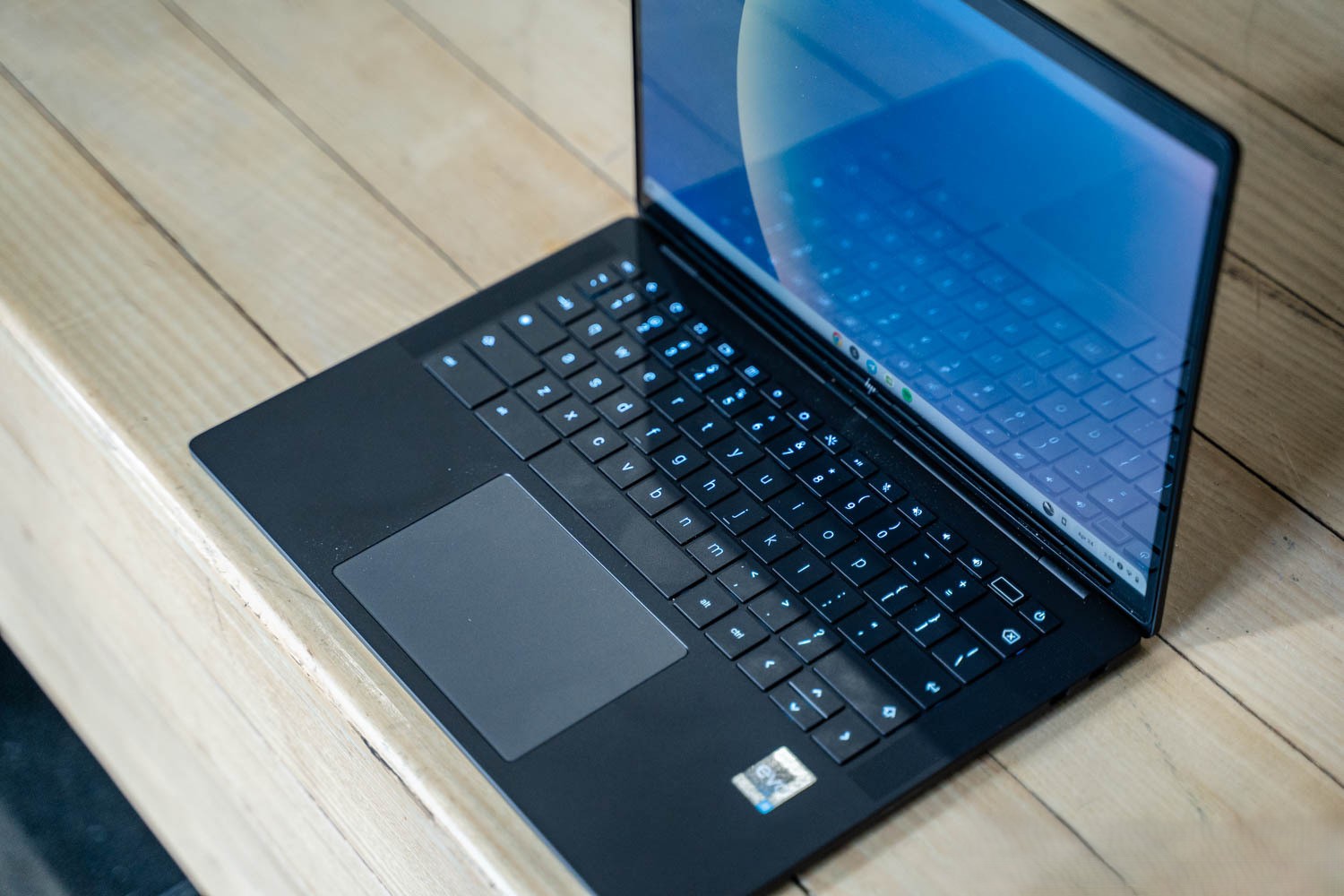
The leak originates from a bug report concerning Chrome’s Incognito tabs, accompanied by two revealing screenshots. These images showcase the Android desktop interface running on an HP Elite Dragonfly 13.5 Chromebook, codenamed Brya(Redrix). This device is powered by a 12th Gen Intel Core (AlderLake-U) processor from 2021, indicating that Google is utilizing existing Chromebook hardware to develop this new experience.
The build number for this iteration, referred to internally as ALOS (Aluminum OS), is ZL1A.260119.001.A1. Notably, another reference within the video identifies this as Android 16, suggesting that this desktop mode is being developed as part of the upcoming Android version.
Interface Enhancements: Bridging Mobile and Desktop
The leaked images reveal several key enhancements aimed at optimizing Android for a desktop environment:
– Status Bar Redesign: The status bar is taller and more suited for large screens. It displays the time (including seconds) and date on the left, while the right side features icons for battery status, Wi-Fi connectivity, notifications, keyboard language (denoted as EN), the Gemini icon, and a screen recorder pill. The recording interface closely resembles its mobile counterpart.
– Taskbar Consistency: The taskbar remains consistent with the current Android design, ensuring a familiar user experience. However, the mouse cursor has been slightly modified to include a tail, enhancing visibility and usability in a desktop setting.
– Chrome Integration: The Chrome interface aligns closely with its large-screen Android version but introduces an Extensions button, a feature traditionally exclusive to the desktop browser. This addition signifies a move towards a more integrated and versatile browsing experience on Android desktops.
– Multitasking Capabilities: The interface supports split-screen multitasking, allowing users to run multiple applications simultaneously. This feature is crucial for productivity, enabling seamless switching and interaction between apps.
– Window Management: Desktop windowing retains familiar elements, with the app name displayed on the left and minimize, fullscreen, and close buttons on the top-right, mirroring the ChromeOS design. This consistency ensures that users transitioning from other desktop environments will find the interface intuitive.
The Evolution of Android’s Desktop Mode
Google’s journey towards a desktop-capable Android has been marked by several significant milestones:
– Android 10’s Hidden Desktop Mode: In 2020, LG leveraged Android 10’s underutilized desktop mode, allowing devices like the LG V50 ThinQ to offer a basic desktop experience when connected to an external display. This early implementation laid the groundwork for future developments.
– Advancements in Android 13 and 14: Subsequent Android versions introduced enhancements such as improved window management and taskbar functionality. Android 13 QPR2, for instance, featured a redesigned taskbar and initial steps towards a more robust desktop mode. Android 14 continued this trend, refining window controls and preparing the platform for a more comprehensive desktop experience.
– Collaboration with Samsung: Google’s partnership with Samsung has been instrumental in this evolution. Samsung’s DeX platform, which transforms Galaxy devices into desktop-like environments, served as a foundation for Android’s native desktop mode. This collaboration aims to create a consistent and integrated experience across devices.
– Android 16’s Desktop Mode: The upcoming Android 16 is set to introduce a fully-fledged desktop mode, building upon previous developments. This mode is expected to offer enhanced windowing capabilities, improved multitasking, and a user-friendly interface tailored for larger screens.
Implications for the Future
The leaked images and ongoing developments suggest that Android is poised to become a more versatile operating system, capable of seamlessly transitioning between mobile and desktop environments. This evolution holds several implications:
– Increased Productivity: Users will be able to use their Android devices for a broader range of tasks, from casual browsing to professional work, without the need for multiple devices.
– Device Versatility: The ability to switch between mobile and desktop modes could reduce the need for separate devices, offering a unified experience across different use cases.
– Enhanced User Experience: Familiar desktop features integrated into Android will make the platform more accessible to users accustomed to traditional desktop environments.
Conclusion
The inadvertent leak of Android’s desktop interface provides a compelling glimpse into the future of mobile computing. As Google continues to refine and develop this feature, users can anticipate a more flexible and powerful Android experience that bridges the gap between mobile and desktop computing. This development not only showcases Google’s commitment to innovation but also sets the stage for a new era of device versatility and user empowerment.